Agent TARS
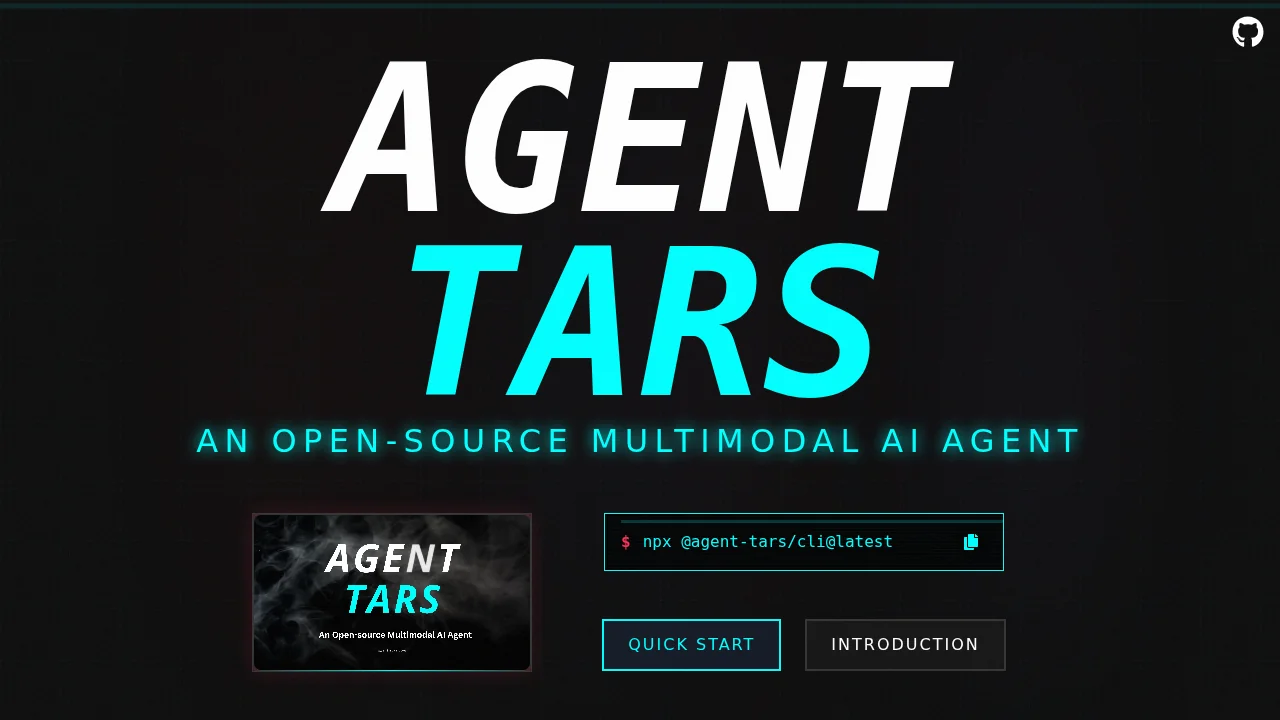
Agent TARS is an open-source multimodal AI agent stack that automates GUI tasks across terminals, browsers, and applications with human-like reasoning.
Agent TARS at a glance
- Pricing
- Freemium
- Key strengths
- Open-source with full transparency and community-driven development · Multimodal capabilities combine vision and language for comprehensive automation · Works across multiple platforms: terminals, browsers, and desktop applications
Screenshots
About Agent TARS
Agent TARS is an open-source AI agent framework designed to automate complex workflows by combining GUI automation with advanced vision capabilities. It functions as a versatile AI agent that can interpret visual information, understand task requirements, and execute actions across multiple platforms—from command-line interfaces to web browsers and desktop applications. This multimodal approach enables the system to handle real-world scenarios that require both perception and interaction with graphical interfaces.
The platform operates through two primary interfaces: a Command Line Interface for developers and automation engineers, and a Web UI for broader accessibility. This dual-interface design ensures that both technical users seeking programmatic control and non-technical users can leverage the automation capabilities. Agent TARS achieves human-like task completion by utilizing advanced multimodal language models that can comprehend instructions, interpret visual contexts, and determine appropriate actions without explicit step-by-step programming.
A key strength of Agent TARS is its seamless integration with MCP (Multi-component Processing) tools and external systems, allowing it to connect with real-world applications and services. This interoperability enables the agent to function as a bridge between your existing tools and automation workflows. The framework is designed with accessibility in mind, making sophisticated AI-driven automation available to users across different technical skill levels, from researchers exploring AI capabilities to enterprises automating repetitive business processes.
Pros
Cons
Alternatives to Agent TARS
KiloClaw
Nanoswarm: OpenClaw App
TaskFire
Clico
MyClaw.Host
88Agents
Tars