AI for Photoshop - DALL-E 2 and Stable Diffusion (fly...
Flying Dog for Photoshop integrates DALL-E 2 and Stable Diffusion to accelerate AI-powered creative design workflows.
AI for Photoshop - DALL-E 2 and Stable Diffusion (fly... at a glance
- Pricing
- Freemium
- Key strengths
- Direct Photoshop integration eliminates context-switching · Supports multiple AI models and customizable connectors · Local and cloud deployment options for workflow flexibility
Screenshots
About AI for Photoshop - DALL-E 2 and Stable Diffusion (fly...
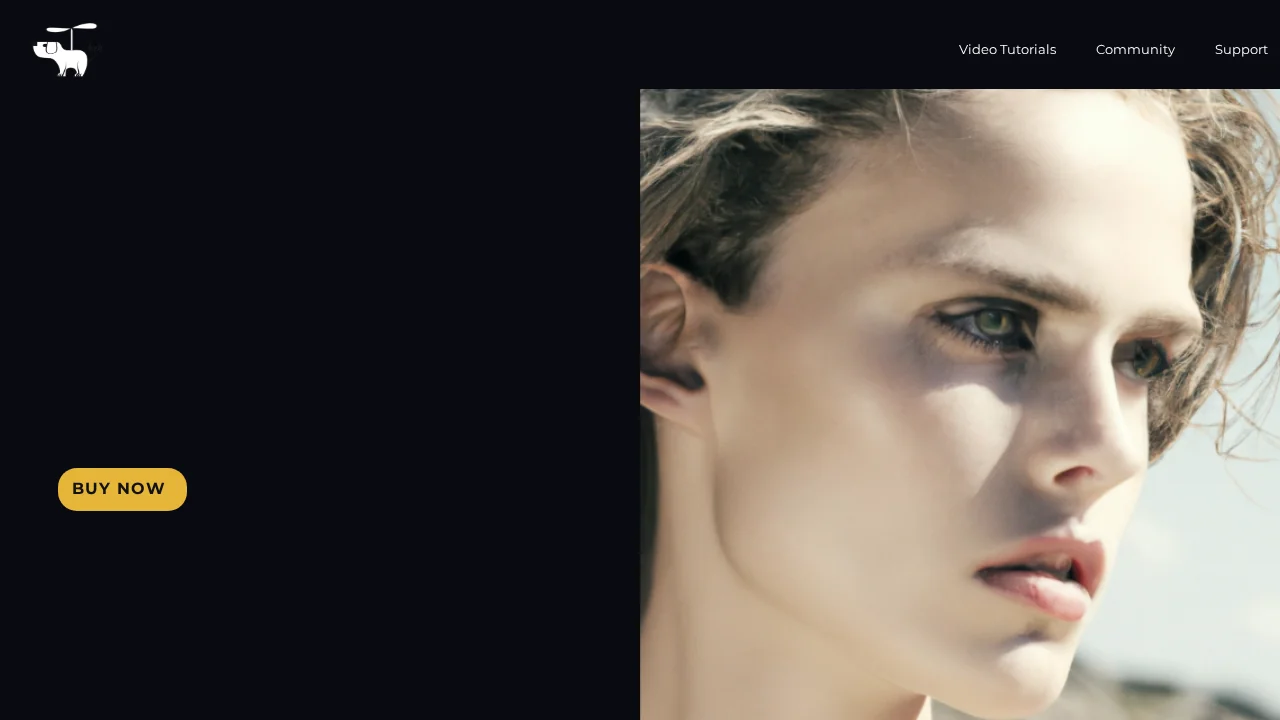
Flying Dog for Photoshop is a powerful AI image generation plugin that brings advanced generative capabilities directly into Adobe's creative suite. By integrating DALL-E 2 and Stable Diffusion, designers can generate, expand, and refine images without leaving their familiar editing environment. The tool transforms the creative process by automating tedious tasks and enabling rapid experimentation with AI-assisted content generation.
The plugin excels at outpainting, which intelligently extends images to new aspect ratios while maintaining visual coherence. Users can generate AI text layers with full stylistic control, remove backgrounds with AI brush functionality, and seamlessly integrate 3D objects from an extensive library to build complex scenes. Background replacement, environment creation via text prompts, and resolution upscaling are all available within the same interface, creating a comprehensive design toolkit.
Flexibility is central to Flying Dog's design philosophy. The tool supports multiple deployment options—local installation or cloud-based operation—ensuring accessibility across different hardware configurations and workflow preferences. Users gain access to different AI connectors and controlNet/T2I-Adapter options, enabling customization for specific creative needs. The interface requires no technical expertise, allowing designers to start working immediately with a quick-start feature.
Data privacy and cost efficiency make Flying Dog practical for professional studios. The system operates without content filters or keyword restrictions, offering freedom in creative expression. Usage-based pricing scales with project demands, while support for custom models enables teams to maintain brand consistency and proprietary techniques. SVG conversion capabilities allow seamless integration of AI-generated assets into vector workflows.
Pros
Cons
Alternatives to AI for Photoshop - DALL-E 2 and Stable Diffusion (fly...
SellShots
VisualGPT
Hireable Headshots
Mintshot
VibePaint.ai
GPT Caricature
AvatarStyle