AI Image Enlarger
AI Image Enlarger upscales images without quality loss using advanced AI technology for JPG and PNG files.
AI Image Enlarger at a glance
- Pricing
- Free — from $4.90/month
- Rating
- ⭐ 1.5/5 · 2 reviews
- Key strengths
- Free online tool with no software installation required · Batch processing capability for handling multiple images · Integrated editing tools including filters, annotations, and frames
Screenshots
About AI Image Enlarger
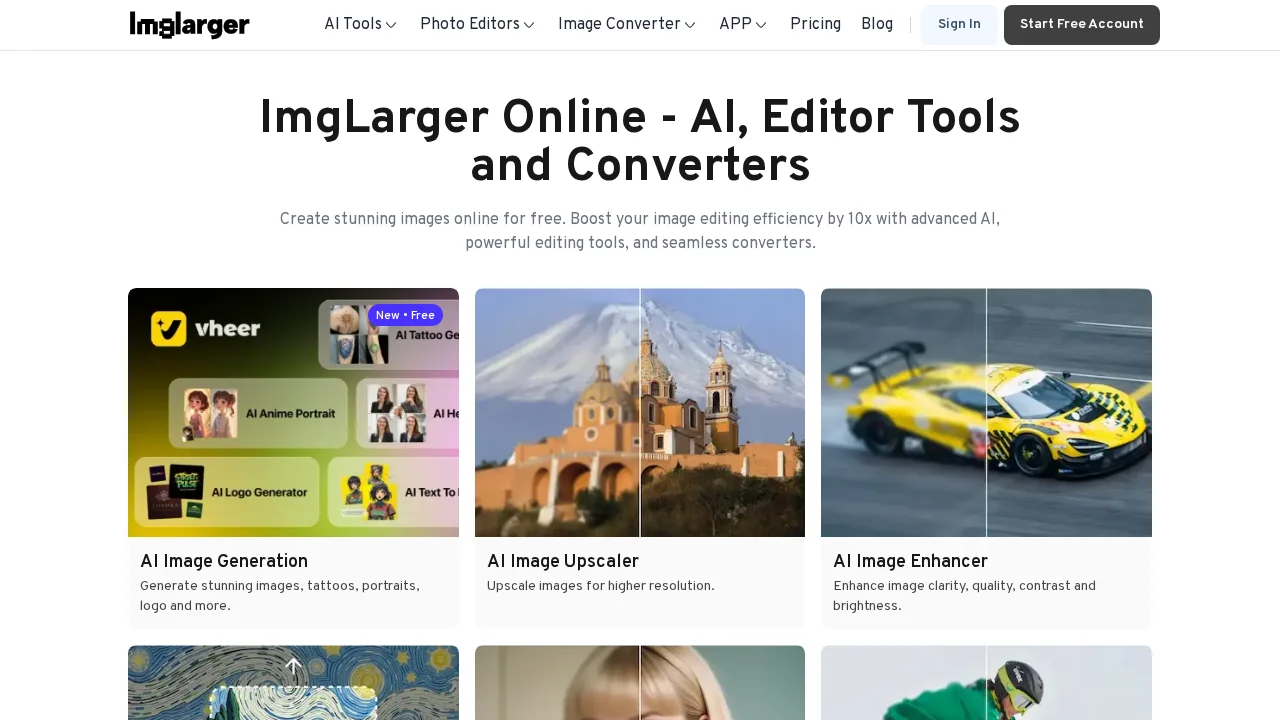
AI Image Enlarger is a free online platform that uses advanced upscaling algorithms to enlarge images while maintaining visual quality. The tool works with both JPG and PNG formats, supporting files up to 5MB or 1200x1200 pixels, making it accessible for most standard image sizes. Its AI-powered technology processes upscaling requests quickly and efficiently, with batch processing capabilities for users handling multiple images at once.
Beyond basic enlargement, the platform offers comprehensive image editing and enhancement tools. Users can crop, fine-tune, apply filters, add annotations, apply redactions, insert frames, and implement other adjustments before or after upscaling. This integrated approach eliminates the need to switch between multiple applications.
The toolkit includes specialized AI tools designed to complement the core enlargement feature. AI Anime16K provides targeted enhancement for anime-style images, while AI Enhancer and AI Sharpener deliver additional quality improvements. These supplementary tools address specific image types and enhancement needs, making the platform versatile for diverse use cases.
The service is suitable for personal and professional applications, including web optimization, print preparation, and social media content creation. The combination of upscaling, editing, and specialized enhancement tools helps users produce high-quality images efficiently without requiring advanced technical knowledge.
Pros
Cons
Alternatives to AI Image Enlarger
Chronostates
Remove Sora Watermark.ai
Remove Sora Watermark.video
AI Image Extender.io
Klayn
TruShot App
AI Enhance Image.com