
AI Remover
AI Remover is a browser-based video cleanup tool that uses AI to erase text, watermarks, subtitles, logos, and unwanted overlays in seconds.
AI Remover at a glance
- Pricing
- Freemium
- Key strengths
- Removes text, watermarks, subtitles, and logos automatically · Runs entirely in the browser with no software install · Supports common video formats out of the box
Screenshots
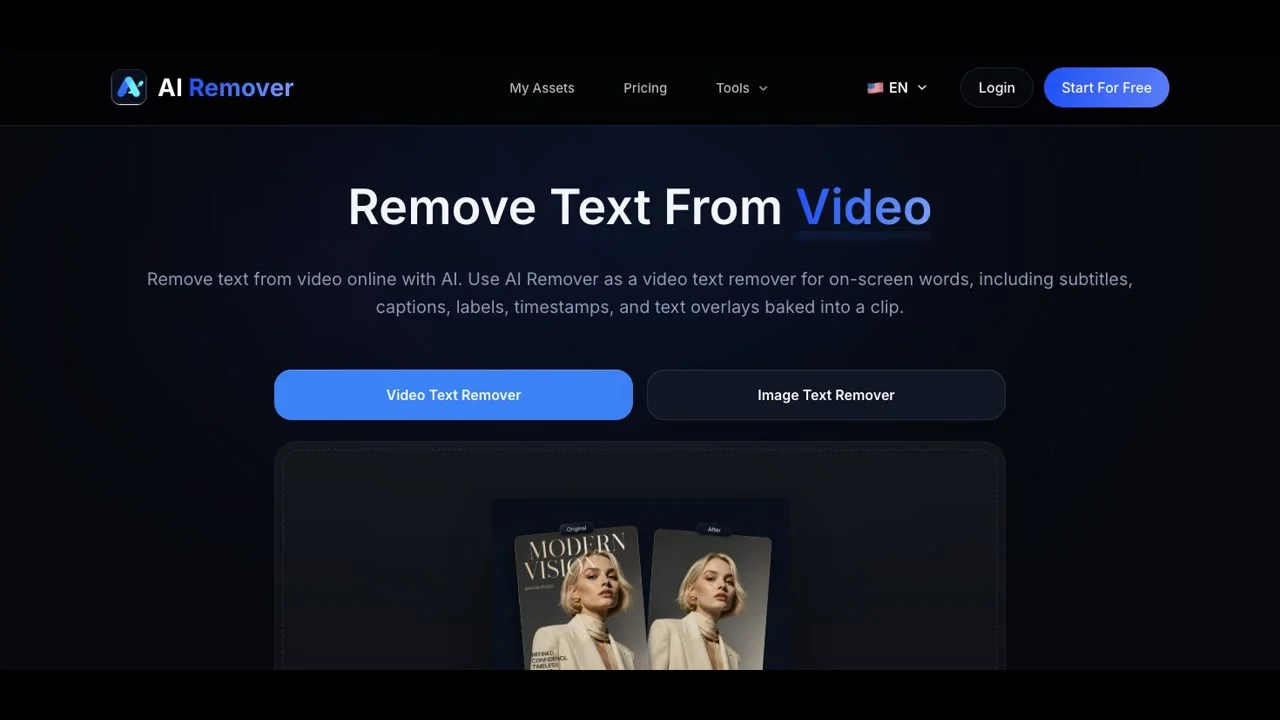
About AI Remover
AI Remover is built for creators who need clean footage without spending hours rebuilding frames by hand. Whether the problem is a hardcoded subtitle, a distracting watermark, a channel logo, or stray text stamped onto a clip, the tool targets the overlay and reconstructs the background so the final video looks untouched. The goal is professional-grade cleanup without the learning curve of traditional compositing software.
Everything runs in the browser, which removes the usual friction of downloads, plugin installs, or GPU-heavy rendering. Users can upload common video formats and let the AI handle the detection and inpainting automatically. Because there is no software to install or configure, the workflow stays focused on the result: upload, clean, download.
For social media managers, repurposing stock clips becomes much faster when existing branding can be stripped away before re-uploading. YouTubers and short-form creators gain a way to reuse their own footage without on-screen distractions carried over from earlier edits. Educators and marketers can repurpose third-party material by removing unwanted captions or contact information before integrating the clip into a presentation.
The natural background reconstruction is what separates a quick mask job from a polished output. Instead of blurring or cropping over the problem area, AI Remover analyzes surrounding pixels and motion to fill in what was hidden behind the overlay. The result is a clip that looks like the text, watermark, or logo was never there in the first place, which is essential for professional deliverables and re-publication.