
Amical
Amical is an open-source AI transcription tool for hands-free dictation, meetings, and note-taking with privacy control.
Screenshots
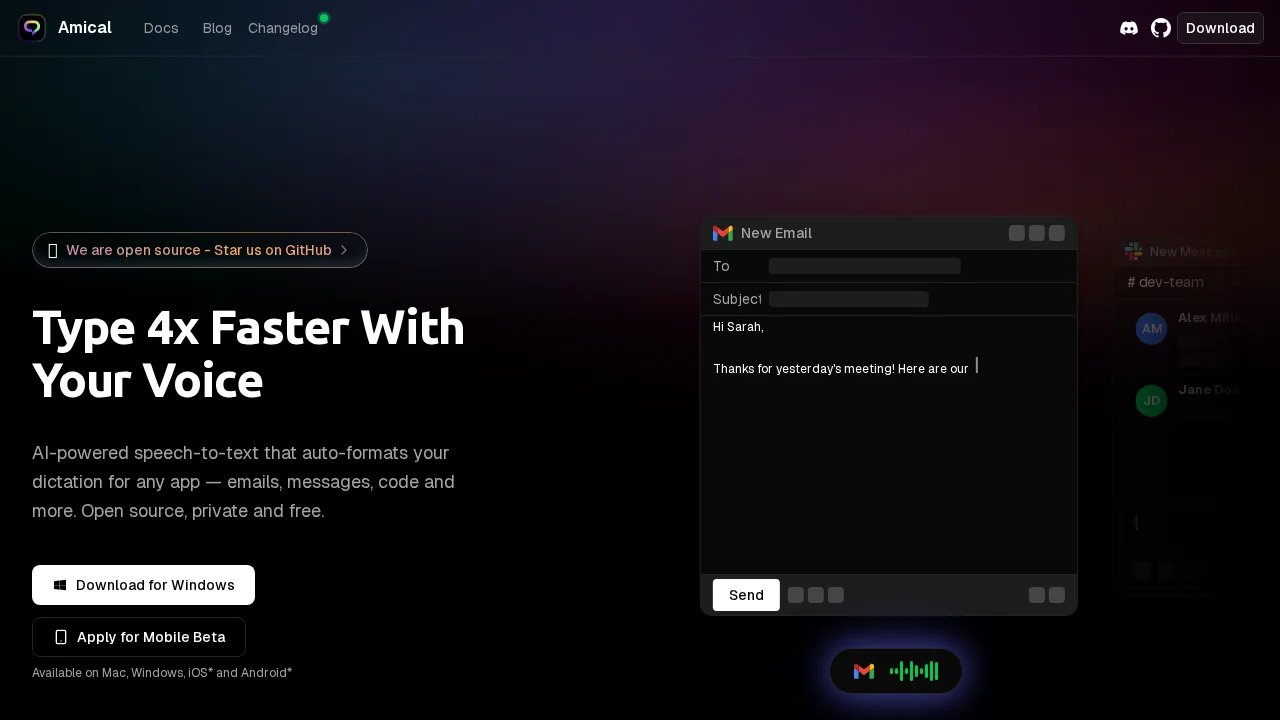
About Amical
Amical is an open-source AI application that transforms how users capture and organize information through voice. Whether dictating emails, transcribing meetings, or taking notes, the platform enables completely hands-free operation without sacrificing accuracy or control. The flexibility to choose between local and cloud-based AI models means users can prioritize privacy, speed, or accuracy based on their immediate needs, with the ability to seamlessly switch providers as requirements change.
The platform excels at understanding context and adapting output to match the application being used. Dictation in Gmail automatically formats as a professional email, while the same feature on social media adapts to a casual tone. This context-aware approach extends to custom vocabulary support, which trains the AI to recognize industry-specific terminology, technical jargon, and proprietary terms unique to each user's field. This personalization results in transcription that truly understands the user's world.
Productivity enhancements include personalized voice commands and shortcuts that streamline workflows for power users. Support for over 50 languages with native-level accuracy makes Amical valuable for multilingual professionals and mixed-language conversations. The combination of privacy-first architecture, extensive language support, and intelligent customization options creates a transcription solution built for professionals who demand both control and precision.
Pros
Cons
Alternatives to Amical
Video to Text.net
autokeyworder
Sleekio
FastlyConvert
VoxTap
Velma Transcribe by Modulate
FastScribeX