AutoDraw
AutoDraw is a free AI-powered drawing tool that transforms rough sketches into polished illustrations instantly.
AutoDraw at a glance
- Pricing
- Free
- Key strengths
- AI instantly recognizes sketches and suggests professional-quality alternatives · Completely free, browser-based tool with no installation or account required · Makes professional illustration accessible to users without design skills
Screenshots
About AutoDraw
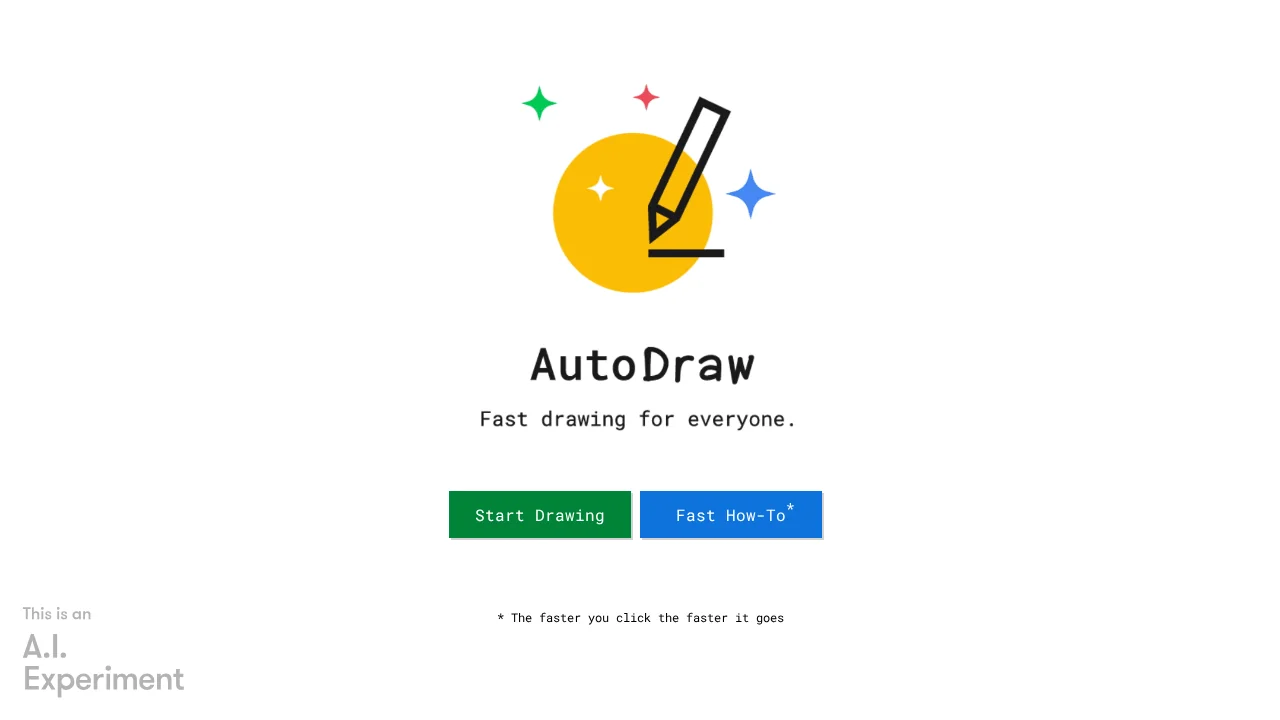
AutoDraw harnesses machine learning to make professional-quality illustration accessible to everyone, regardless of artistic ability. As you sketch, the platform's AI engine analyzes your input in real time and suggests finished artwork drawn by professional artists, displayed at the top of your canvas. This intelligent recognition system eliminates the gap between concept and polished output, enabling rapid visual creation for presentations, marketing materials, and creative projects.
The tool combines Google's advanced machine learning with a curated library of artist-contributed illustrations, ensuring suggestions are both relevant and visually refined. Whether you're designing quick graphics for social media, creating educational materials, or producing business visuals, AutoDraw delivers clean, professional results without requiring design expertise or software installation. The browser-based platform works immediately—no sign-up, downloads, or technical setup needed.
Beyond AI-powered suggestions, AutoDraw offers traditional drawing tools for complete creative control. Users can customize artwork with color fills, add text overlays, and draw freehand when AI suggestions don't align with their vision. This hybrid approach balances automation with artistic flexibility, empowering both beginners and experienced creators to work efficiently and express their ideas visually.
Features
- AI-powered sketch recognition that suggests matching professional illustrations
- Library of drawings contributed by talented artists
- Real-time drawing suggestions as you sketch
- Freehand drawing tools for custom artwork
- Color fill and text tools
- No installation or account required
- Free and browser-based access