
CamScanner
CamScanner transforms your phone into an intelligent document scanner, converting paperwork into high-quality PDFs with OCR.
CamScanner at a glance
- Pricing
- Free — from $4.99/month
- Key strengths
- Advanced OCR supports 41 languages with accurate text extraction · Comprehensive editing: merge, split, compress, watermark, and sign PDFs · Works offline with cloud sync across multiple devices and platforms
Screenshots
About CamScanner
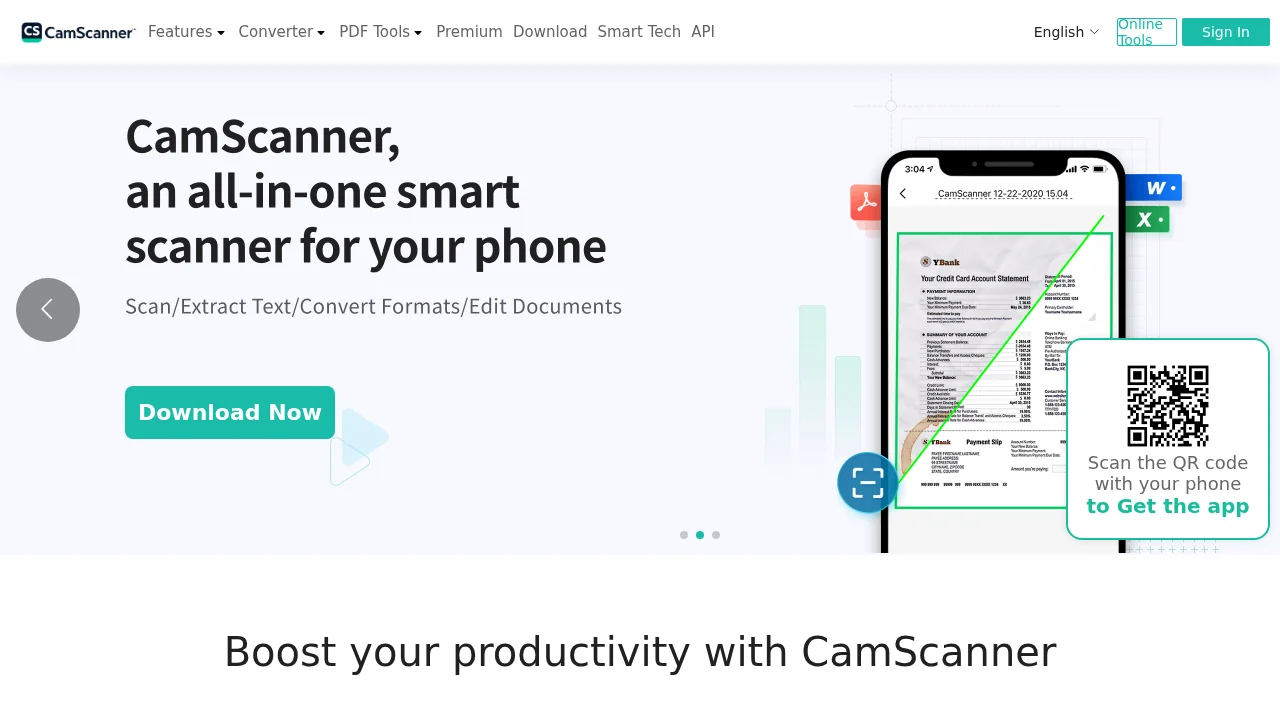
CamScanner turns any smartphone into a powerful portable scanner, capturing documents, whiteboards, slides, and forms with professional-quality results. The app uses advanced image processing to automatically crop, enhance, and filter scans, removing backgrounds and flattening pages to ensure clarity and readability. Whether you're digitizing receipts, contracts, or meeting notes, CamScanner delivers crisp, usable PDFs ready for storage or sharing.
The built-in optical character recognition (OCR) engine extracts and converts text from scanned images with support for 41 languages, enabling full-text search and editable content capture. Beyond scanning, the app handles comprehensive document management—merge multiple files, split PDFs, add or remove pages, rearrange content, compress files, and apply watermarks or digital signatures for security and professionalism.
CamScanner streamlines file conversions, allowing you to transform PDFs into Word documents, Excel spreadsheets, or PowerPoint presentations, as well as convert images to editable text. The offline editing capability means you can work on documents without an internet connection, while cloud sync and backup features keep your files accessible across devices. Sharing is effortless through email, direct links, or social platforms like WhatsApp and Facebook, making collaboration seamless for personal and professional workflows.
Pros
Cons
Alternatives to CamScanner
Examino