
Chatbot Daddy
Chatbot Daddy is a no-code chatbot builder that automates customer interactions and lead generation without technical expertise.
Chatbot Daddy at a glance
- Pricing
- Free — from $12/month
- Key strengths
- No coding required—intuitive visual builder for all skill levels · Seamless CRM integration with automated lead uploads · Embed anywhere: websites, landing pages, or standalone forms
Screenshots
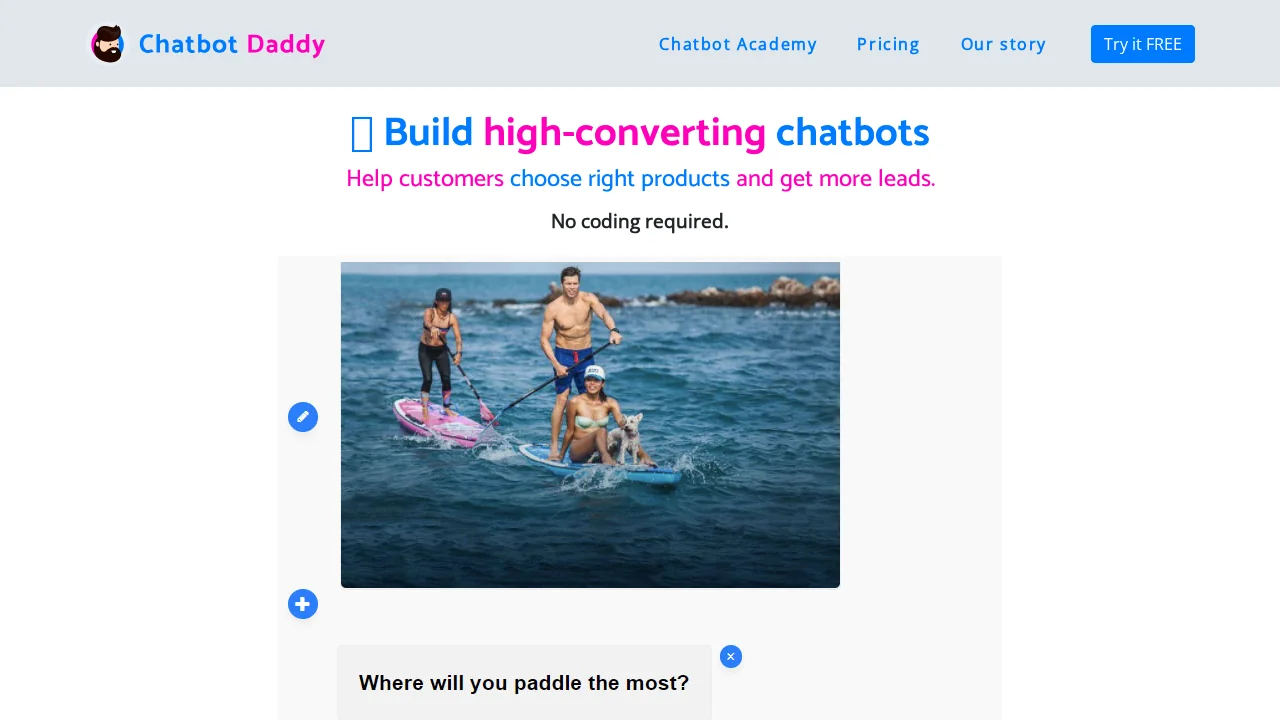
About Chatbot Daddy
Chatbot Daddy empowers businesses to create intelligent conversational interfaces without writing a single line of code. The platform's intuitive visual builder makes chatbot development accessible to anyone, transforming static forms into engaging conversational experiences that drive higher conversion rates and improved user engagement. By automating customer interactions and product recommendations, organizations can streamline their sales funnel and collect qualified leads efficiently.
The tool seamlessly integrates with existing business infrastructure, automatically uploading leads into your CRM system and triggering email notifications. Users can embed chatbots directly onto websites or create standalone conversational landing pages tailored to specific campaigns. This flexibility eliminates dependency on IT support teams, allowing marketing and sales professionals to independently manage chatbot updates and optimizations.
For users with technical skills, Chatbot Daddy offers an advanced markdown-inspired coding option that enables creation, sharing, and monetization of reusable chatbot templates. This dual-approach design accommodates both non-technical users seeking simplicity and developers wanting programmatic control. Integration capabilities extend to popular applications and newsletter platforms, creating a unified ecosystem for lead management, scoring, and sales automation across your entire business workflow.
Pros
Cons
Alternatives to Chatbot Daddy
88Agents
BabyMealBot
TalkWiz.ai
AccuChats
Site2CRM
Chattitude
Recall