ClipboardAI
ClipboardAI transforms selected text instantly with custom AI prompts via keyboard shortcut, eliminating app-switching.
ClipboardAI at a glance
- Pricing
- Free — from $29
- Rating
- ⭐ 5.0/5 · 1 reviews
- Key strengths
- Instant text transformation without leaving your current application · Create unlimited custom prompts for repetitive writing tasks · Works across all applications via universal keyboard shortcuts
Screenshots
About ClipboardAI
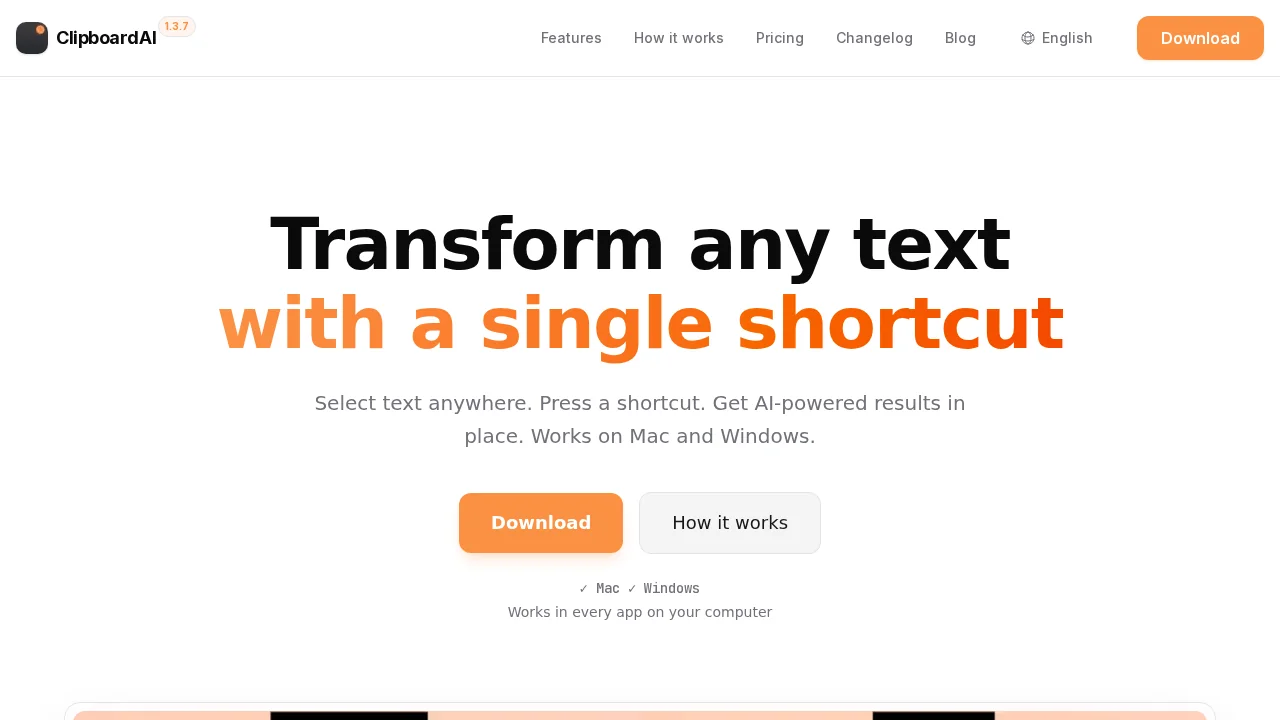
ClipboardAI streamlines text transformation by integrating AI directly into your workflow. Select any text in any application, trigger a keyboard shortcut, and instantly apply custom AI prompts without leaving your current app. This eliminates the friction of switching between tools, copying text elsewhere, or manually entering prompts repeatedly.
The platform lets you build a library of custom prompts tailored to your specific needs, whether for grammar correction, tone adjustment, content expansion, or specialized editing tasks. Each prompt becomes a reusable tool accessible from anywhere on your system, reducing cognitive load and accelerating your writing process.
ClipboardAI works seamlessly across your favorite applications—email clients, word processors, browsers, and messaging platforms. Results appear instantly in context, allowing you to iterate quickly or accept transformations without disrupting your creative flow. The keyboard-first design prioritizes speed and efficiency for power users and professionals who spend their day writing and editing.
Pros
Cons
What is ClipboardAI used for?
- Email writing
- Gmail email writing
- Outlook emails
- Writing
- Prompts
- Summaries
- Slack
- Shortcuts
- Translations
Alternatives to ClipboardAI
Clico
Reedle
RewriteBar
Symbolfy - Username Generator
Sleekio
Pismo
AI Enhance Image.com