
ClipMove
ClipMove is an AI content creation platform that transforms images, text, and video into professional-quality multimedia assets.
Screenshots
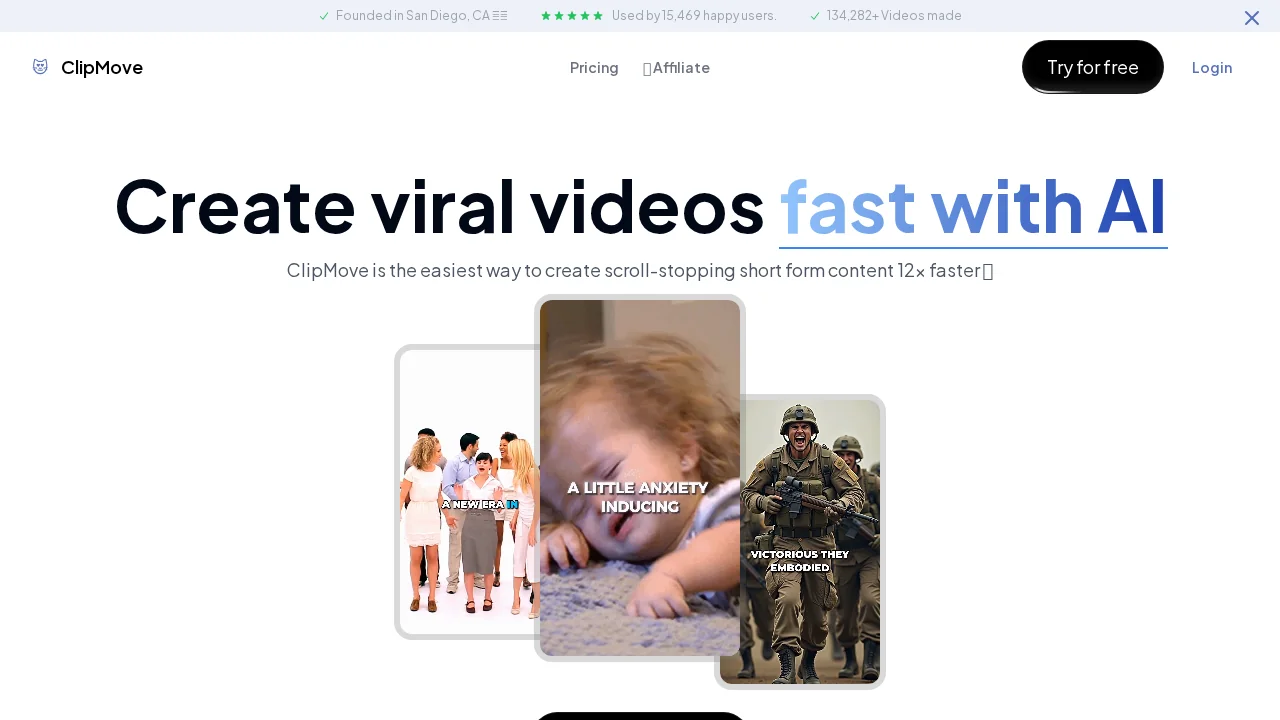
About ClipMove
ClipMove provides a comprehensive suite of AI tools designed for content creators seeking to streamline production workflows. The platform's AI Video Generator converts static images and text into dynamic video content, while the Instant Text to Image feature delivers real-time image generation from text descriptions. These capabilities enable creators to produce diverse content types without requiring extensive technical expertise or specialized software.
The platform excels at image manipulation through its advanced AI Image Editor, offering capabilities like background removal, upscaling, and intelligent uncropping to any format. The CleanUp feature automatically removes unwanted elements—objects, people, text, and defects—from images with minimal manual intervention. For video creators, the Video Upscaler enhances footage quality while recovering fine details and reducing noise, making it valuable for salvaging lower-resolution source material.
Productivity integration is streamlined through chatMove, a Chrome extension that brings AI assistance directly to your browser. This tool reduces context-switching and allows seamless AI-powered support during content work. Commercial licensing is built into the platform's terms, meaning generated content can be used for business purposes without additional restrictions. New users can explore the platform's capabilities through free AI video generation and complimentary access to the Chrome extension, lowering the barrier to entry.
Pros
Cons
Alternatives to ClipMove
GetLogit
Vidocu
CASi Scout by Cntent
RepurposingBot
Contents Pilot
ViralCanvas.ai
Soolo.ai - AI Brand Builder