Collate
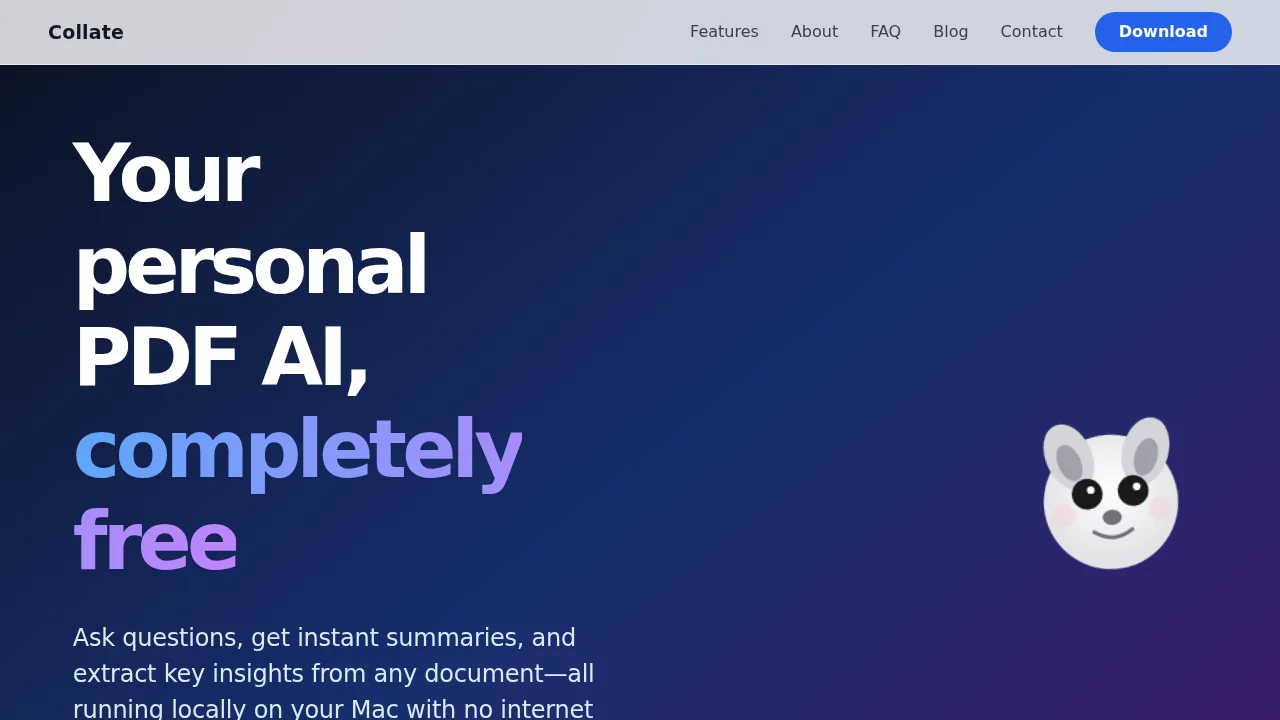
Collate is a free offline PDF assistant that lets you summarize documents and chat with PDFs instantly.
Collate at a glance
- Pricing
- Free — from Free
- Rating
- ⭐ 3.8/5 · 6 reviews
- Key strengths
- Completely free with no subscription or premium tier required · Works offline, ensuring privacy and accessibility without internet · Summarizes lengthy documents into concise, actionable insights
Screenshots
About Collate
Collate transforms how you work with PDF documents by offering intelligent summarization and interactive questioning capabilities. Whether you're a student reviewing research papers, a professional analyzing reports, or a lifelong learner exploring new topics, Collate streamlines your document workflow without requiring internet connectivity. The offline-first design ensures your sensitive files remain private and accessible anytime, anywhere.
The summarization feature extracts key insights from lengthy PDFs, allowing you to grasp essential information in minutes rather than hours. This capability is particularly valuable for professionals managing high volumes of documentation or students juggling multiple research sources. By condensing complex material into digestible summaries, Collate helps you retain information more effectively and make faster decisions.
Beyond summarization, Collate's conversational interface lets you ask specific questions about your documents and receive contextual answers instantly. Instead of manually searching through pages, you can query your PDFs naturally, discovering information hidden within dense text. This interactive approach mirrors how you'd discuss a document with a colleague, making research and reference work more intuitive and productive.
As a completely free tool with no hidden costs or subscription requirements, Collate removes barriers to productivity enhancement. The offline functionality means you maintain full control over your data while working efficiently across any environment, from offices to remote locations to offline scenarios where connectivity is unavailable.
Pros
Cons
Alternatives to Collate
Notis
remio: Your Personal ChatGPT
SureThing.io
TheLibrarian.io
Supernormal App
Base44 Superagents
Caret