
Crumb
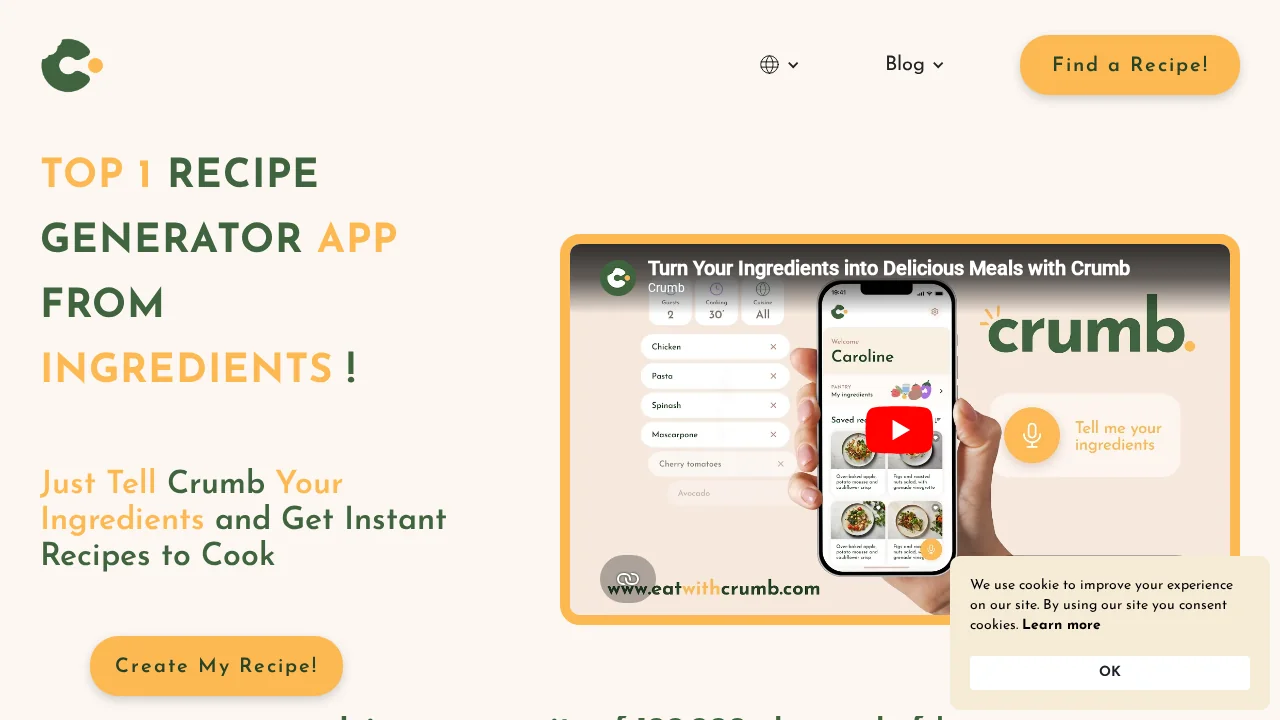
Crumb is an AI recipe generator that transforms your available ingredients into personalized dishes instantly.
Crumb at a glance
- Pricing
- Free — from $5.99/month
- Key strengths
- Voice-input ingredient recognition for hands-free cooking · AI-powered recipe personalization reduces food waste · Available on iOS and Android platforms
Screenshots
About Crumb
Crumb harnesses artificial intelligence to revolutionize how you approach meal planning and cooking. By analyzing the ingredients you have on hand, the app generates tailored recipe suggestions that transform everyday pantry staples into innovative dishes. This intelligent approach eliminates the frustration of deciding what to cook and reduces the time spent planning meals.
The app features voice-assisted input, allowing you to simply speak your available ingredients while your hands remain free. This hands-free functionality makes ingredient entry seamless, whether you're standing in your kitchen or checking your fridge. The voice recognition technology adapts to various accents and speech patterns, enhancing accessibility for diverse users.
Beyond convenience, Crumb actively promotes sustainability by optimizing ingredient utilization. The AI-powered recommendations ensure minimal food waste by suggesting recipes that make complete use of what you have, encouraging mindful consumption and reducing unnecessary disposal of groceries.
With multilingual support for English and French, Crumb serves a global audience without language barriers. The application is available on both iOS and Android platforms, ensuring accessibility across all smartphone users. Whether you're a novice cook seeking inspiration or an experienced home chef exploring new preparations, Crumb adapts to your cooking level and dietary preferences.
Pros
Cons
Alternatives to Crumb
BabyMealBot
Savor Dish
The Hangry Variable
Kitchendary
InstaDish
AirFryBot
Generor