
Cursor
Cursor is an AI-first code editor that accelerates development through intelligent pair-programming and context-aware code generation.
Cursor at a glance
- Pricing
- Free — from $16/month
- Rating
- ⭐ 4.7/5 · 42 reviews
- Key strengths
- One-click migration of VSCode extensions, themes, and keybindings · Chat with codebase to find context-aware solutions · Local mode preserves privacy with zero server data storage
Screenshots
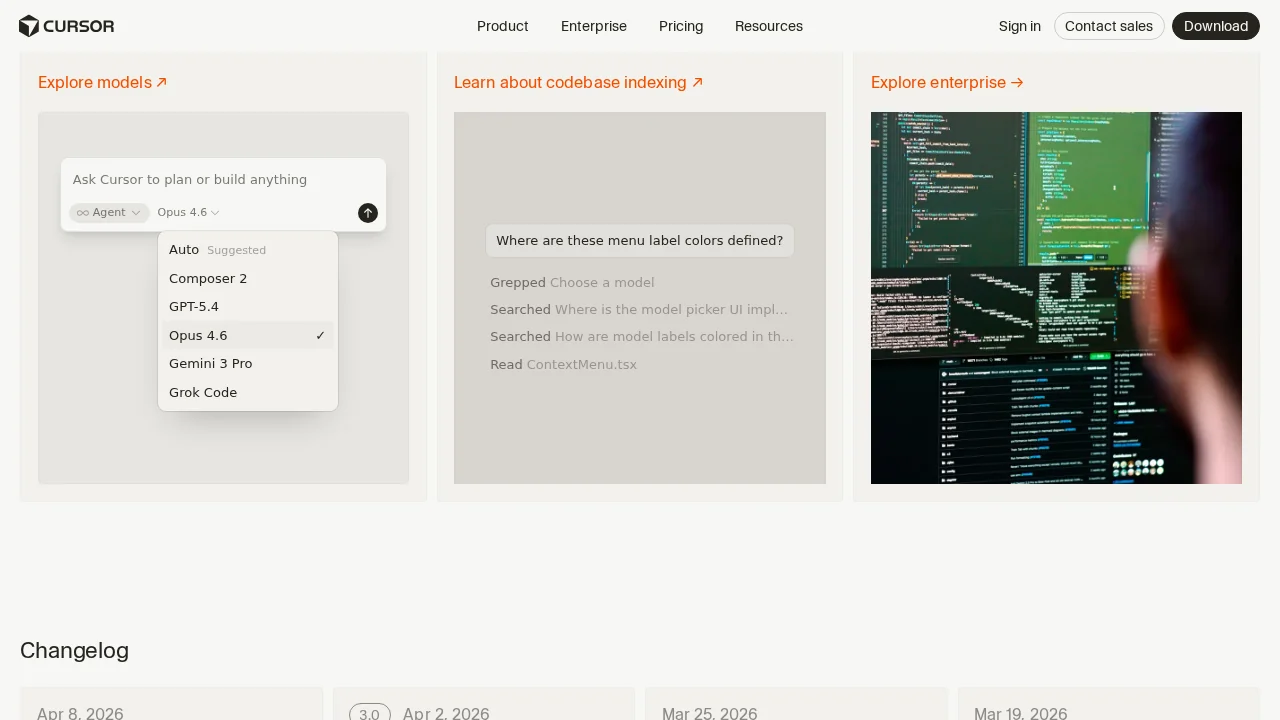
About Cursor
Cursor transforms the coding experience by integrating advanced AI capabilities directly into a familiar code editor environment. Built on VSCode's foundation, it enables developers to leverage AI for real-time code completion, generation, and debugging while maintaining full compatibility with existing extensions, themes, and keybindings. The seamless migration process means developers can adopt Cursor without disrupting their established workflows.
The platform excels at understanding project context, allowing developers to chat with their codebase to discover solutions tailored to their specific repositories. Developers can ask questions about code structure, locate the right files to modify, and identify the correct methods to call—all without leaving the editor. This contextual awareness dramatically reduces the time spent navigating documentation and searching through unfamiliar code.
Cursor's AI-powered code generation capabilities handle everything from low-level logic implementation to complete functions written from simple instructions. The tool automatically identifies and fixes bugs by analyzing code, investigating linter errors, and examining stack traces. This automation lets developers focus on higher-level problem-solving while the AI manages routine coding tasks.
Privacy and security remain paramount, with a local mode option that ensures no user data is stored on external servers or logs. This makes Cursor ideal for developers working with sensitive code or operating under strict compliance requirements. The combination of powerful AI assistance and user-controlled data handling positions Cursor as a transformative tool for modern software engineering.
Pros
Cons
What is Cursor used for?
- Code explanations
- Code reviews
- Debugging
- Video analysis
- Agents
- Code snippets
- Agent management
Alternatives to Cursor
CodeRabbit
Kilo | Code Reviewer
Verdent
Base44
Rocket
Pulse Editor: Vibe Code & Automate
Mocha