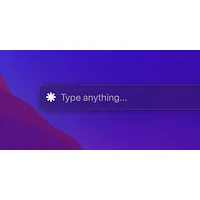
DeckAssistant
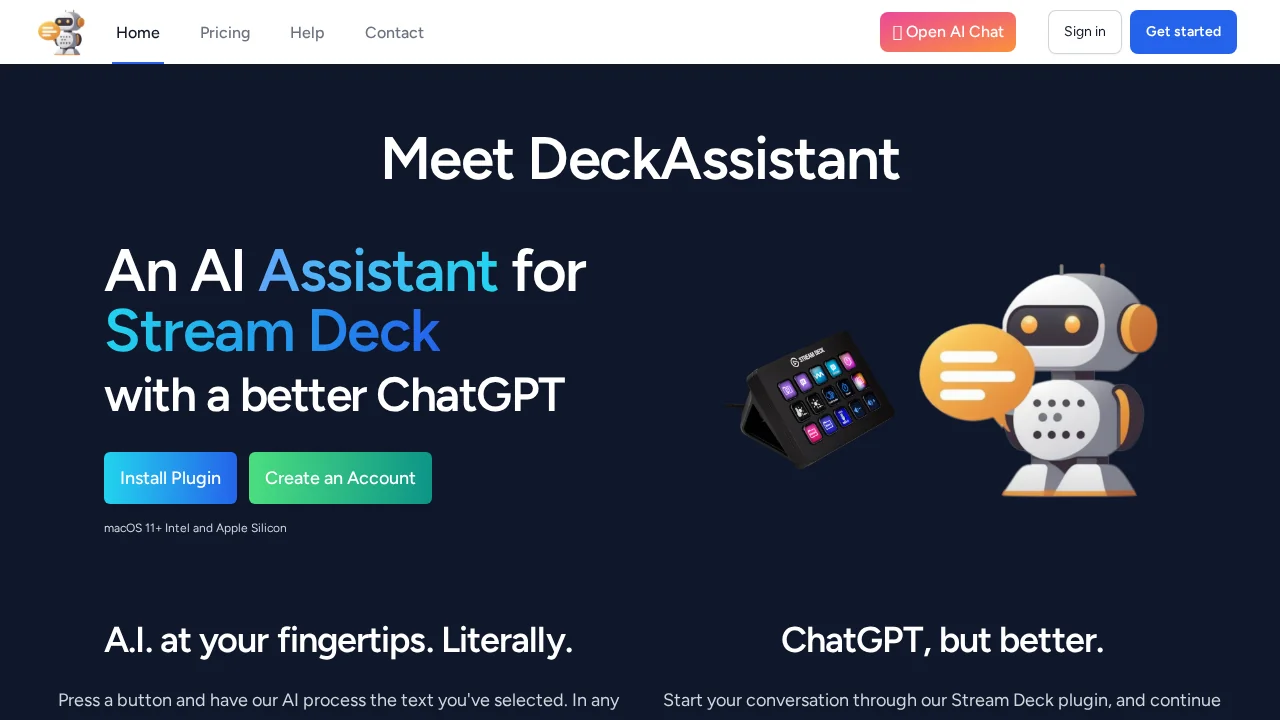
DeckAssistant is a Stream Deck plugin that brings ChatGPT directly to your fingertips for instant AI assistance.
DeckAssistant at a glance
- Pricing
- Free — from Free Trial
- Rating
- ⭐ 1.0/5 · 1 reviews
- Key strengths
- Seamless Stream Deck integration eliminates app switching during workflows · Custom prompt buttons accelerate repetitive AI tasks and queries · Full ChatGPT features including history search, editing, and data export
Screenshots
About DeckAssistant
DeckAssistant transforms your Stream Deck into a powerful AI control hub by seamlessly integrating ChatGPT functionality through simple button presses. Whether you're streaming, creating content, or working across multiple applications, you can select any text and process it through AI without leaving your workflow. The plugin eliminates the need to switch windows or manually copy-paste content, making AI assistance feel like a natural extension of your setup.
The tool offers flexible interaction modes to suit different needs. Use freeform prompts to ask the AI direct questions, or configure dedicated buttons with custom prompts for repetitive tasks. Each button can be personalized with custom titles and icons, allowing you to create a tailored command center that matches your specific workflow requirements. The underlying ChatGPT engine is enhanced with folder organization, message editing, history search, and data export capabilities, giving you full control over your interactions and archives.
Setup is straightforward and requires minimal configuration. After creating an account and obtaining your API token, you install the Stream Deck plugin and add buttons with your authentication credentials. The plugin supports macOS 11 and later on both Intel and Apple Silicon architectures. Once configured, your AI assistant is immediately accessible, enabling faster content processing, writing assistance, code generation, and quick answers without disrupting your current workspace.
Pros
Cons
Alternatives to DeckAssistant
88Agents
Modulate
AccuChats
Site2CRM
OC Maker
Chattitude
Lexikon AI: Real Roleplay