
DocHub
DocHub is an online PDF management platform that enables secure editing, signing, and collaboration on documents.
DocHub at a glance
- Pricing
- Free — from $11/month
- Key strengths
- Multiple signature methods support various workflow preferences · Real-time collaboration with granular permission controls · Google Workspace integration keeps work within familiar tools
Screenshots
About DocHub
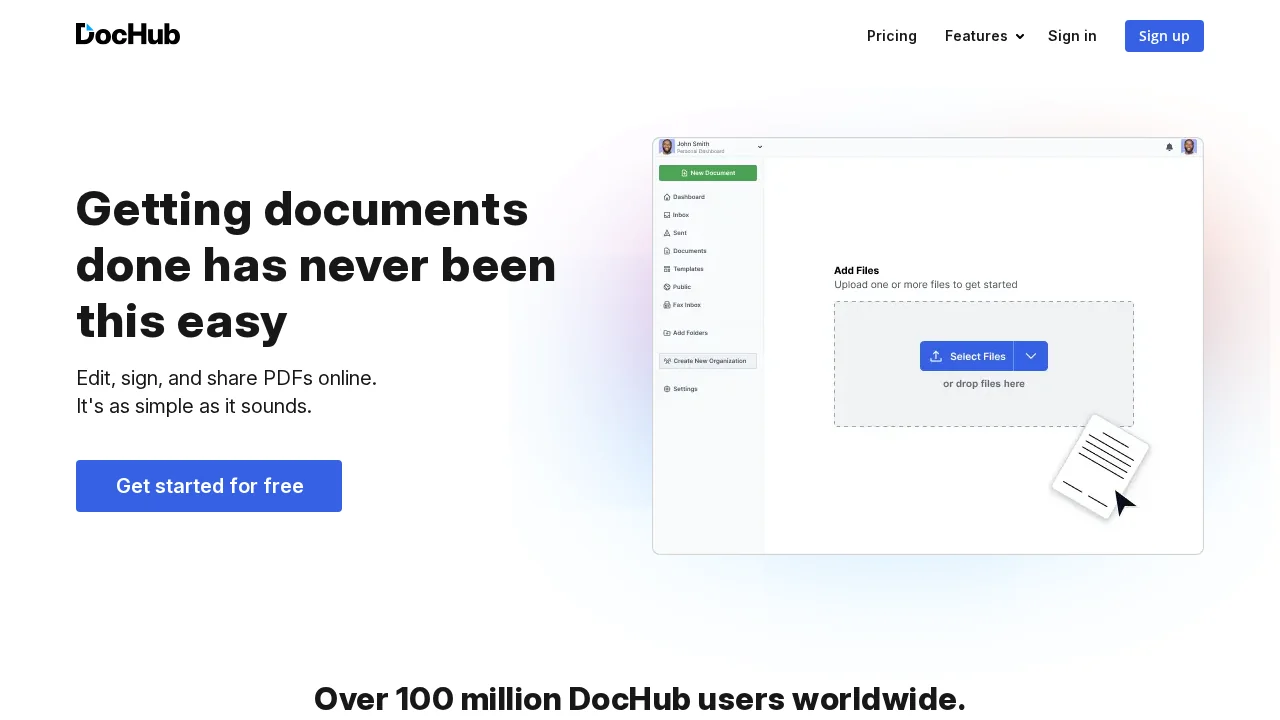
DocHub is a comprehensive PDF management solution designed for individuals and organizations seeking to streamline document workflows. The platform eliminates the need for traditional paper-based processes by offering intuitive editing and annotation tools directly within your browser. Users can modify PDFs, add comments, and create professional documents without downloading specialized software or managing multiple file versions.
The digital signature capabilities set DocHub apart as a complete solution for document execution. Users can sign documents through multiple methods—typing, drawing signatures by hand, or uploading signature images—and request signatures from others in any order. This flexibility supports various business processes, from contract management to form collection. Documents can be distributed via email, fax, or unique DocHub URLs, ensuring efficient delivery regardless of recipient preference.
Collaboration features empower teams to work together efficiently. Real-time synchronization keeps all participants updated on document changes, while customizable roles and permissions ensure only authorized individuals can access or modify sensitive information. Organizations can create reusable templates and fillable forms to standardize processes and reduce administrative overhead. Custom branding options allow businesses and academic institutions to maintain their visual identity across documents.
Security remains a core focus, with password protection, access controls, two-factor authentication, encrypted storage, and detailed audit trails protecting sensitive information. For teams already invested in Google Workspace, DocHub integrates seamlessly, allowing PDF management within familiar applications. These combined features make DocHub suitable for contract management, HR document processing, legal workflows, education, and any scenario requiring secure PDF handling and digital signatures.
Pros
Cons
Alternatives to DocHub
AI PDF Reader
ReadPDFAloud.com
PDFgen
Collate
claim.vet
DescribeThat
ImageToTable.ai