
Drafting Wizard
Drafting Wizard simplifies legal document creation with AI-powered step-by-step guidance and customizable templates.
Drafting Wizard at a glance
- Pricing
- Free — from $50/month
- Rating
- ⭐ 4.6/5 · 5 reviews
- Key strengths
- Structured step-by-step process simplifies complex drafting tasks · Supports multiple jurisdictions and languages for global use · Customizable draft length and drag-and-drop section reorganization
Screenshots
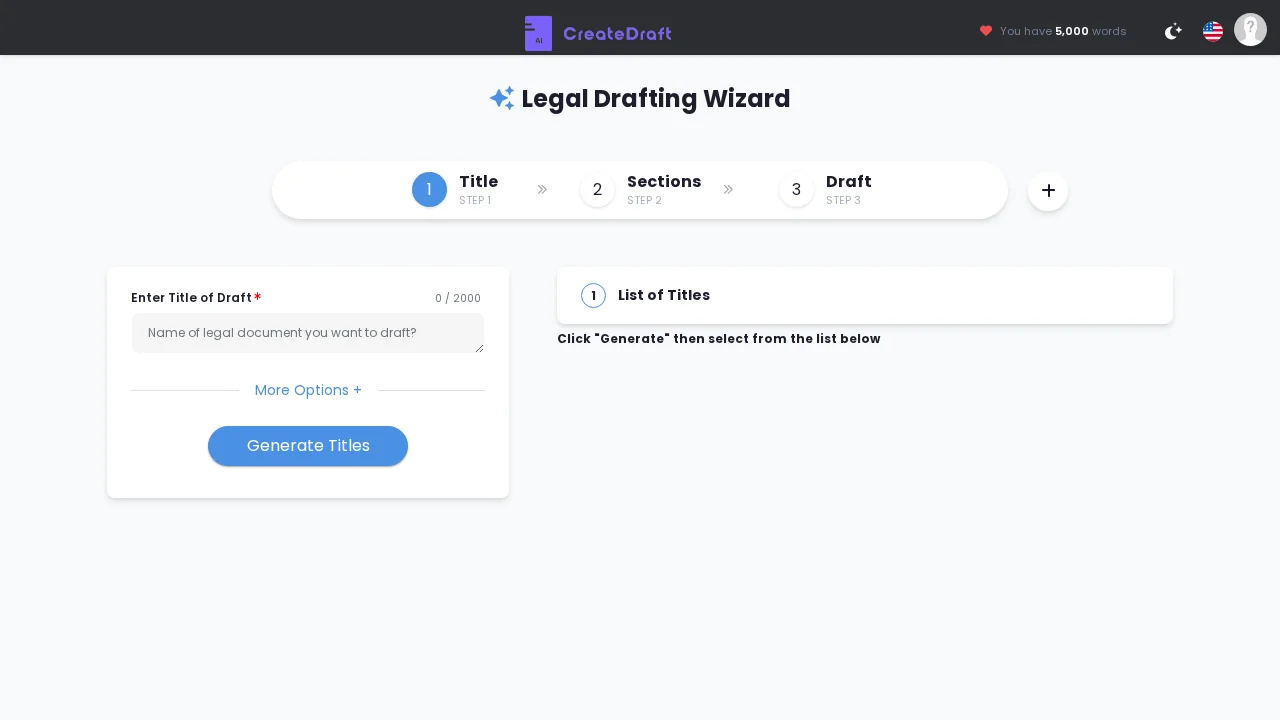
About Drafting Wizard
Drafting Wizard transforms legal document creation into a structured, manageable process. By guiding users through sequential stages—from setting titles and defining sections to organizing subsections and generating complete drafts—the tool eliminates the confusion often associated with starting from scratch. This systematic approach is especially valuable for professionals who juggle multiple drafting tasks and need to maintain consistency across documents.
The platform offers meaningful customization options that adapt to your specific needs. Adjust draft length to match your requirements, leverage drag-and-drop functionality to reorganize sections, and build documents that reflect your exact specifications. Once generated, drafts remain fully editable, allowing you to refine language, add details, or make structural adjustments without starting over.
Global versatility is a core strength. Drafting Wizard supports multiple jurisdictions and languages, making it accessible to international legal professionals and organizations operating across borders. Whether you're working with common law, civil law, or specialized legal frameworks, the tool adapts to your jurisdictional context.
The straightforward interface prioritizes functionality over unnecessary features, keeping the focus on what matters: creating quality legal documents efficiently. The step-by-step guidance reduces decision fatigue while maintaining professional-grade output, making it ideal for in-house counsel, law firms, and legal professionals seeking to streamline their workflow.
Pros
Cons
Alternatives to Drafting Wizard
Spellbook
PatentSolve
DocuGov.ai
ContractMaker
Gavel Exec
Rosey