DragApp
DragApp transforms Gmail into a collaborative workspace with AI-powered email management, task automation, and team inbox features.
DragApp at a glance
- Pricing
- Free — from $16/month
- Key strengths
- Transforms Gmail into a shared team workspace without platform switching · AI-powered features reduce manual email tasks and improve response times · Real-time collaboration tools keep distributed teams synchronized
Screenshots
About DragApp
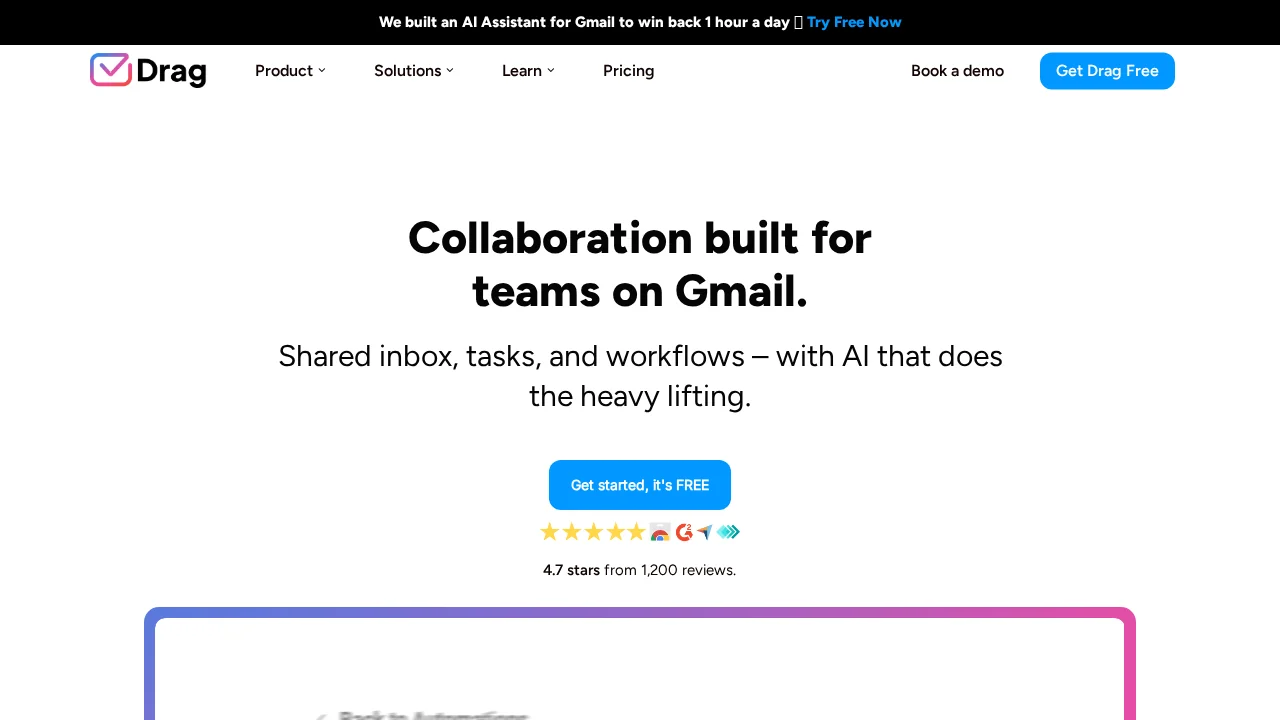
DragApp converts Gmail into a unified team collaboration platform by introducing a shared inbox that enables multiple users to manage emails, files, and tasks collectively. Rather than siloing communication within individual inboxes, DragApp lets teams coordinate directly on incoming messages, attach relevant files, and assign action items—all without leaving Gmail. This approach eliminates context switching and keeps all team members aligned on priorities.
The platform leverages AI to streamline repetitive email workflows. Automatic email tagging, sentiment analysis, and AI-powered draft suggestions reduce manual effort, while customizable email templates and auto-reply features accelerate routine responses. Teams can track email engagement metrics like click-throughs and reply rates to measure communication effectiveness. For sales, support, HR, and finance teams, DragApp provides purpose-built workflows that adapt to inbound lead management, help desk ticketing, payroll coordination, and accounting operations.
Real-time collaboration features include team chat alongside email threads, inline comments with tagging, and contact sharing across team members. An integrated AI co-pilot answers questions about board activity, helping teams stay informed without manual searches. DragApp's email thread summarization feature distills lengthy conversations into digestible summaries, accelerating comprehension and decision-making. The tool integrates smoothly with popular business applications, extending its utility beyond core email management.
Pros
Cons
Alternatives to DragApp
ChatGPT for Gmail
Klart AI
Auto Gmail
MailGPT
Gmelius Meli AI
Qualtir Mail Agent