
Elasticnote
Elasticnote is a privacy-first note-taking app offering unlimited notes with local storage and flexible sync options.
Elasticnote at a glance
- Pricing
- Free — from $29
- Rating
- ⭐ 5.0/5 · 1 reviews
- Key strengths
- Privacy-first design with local storage keeps your notes under your control · Unlimited note capacity for growing knowledge bases · Flexible sync options: local, Dropbox, or cloud—your choice
Screenshots
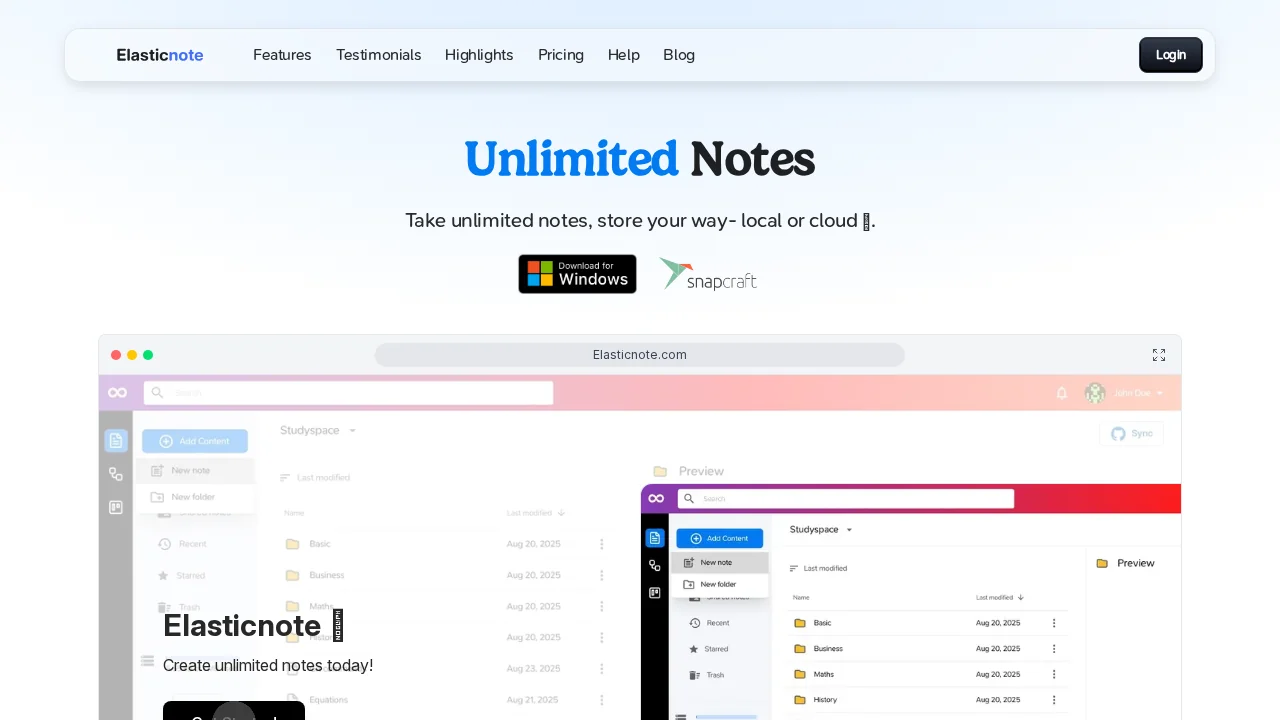
About Elasticnote
Elasticnote puts control back in your hands with a privacy-first approach to digital note-taking. Unlike cloud-dependent alternatives, you can store all your notes locally on your computer, ensuring your data remains yours alone. This flexibility extends to how you work—edit notes with any text editor you prefer, giving you complete freedom over your workflow without vendor lock-in.
The app caters to users who demand both simplicity and power. Its intuitive interface removes unnecessary complexity, letting you focus on capturing and organizing your thoughts rather than fighting with the tool itself. Whether you're a minimalist who wants straightforward note storage or a power user building a comprehensive knowledge base, Elasticnote scales to your needs.
Flexible synchronization options mean you can work however suits you best. Keep notes entirely local for maximum privacy, sync through Dropbox for cross-device access using your preferred cloud service, or use Elasticnote's cloud offering for seamless automatic synchronization. This choice-based architecture respects both privacy-conscious users and those seeking effortless multi-device workflows.
With unlimited note capacity, you'll never hit a ceiling or face storage restrictions. Build your digital library freely, knowing Elasticnote grows with your needs without artificial limitations or surprise constraints.
Pros
Cons
Alternatives to Elasticnote
Notis
Unote: AI Voice Notes
Video Notes
Gistr
Cleve
Mumble Note: AI Voice Notetaker
Qonqur