Fathom
Fathom AI Notetaker automatically records, transcribes, and summarizes meetings so you can focus on conversation instead of note-taking.
Fathom at a glance
- Pricing
- Free — from $19/month
- Key strengths
- Instant AI-generated summaries capture key points automatically · Auto-syncs to CRM systems, eliminating manual data entry · Supports 28 languages and multiple video conferencing platforms
Screenshots
About Fathom
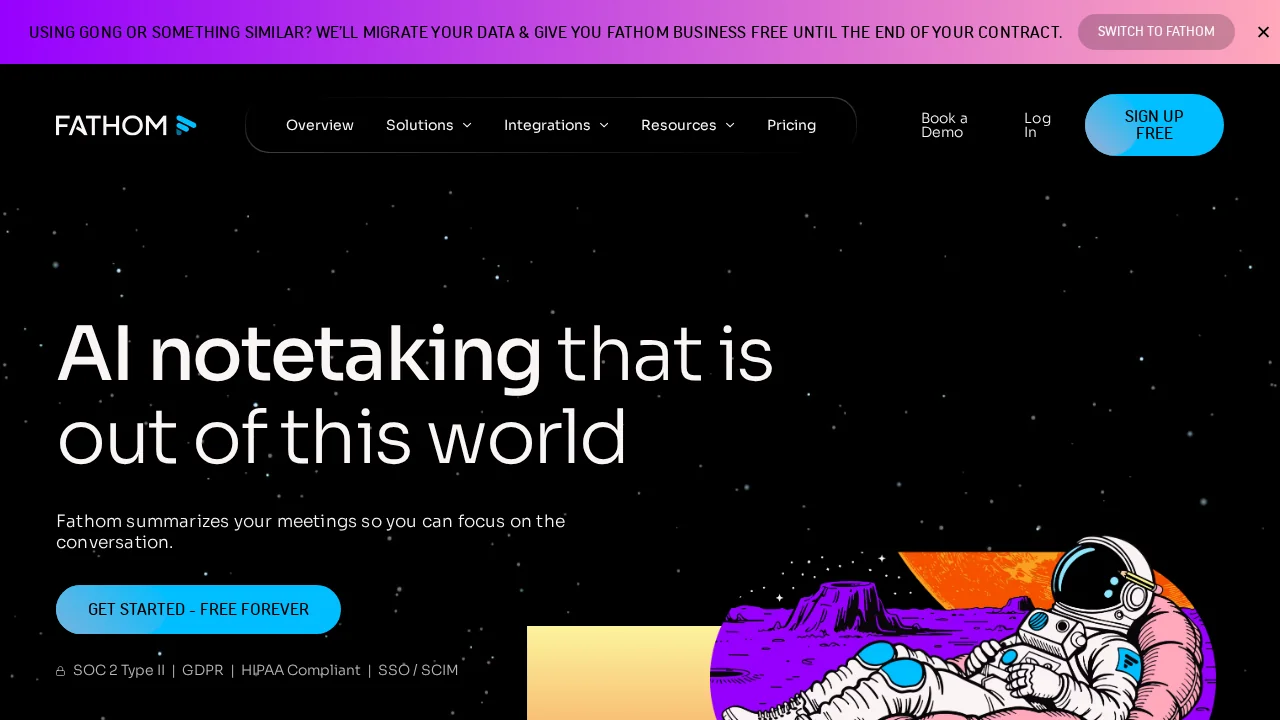
Fathom AI Notetaker transforms how teams capture and share meeting insights by automating the entire note-taking process. The tool records and transcribes your meetings in real-time, then uses artificial intelligence to identify and highlight the most important discussion points. Within minutes of your meeting ending, you receive a comprehensive summary ready for immediate use, eliminating the need to spend hours reviewing recordings or manually documenting conversations.
The platform goes beyond basic transcription by automatically syncing meeting summaries and action items directly to your CRM system, removing the friction of manual data entry and ensuring critical information reaches your sales or customer success workflows instantly. You can also extract and share specific video clips from meetings, making it easy to provide context to team members who couldn't attend or to preserve important customer interactions.
Fathom integrates seamlessly with the tools your team already uses daily, including Slack, Google Docs, Gmail, and popular task management platforms, allowing you to move summaries and action items where they're needed without switching contexts. The tool supports 28 languages and works across multiple video conferencing platforms, making it accessible for distributed and international teams regardless of their preferred communication software.
Users consistently report that Fathom increases engagement during meetings by removing the distraction of note-taking, while simultaneously improving post-meeting productivity through automated documentation and task tracking.
Pros
Cons
Alternatives to Fathom
Hedy AI
Recal
Workmate
Convo
Echother
Himala AI Meeting Assistant
LinaFlow