Fotor
Fotor is an AI image generator and editor that transforms text prompts into stunning visuals with comprehensive editing tools.
Fotor at a glance
- Best for
- Photographers
- Pricing
- Free — from Free tier available
- Rating
- ⭐ 3.4/5 · 5 reviews
- Key strengths
- Fast AI image generation from text descriptions in seconds · Comprehensive editing tools for resizing, cropping, effects, and text · Specialized features like background removal and artistic transformations
Screenshots
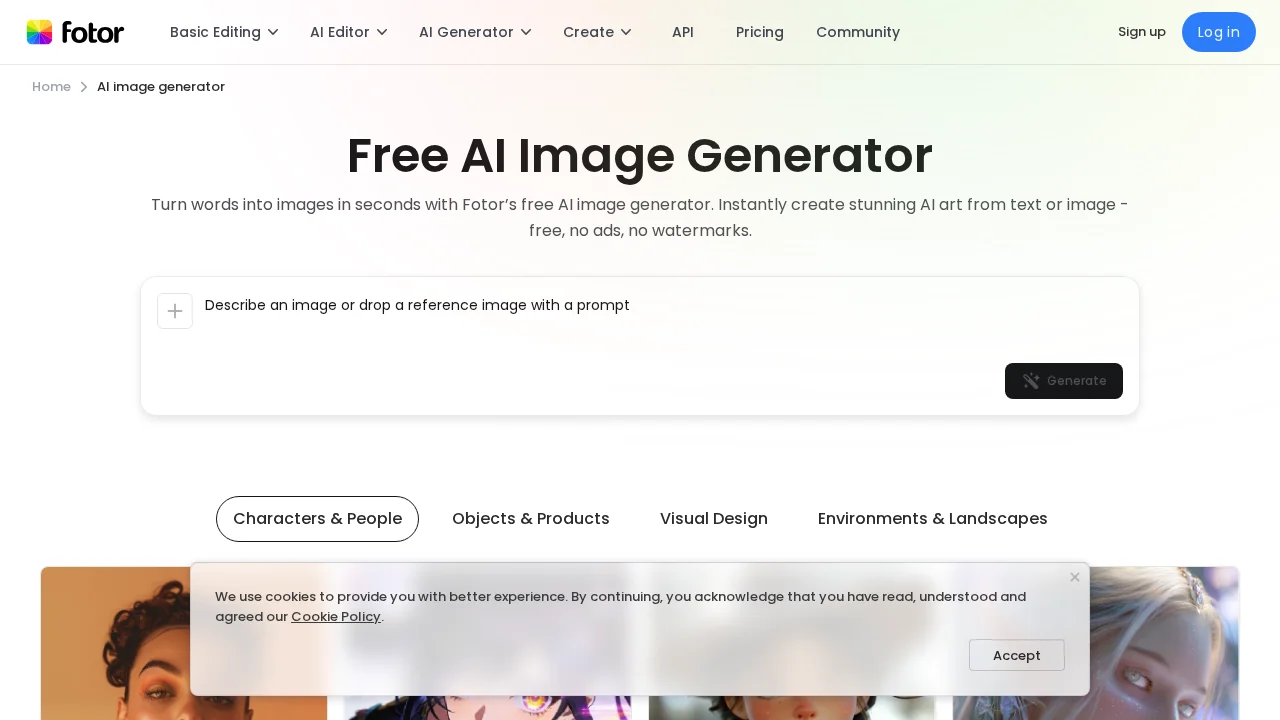
About Fotor
Fotor combines artificial intelligence with professional-grade image editing to help users create and enhance visual content effortlessly. The AI image generator converts text descriptions into unique artwork within seconds, eliminating the need for design experience or advanced software skills. Whether you're visualizing creative concepts or generating marketing assets, the platform accelerates the creative process from ideation to final output.
Beyond generation, Fotor's editing suite provides essential tools for refining images. Resize, crop, blur, sharpen, and add text or borders with intuitive controls. The platform also enables artistic transformations—convert photos to sketches or cartoons, create collages, merge images, and swap backgrounds seamlessly. Advanced features include facial feature adjustment, image upscaling for improved quality, and object or background removal using AI precision.
Fotor excels at producing marketing and promotional materials. Design logos, flyers, and posters for business use, or craft social media assets including YouTube thumbnails and Instagram post designs. The platform handles specialized tasks like colorizing black-and-white photos, editing text within images, and generating PNG files with transparent backgrounds. Video and GIF creation tools extend capabilities beyond static images, with options to remove watermarks and unwanted objects from dynamic content.
Available across Windows, Mac, and mobile devices, Fotor adapts to your workflow wherever you work. The unified platform eliminates switching between multiple tools, consolidating image generation, editing, and design functionality in one accessible interface.
Pros
Cons
Alternatives to Fotor
SellShots
VisualGPT
Hireable Headshots
Mintshot
VibePaint.ai
GPT Caricature
AvatarStyle