
GitBrain
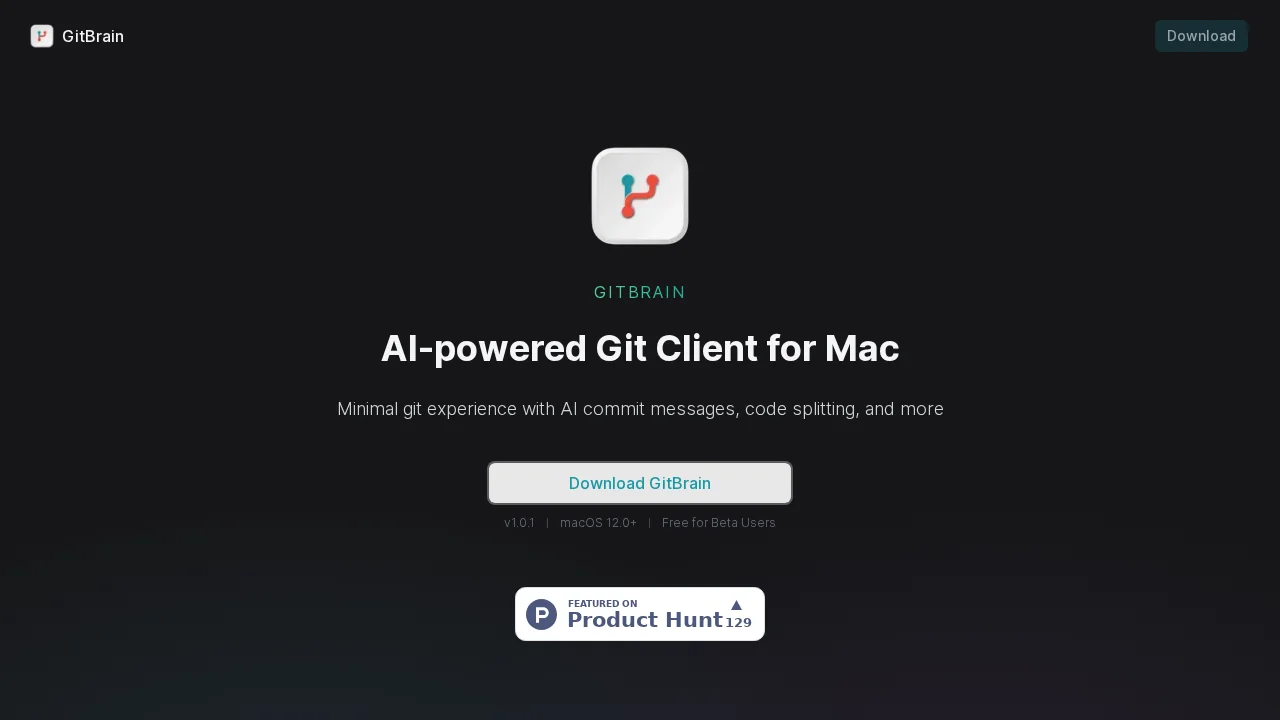
GitBrain is an AI-powered Git client for Mac that automates commit management and streamlines version control workflows.
Screenshots
About GitBrain
GitBrain transforms how Mac developers interact with Git by leveraging artificial intelligence to handle the repetitive, time-consuming aspects of version control. The tool automatically analyzes code changes and intelligently divides them into multiple AI-generated commits, allowing developers to focus their energy on writing code rather than managing Git workflows. This automation significantly reduces friction in the development process while maintaining full control over the final commit structure.
The platform's interactive commit management system gives developers complete flexibility to review, reorder, and consolidate AI-suggested commits according to their preferences. Developers can inspect automatically generated summaries of code changes, enabling thorough self-review before pushing to repositories. This feature serves as a safeguard against accidental commits of unintended changes while providing clear documentation of work performed during development sessions.
GitBrain seamlessly integrates with popular IDEs by automatically detecting and loading the project currently under development, eliminating manual setup steps and ensuring a smooth handoff between coding and version control. As a native Mac application, GitBrain delivers optimized performance and delivers an interface that feels natural to macOS users, with full support for both light and dark mode themes. The keyboard-first design includes comprehensive shortcuts for all functions, enabling developers to maintain workflow momentum without reaching for the mouse.
Pros
Cons
Alternatives to GitBrain
DevSeerAI
Skymel ADK (Agent Development Kit)
AiAssistWorks - GPT Gemini Claude AI for Sheets Docs Slides
Make-it
Is It Fake?
OVR IT
GPT Caricature