GPT Workspace
GPT Workspace integrates GPT-4o and Gemini directly into Google Workspace for seamless AI-powered productivity.
GPT Workspace at a glance
- Pricing
- Paid — from $99/month
- Key strengths
- Works seamlessly within existing Google Workspace apps · Handles data processing, content creation, and communication tasks · Maintains strict privacy with no access to user data
Screenshots
About GPT Workspace
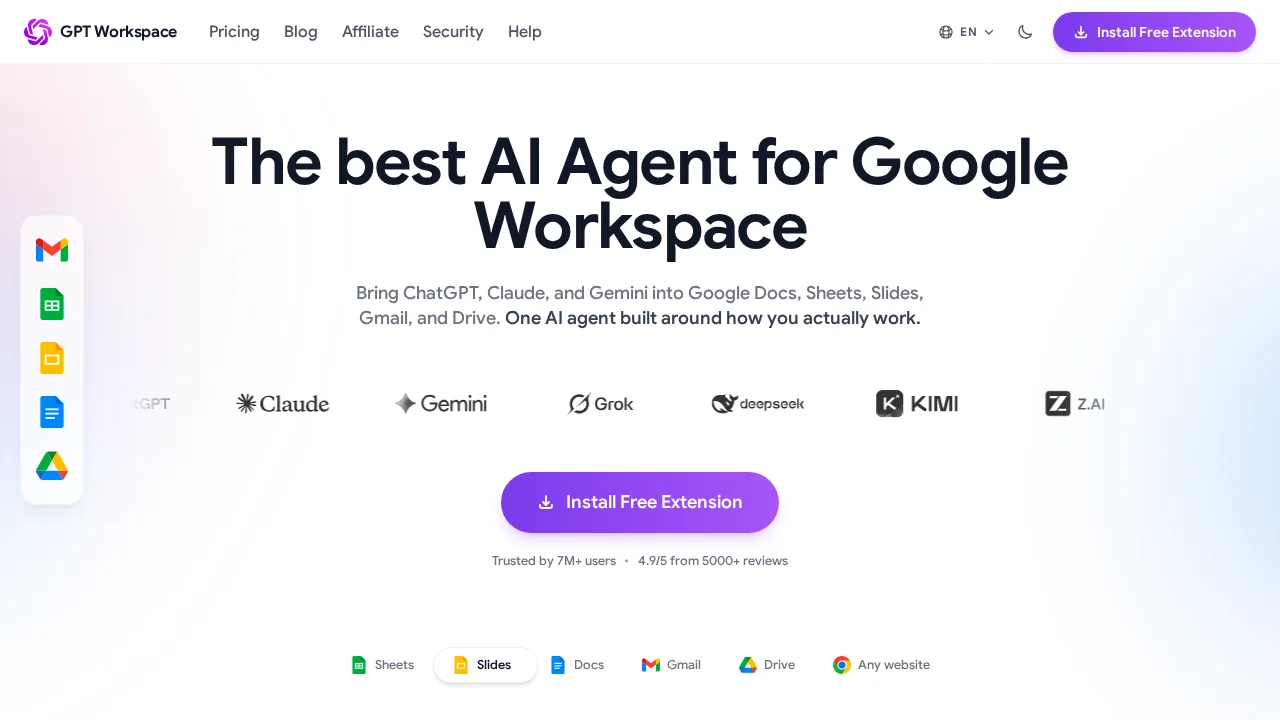
GPT Workspace brings advanced AI capabilities directly into your existing Google Workspace environment, eliminating the need to switch between applications. By embedding GPT-4o and Gemini functionality across Google Sheets, Docs, Slides, Gmail, and Drive, users can enhance their workflow without disrupting established routines. This unified approach to AI integration makes powerful language models accessible within the tools people already use daily.
In Google Sheets, the tool handles data-intensive tasks with precision, including categorization, summarization, classification, and cleanup operations. Users can extract relevant information and generate complete arrays and lists automatically, significantly reducing manual data entry and processing time. These capabilities are particularly valuable for analysts and researchers managing large datasets.
For presentation creation, GPT Workspace automates slide generation and content creation within Google Slides. The tool produces full presentations complete with relevant imagery and detailed descriptions, transforming outlines into polished decks quickly. In Google Docs, it assists with content creation—generating taglines, blog posts, and speeches—while also providing editing support through recapping, rephrasing, grammar correction, and overall improvement suggestions.
Communication quality improves through Gmail integration, which suggests enhancements to written messages, making them clearer, more compelling, and more authentic. Google Drive functionality extends these capabilities across multiple file types, allowing users to summarize and customize prompts for PDFs, documents, sheets, and slides. The tool maintains strict privacy standards, ensuring it has no access to user data or files while delivering comprehensive productivity enhancement.
Pros
Cons
Alternatives to GPT Workspace
Notis
remio: Your Personal ChatGPT
SureThing.io
TheLibrarian.io
Supernormal App
Base44 Superagents
Caret