Harker
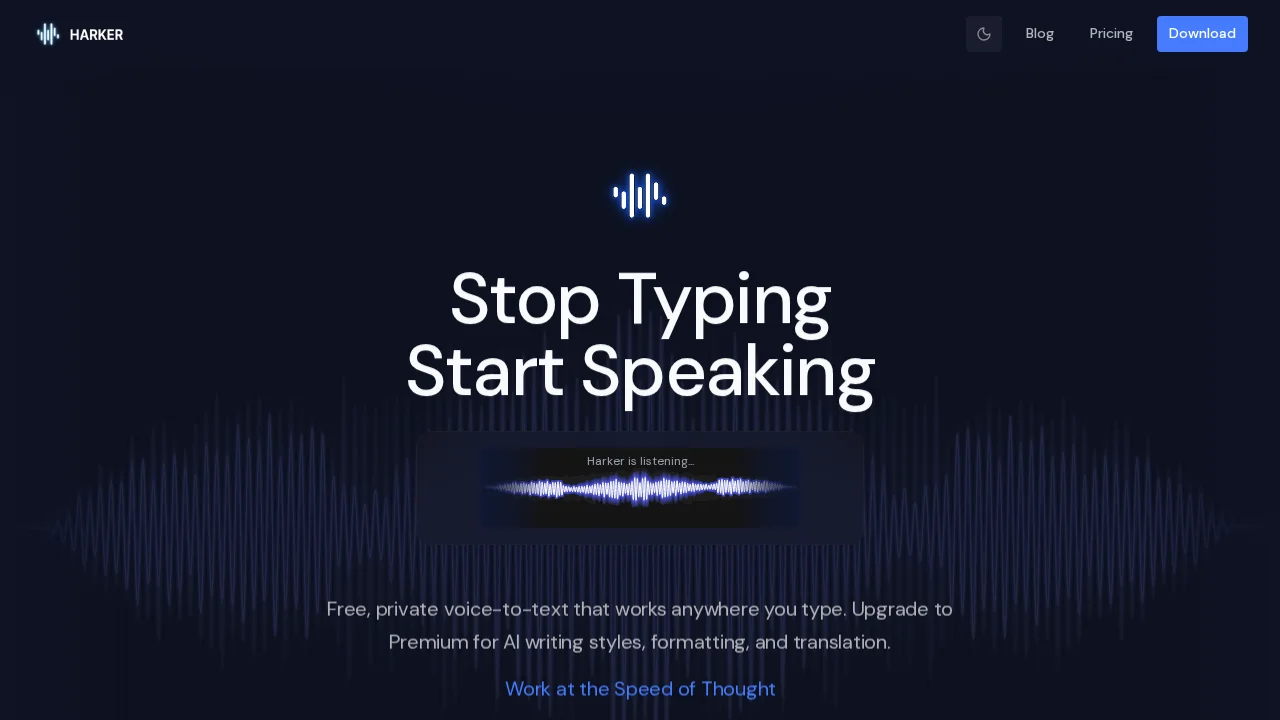
Harker converts speech to text offline, letting you dictate AI prompts faster than typing.
Harker at a glance
- Pricing
- Paid — from $19.99
- Rating
- ⭐ 5.0/5 · 2 reviews
- Key strengths
- Completely offline operation protects voice privacy · Faster prompt composition than traditional typing · Works with ChatGPT, Claude, Cursor, and other AI platforms
Screenshots
About Harker
Harker streamlines your workflow by replacing manual typing with natural voice input. Speak your thoughts directly into ChatGPT, Claude, Cursor, and other AI tools, eliminating the friction of composing lengthy prompts through keyboard entry. This is especially valuable for complex queries, creative brainstorming, and rapid iteration where verbal expression flows more naturally than writing.
The offline-first architecture ensures your voice data never leaves your device, addressing privacy concerns common with cloud-based speech recognition services. You maintain full control over your input without reliance on external servers or data transmission, making Harker suitable for sensitive work and users who prioritize data sovereignty.
By reducing the cognitive load of typing, Harker helps you focus on the quality of your prompts and the ideas behind them. Faster input means quicker feedback loops with AI systems, enabling more productive sessions whether you're debugging code, drafting content, or exploring AI capabilities. The tool integrates seamlessly into existing workflows without requiring special plugins or complicated setup.
Pros
Cons
Alternatives to Harker
Video to Text.net
autokeyworder
Sleekio
FastlyConvert
VoxTap
Velma Transcribe by Modulate
FastScribeX