Himala AI Meeting Assistant
Himala AI Meeting Assistant streamlines scheduling, recording, and follow-up tasks across your entire meeting workflow.
Himala AI Meeting Assistant at a glance
- Pricing
- Freemium
- Rating
- ⭐ 5.0/5 · 2 reviews
- Key strengths
- Records meetings without bot invitations for seamless capture · Integrates with Slack, Google Docs, and Notion for context · Auto-generates transcripts, summaries, and action items
Screenshots
About Himala AI Meeting Assistant
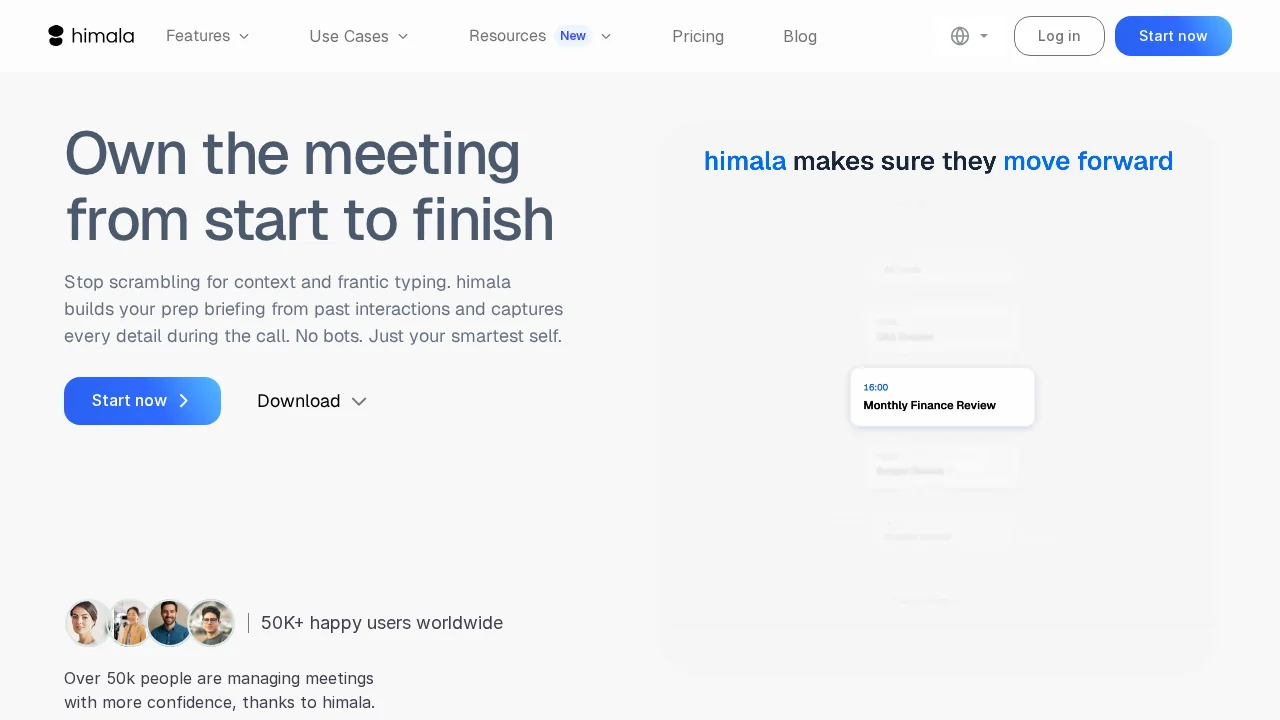
Himala AI Meeting Assistant transforms how teams manage meetings by automating the entire meeting lifecycle—from preparation through post-meeting follow-up. The platform eliminates manual scheduling and note-taking by automatically recording conversations, generating transcripts, and producing actionable summaries without requiring bot invitations. This seamless capture ensures nothing important is missed while freeing participants to focus on discussion rather than documentation.
The tool excels at meeting preparation by pulling contextual information from connected applications like Slack, Google Docs, and Notion, creating personalized briefs that help users arrive informed and ready. Users can customize their prep materials by reordering sections, hiding irrelevant data, and adding personal notes—ensuring they focus on what matters most. This proactive approach reduces meeting friction and improves discussion quality.
Himala accelerates post-meeting productivity by automatically converting meeting notes into polished email drafts, ready for immediate review and distribution. The platform learns from past recordings to provide increasingly relevant context for future meetings, creating a knowledge base that improves preparation over time. This creates a virtuous cycle where each meeting makes the next one more efficient.
Security and compliance are built into Himala's foundation, with end-to-end encryption, GDPR compliance, SOC 2 certification, and continuous security monitoring. Organizations can confidently use Himala knowing that sensitive conversations and meeting data remain protected throughout the entire workflow.
Pros
Cons
Alternatives to Himala AI Meeting Assistant
Notis
remio: Your Personal ChatGPT
Supernormal App
FastlyConvert
EVY - your AI co-creator
TeamsMaestro - Free AI Meeting Note Taker
Mumble Note: AI Voice Notetaker