
HitPaw FotorPea Photo Enhancer
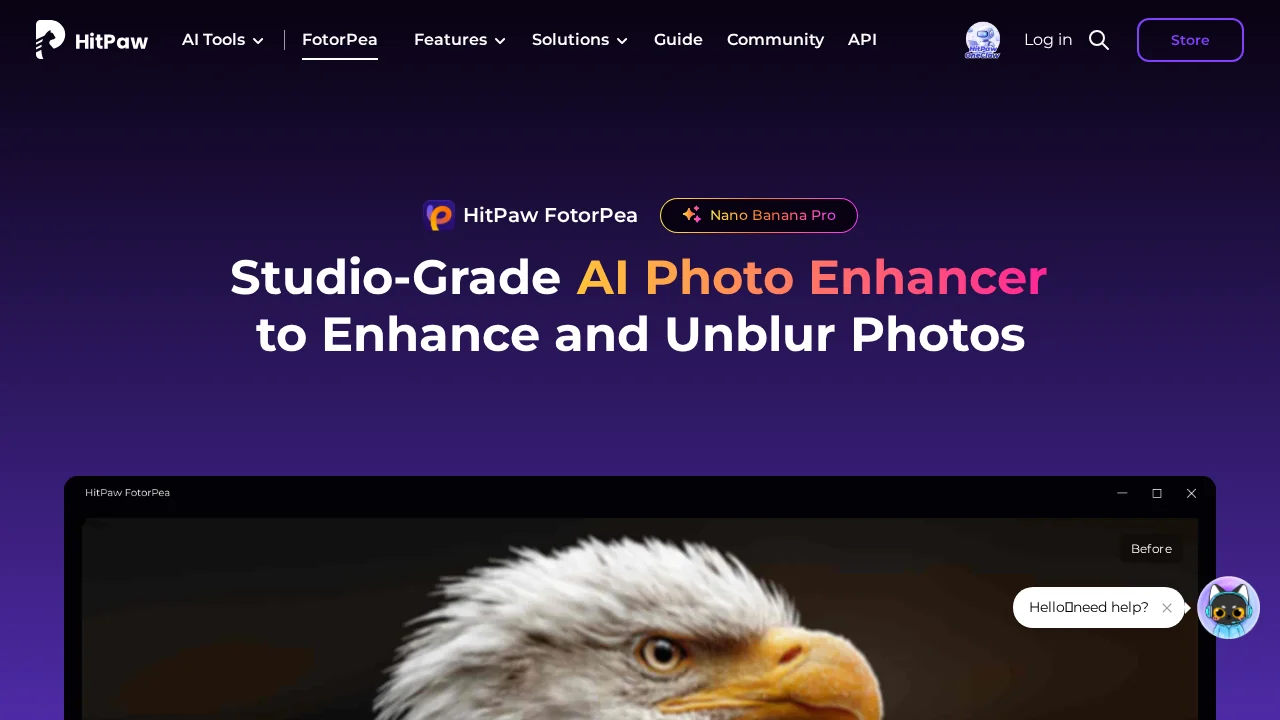
HitPaw FotorPea Photo Enhancer is an all-in-one AI image editing tool for enhancement, object removal, and background editing.
HitPaw FotorPea Photo Enhancer at a glance
- Pricing
- Free — from $24.99/month
- Rating
- ⭐ 3.7/5 · 3 reviews
- Key strengths
- Multi-purpose tool handles enhancement, removal, and generation in one platform · AI-powered features deliver professional results with minimal manual effort · Versatile for various use cases from product photos to creative projects
Screenshots
About HitPaw FotorPea Photo Enhancer
HitPaw FotorPea Photo Enhancer combines multiple photo editing capabilities into a single platform, streamlining workflows for users who need quick, professional-quality results. The image enhancement feature intelligently improves photo quality by adjusting colors, clarity, and other visual aspects, transforming ordinary photos into visually stunning images without requiring extensive manual editing experience.
The object removal functionality gives users precise control over their compositions by seamlessly eliminating unwanted elements from photos. Whether removing photobombers, distracting background items, or other intrusions, the tool preserves the natural appearance of surrounding areas, making edits look intentional rather than artificial.
The background remover isolates subjects from their original backgrounds, enabling users to refocus attention on their main subject or apply entirely new backgrounds. This feature is particularly valuable for product photography, portrait editing, and creative compositions where background separation is essential.
Beyond traditional editing, the photo generation capability allows users to create new images based on specified parameters, opening creative possibilities for those seeking to generate custom visuals. Combined, these features create a comprehensive solution that handles everything from enhancement to creative generation, making it suitable for content creators, photographers, business professionals, and casual users alike.
Pros
Cons
Alternatives to HitPaw FotorPea Photo Enhancer
SellShots
VisualGPT
Hireable Headshots
Mintshot
VibePaint.ai
GPT Caricature
AvatarStyle