
I18n Studio
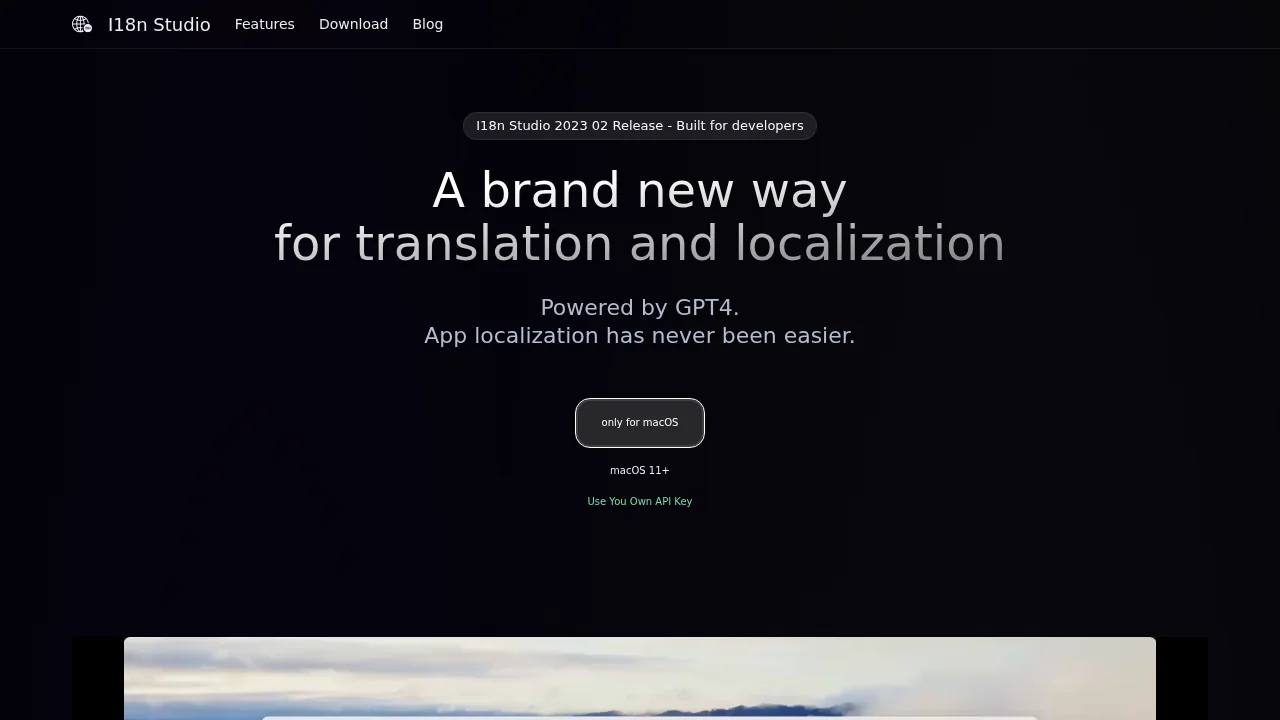
I18n Studio is a macOS developer tool powered by GPT-4 that streamlines software localization for iOS, Android, and web projects.
I18n Studio at a glance
- Pricing
- Freemium
- Key strengths
- Real-time IDE integration eliminates manual file synchronization · Context-aware translations through comment-based fine-tuning · Batch translate entire languages or individual values in seconds
Screenshots
About I18n Studio
I18n Studio transforms the app localization workflow by combining intelligent translation with real-time IDE integration. Developers working on iOS, macOS, Android, and JavaScript projects can manage multilingual content directly within Xcode, VSCode, and Android Studio, with all changes instantly reflected in their development environment. This seamless integration eliminates context-switching and keeps localization work tightly coupled with your codebase.
The platform's standout capability lies in translation fine-tuning through contextual comments. Rather than relying on generic automated translations, developers can annotate keys with specific guidance, resulting in more accurate and culturally appropriate translations for each language. This precision-focused approach addresses common localization pitfalls where automated systems miss nuance or context-dependent meaning.
Speed is another significant advantage. I18n Studio enables complete translations across multiple languages in under a minute, whether you're translating individual values, entire keys, or bulk-importing new languages. The batch translation feature scales efficiently, making it practical for apps with extensive multilingual requirements or frequent content updates.
MacOS users receive 10,000 free GPT-4 tokens to start, allowing hands-on evaluation before commitment. The tool's customizable workflow accommodates diverse translation needs, from rapid prototyping to production-grade localization with detailed quality controls.
Pros
Cons
Alternatives to I18n Studio
SonicCaption
Pairaphrase
Doclingo
Lyndium
CAMB.AI
Translation-API.com
LinkedIn Speak Translator