Imagable | AI Image Editor
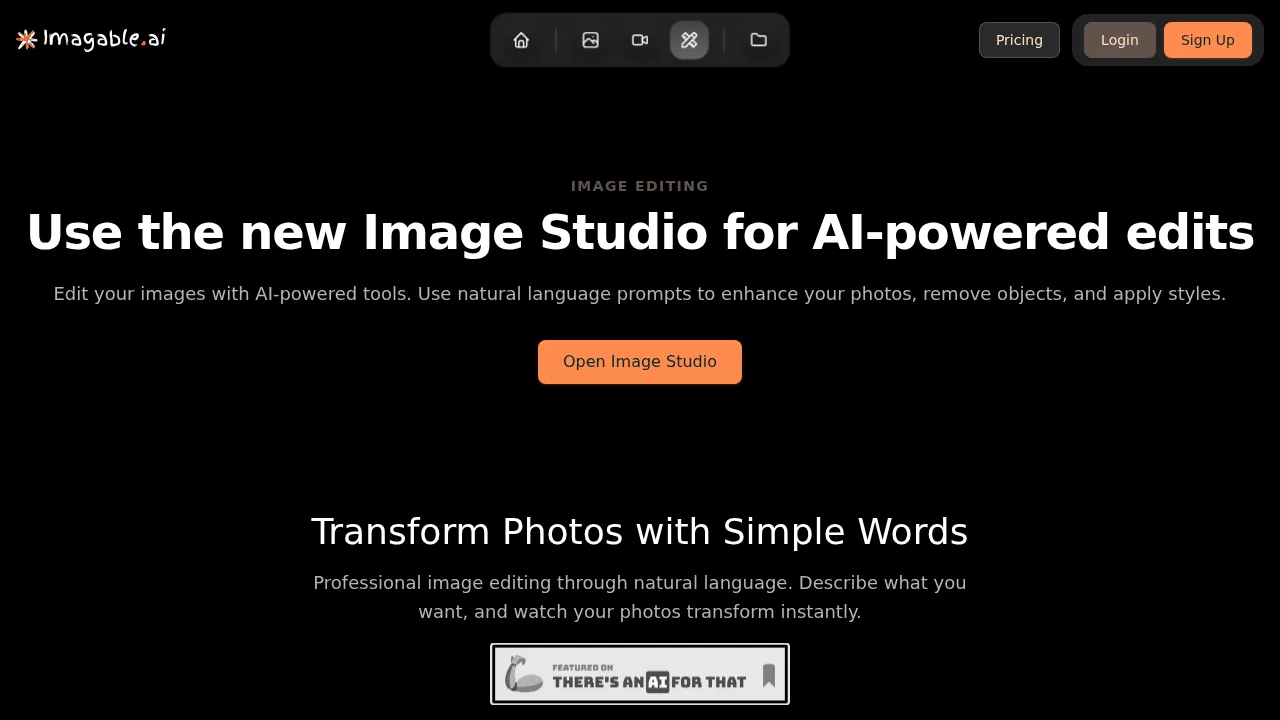
Imagable's AI Image Editor transforms photos with natural language commands for professional-quality results.
Imagable | AI Image Editor at a glance
- Pricing
- Free — from $8/month
- Rating
- ⭐ 2.6/5 · 7 reviews
- Key strengths
- Natural language editing eliminates technical skill requirements · Batch processing handles up to 4 images simultaneously · Generate multiple variations for quick creative comparison
Screenshots
About Imagable | AI Image Editor
Imagable's AI Image Editor leverages artificial intelligence to democratize professional photo editing. Instead of navigating complex software interfaces, users simply describe the edits they want in plain English—whether adjusting color tones, removing unwanted objects, or reimagining the overall aesthetic. This natural language approach eliminates the steep learning curve associated with traditional photo editing tools, making professional-grade results accessible to anyone.
The platform supports batch processing of up to 4 images simultaneously and handles multiple file formats including JPEG, PNG, and WebP. Users can request multiple variations of a single edited image in one command, streamlining the creative workflow and enabling quick comparison of different approaches. This flexibility is particularly valuable for content creators and designers who need to explore multiple creative directions efficiently.
The retry function empowers users to refine their results iteratively. If initial outputs don't match expectations, users can adjust their instructions or modify settings without starting over. This capability encourages experimentation and helps users achieve precisely what they envision.
Imageable's AI Image Editor serves diverse use cases across industries. E-commerce businesses use it to create polished product photography, designers leverage it for interior visualization and space planning, and content creators employ it to maintain consistent character appearances across storytelling projects and branding campaigns. The tool's versatility makes it equally valuable for marketing teams, freelancers, and small business owners seeking professional visual content without expensive software subscriptions.
Pros
Cons
Alternatives to Imagable | AI Image Editor
Chronostates
Remove Sora Watermark.ai
Remove Sora Watermark.video
AI Image Extender.io
Klayn
TruShot App
AI Enhance Image.com