ImgEditor AI
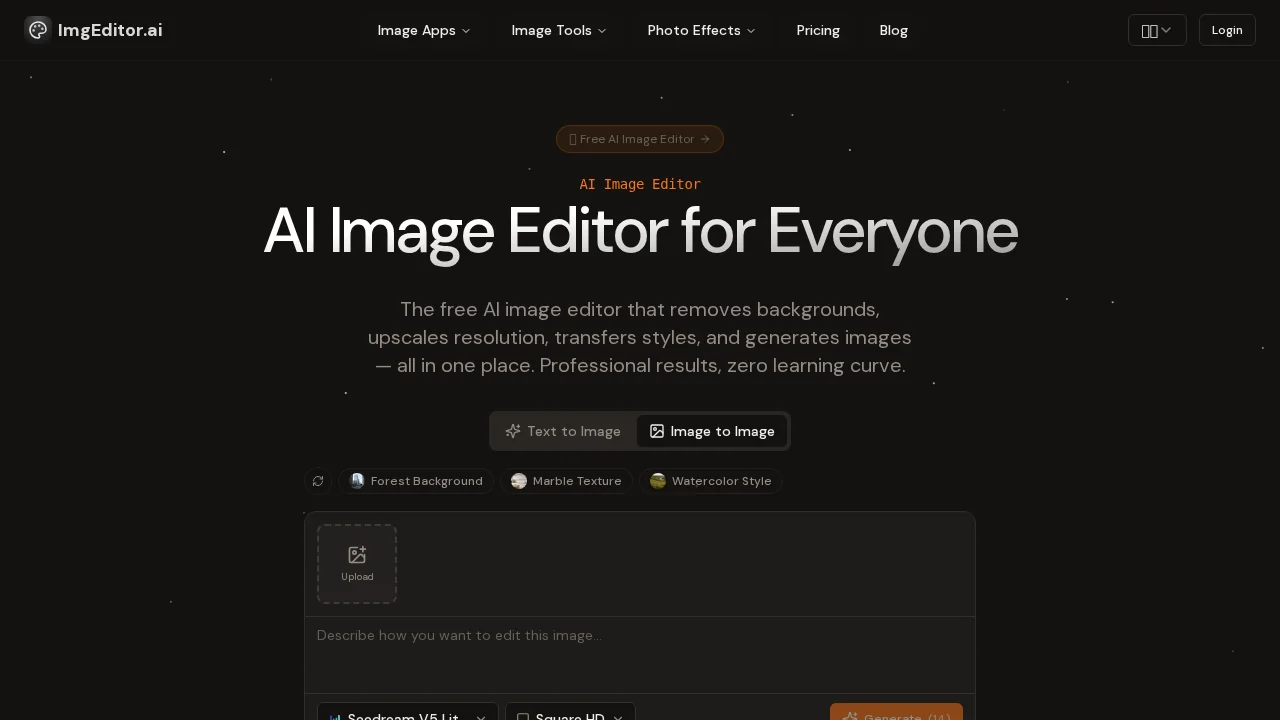
ImgEditor AI is an online AI image editor that removes backgrounds, upscales resolution, and enhances photos without design experience.
ImgEditor AI at a glance
- Pricing
- Free — from $6.99/month
- Rating
- ⭐ 4.3/5 · 7 reviews
- Key strengths
- Removes backgrounds and upscales images automatically without manual editing · Ghibli and Pixar AI generators for creative, animated photo transformations · Privacy-focused design with no automatic image storage
Screenshots
About ImgEditor AI
ImgEditor AI is a web-based image editing platform powered by artificial intelligence, designed to make professional-quality photo editing accessible to everyone. The tool eliminates the steep learning curve associated with traditional design software, allowing users to achieve polished results through simple, intuitive workflows. Whether you're a photographer, content creator, or business professional, ImgEditor AI automates complex editing tasks that would typically require hours of manual work.
The platform offers a comprehensive toolkit for image enhancement and transformation. Remove backgrounds instantly with precision, upscale images to higher resolutions while preserving detail, and apply intelligent enhancements that automatically optimize colors, contrast, and sharpness. The AI-powered resizer adapts images to any dimension without quality loss, making it ideal for creating assets for multiple platforms simultaneously.
Beyond basic editing, ImgEditor AI empowers creative expression through advanced AI generators. Apply animated Ghibli-style effects or transform photos into 3D Pixar-inspired visuals with specialized generators. Creative filters and face enhancement tools let you refine portraits with professional-grade adjustments, from subtle retouching to dramatic stylistic transformations.
Privacy is built into the platform's core design. Images are processed securely with pixel-perfect precision, and ImgEditor AI respects user privacy by default—files are never stored without explicit permission. This commitment to security makes it suitable for handling sensitive visual content while delivering results in minutes rather than hours.
Pros
Cons
Alternatives to ImgEditor AI
Chronostates
Remove Sora Watermark.ai
Remove Sora Watermark.video
AI Image Extender.io
Klayn
TruShot App
AI Enhance Image.com