
Kombai
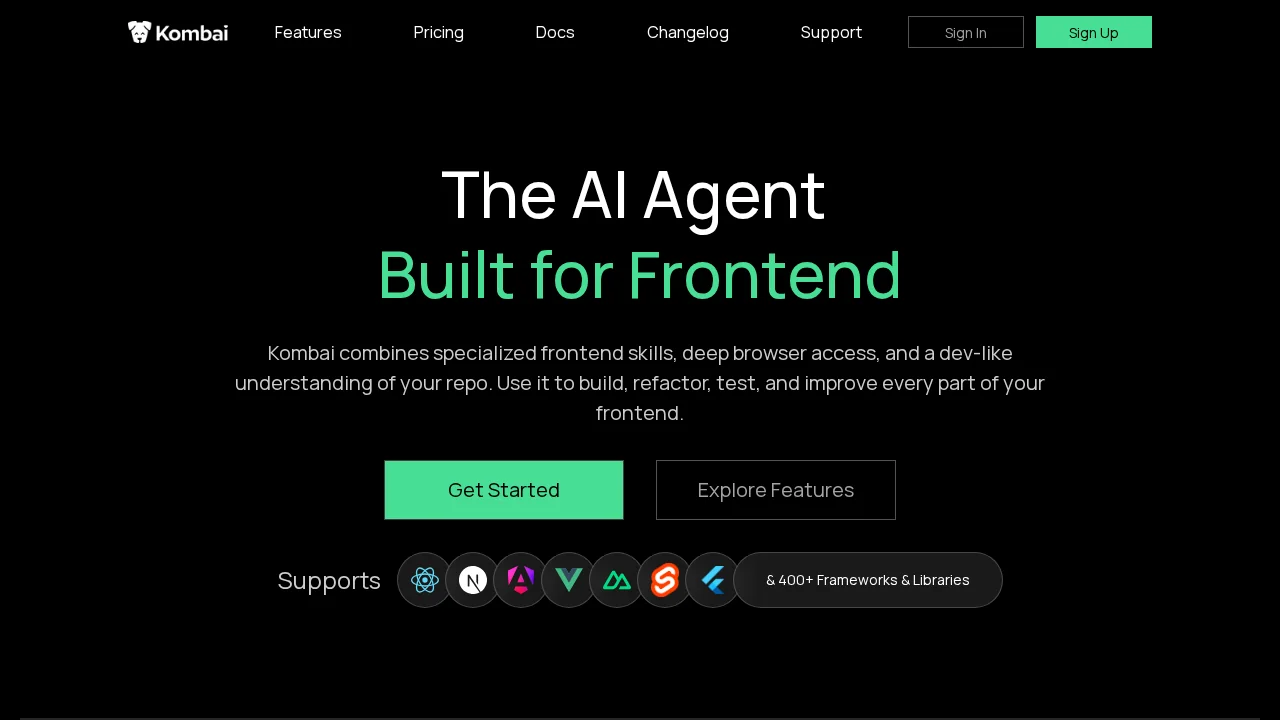
Kombai is an AI frontend builder that writes, refactors, and tests code with deep repository understanding and live browser access.
Kombai at a glance
- Pricing
- Free — from $20/month
- Rating
- ⭐ 5.0/5 · 2 reviews
- Key strengths
- Deep repository understanding for contextually accurate code generation · Live browser access enables real-time testing and validation · Handles full frontend lifecycle: building, refactoring, testing, optimization
Screenshots
About Kombai
Kombai brings specialized frontend development capabilities to your workflow by combining artificial intelligence with practical browser automation. The tool integrates seamlessly with your codebase, understanding your project structure and dependencies to generate contextually accurate code. This deep repository awareness ensures that generated components, refactored code, and test cases align with your existing patterns and conventions.
The platform's live browser access enables real-time testing and validation of frontend changes. Rather than working in isolation, Kombai can immediately verify that new code renders correctly, functions as intended, and maintains visual consistency with your design system. This immediate feedback loop reduces the traditional back-and-forth between development and testing phases.
Beyond simple code generation, Kombai supports the full spectrum of frontend work. You can use it to build new components from scratch, refactor existing code for improved maintainability, write comprehensive test suites, and optimize performance bottlenecks. Its developer-like understanding means it considers accessibility, responsive design, and best practices without requiring explicit guidance on every detail.
The tool is designed for teams looking to accelerate their frontend development pipeline while maintaining code quality and consistency. By handling repetitive tasks and providing intelligent suggestions grounded in your project's actual structure, Kombai frees developers to focus on architecture decisions, user experience refinement, and complex problem-solving rather than boilerplate creation.
Pros
Cons
Alternatives to Kombai
CodeRabbit
Kilo | Code Reviewer
Verdent
Base44
Rocket
Pulse Editor: Vibe Code & Automate
Mocha