
Lexeme
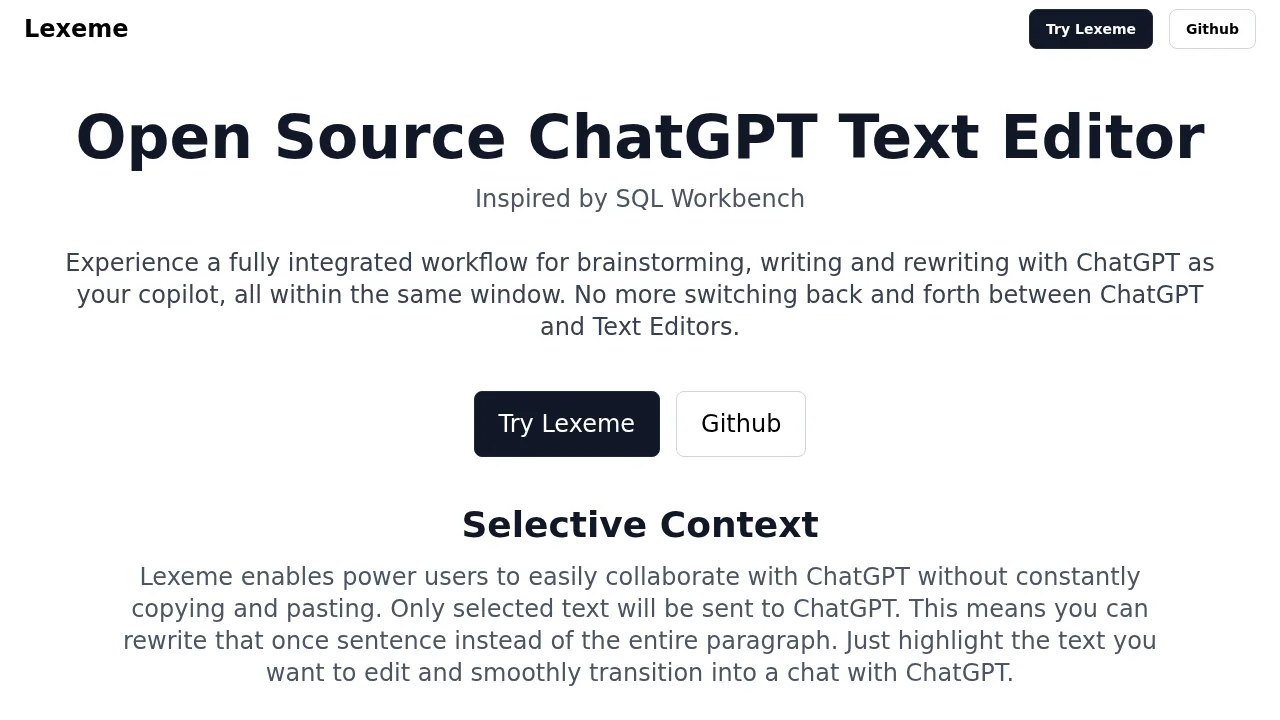
Lexeme is an open-source chat editor that integrates ChatGPT for seamless writing, brainstorming, and editing without constant copying and pasting.
Lexeme at a glance
- Pricing
- Free — from Free
- Key strengths
- Select and edit specific text without rewriting entire documents · Reusable prompts reduce repetitive instructions across projects · Built-in action prompts for common writing tasks and improvements
Screenshots
About Lexeme
Lexeme transforms how writers collaborate with AI by combining a text editor and chat interface in one unified workspace. Instead of switching between applications or repeatedly copying entire documents, users select only the text they need to refine, making the writing workflow faster and more intuitive. This selective context approach keeps conversations focused and reduces unnecessary back-and-forth.
The platform's prompt system provides multiple layers of control over AI responses. Users can set global preferences, document-level writing styles, and quick-access action prompts for common tasks like expanding content, improving clarity, maintaining tone consistency, and generating counterarguments. This flexibility eliminates repetitive instruction-setting and allows consistent output across multiple writing projects.
Built-in action prompts streamline routine writing tasks, from brainstorming ideas to adhering to word limits and creating custom workflows. The emphasis on system prompts—which define the AI's personality, tone, and response format—ensures responses are contextually relevant and tailored to specific use cases like project announcements, Slack messages, or OKR documentation.
As an open-source tool, Lexeme benefits from community contributions and transparency. The SQL Workbench-inspired interface appeals to users comfortable with structured, query-like workflows, making it particularly valuable for teams managing multiple writing projects with consistent style requirements.
Pros
Cons
Alternatives to Lexeme
Clico
Easy MCP AI for Wordpress
Librida
AI Auto Blogger
AI Newsletter Generator
Skywork
ShakespeareAI