MakeShot AI
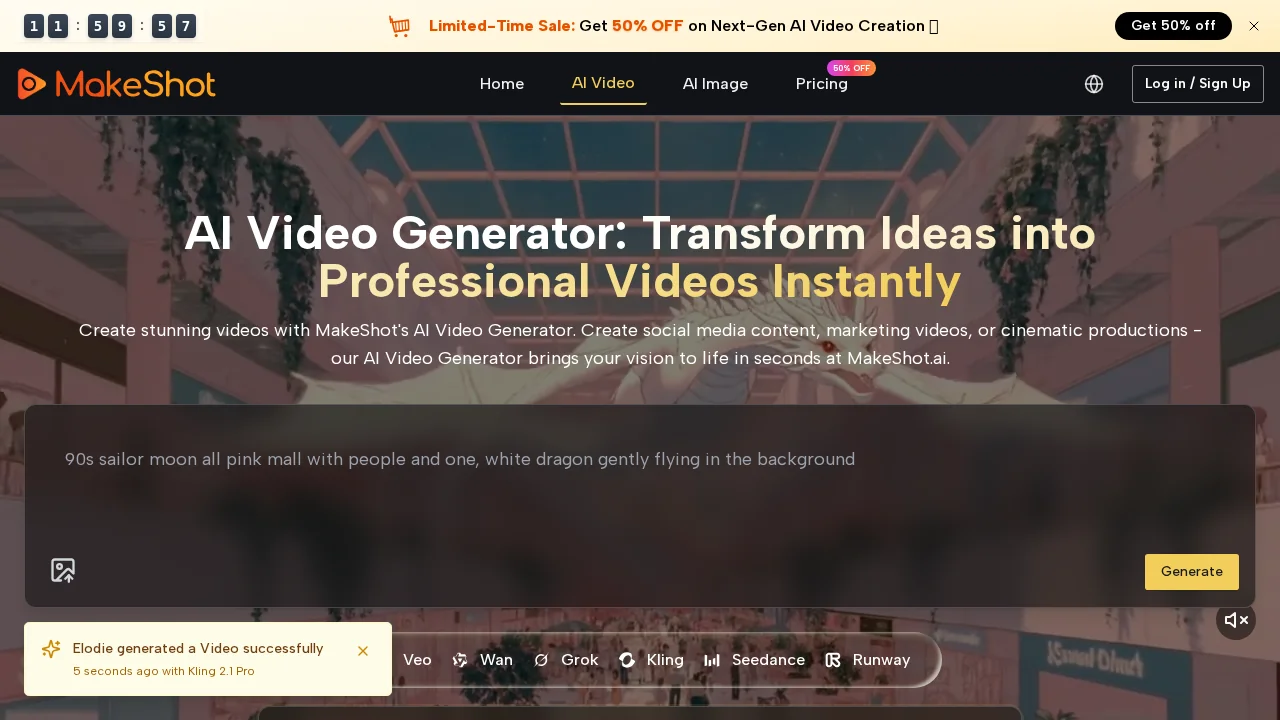
MakeShot AI is an integrated content studio that generates professional video and image content using advanced AI technologies.
Screenshots
About MakeShot AI
MakeShot AI is a comprehensive content creation platform built for creators who need high-quality video and image assets without extensive production experience. The studio combines multiple AI engines—Veo 3 for video generation, Sora 2 for advanced motion capture, and Nano Banana for image creation—into a unified workspace. This integration allows users to move seamlessly between video and image projects while maintaining consistent quality and creative direction.
The platform excels at producing cinematic shots across diverse scenarios, from wildlife and nature footage to architectural and surreal compositions. Users can generate detailed motion shots of animals in their habitats, time-lapse sequences of projects unfolding, and dramatic camera angles like low-angle castle views or twilight beach scenes. Professional prompt suggestions guide creators through the generation process, helping them envision complex scenes such as prehistoric environments or imaginative office settings without requiring technical expertise.
MakeShot AI is particularly valuable for social media creators, content marketers, and digital agencies building content for TikTok, Instagram, and YouTube. The ability to rapidly prototype visual ideas and generate publication-ready assets reduces production timelines significantly. Whether you need a single photorealistic medium shot or a series of varied cinematic perspectives, the platform adapts to projects of different scales and creative ambitions.
Pros
Cons
What is MakeShot AI used for?
- Image to video
- Short videos
- Faceless videos
Alternatives to MakeShot AI
FlowSub
GoFaceless
MurmurCast
Zorq AI
Scenes AI
Kinovi - AI Video Generator
MojoMake - AI Image to Video Generator