Norton Neo Browser
Norton Neo Browser is an AI-native browser that prioritizes safety, privacy, and productivity with intelligent navigation.
Norton Neo Browser at a glance
- Pricing
- Free — from Free
- Rating
- ⭐ 4.7/5 · 3 reviews
- Key strengths
- Local data storage ensures complete privacy with no cloud dependencies · Integrated AI assistant streamlines search, navigation, and discovery · Norton Web Shield provides proactive threat protection automatically
Screenshots
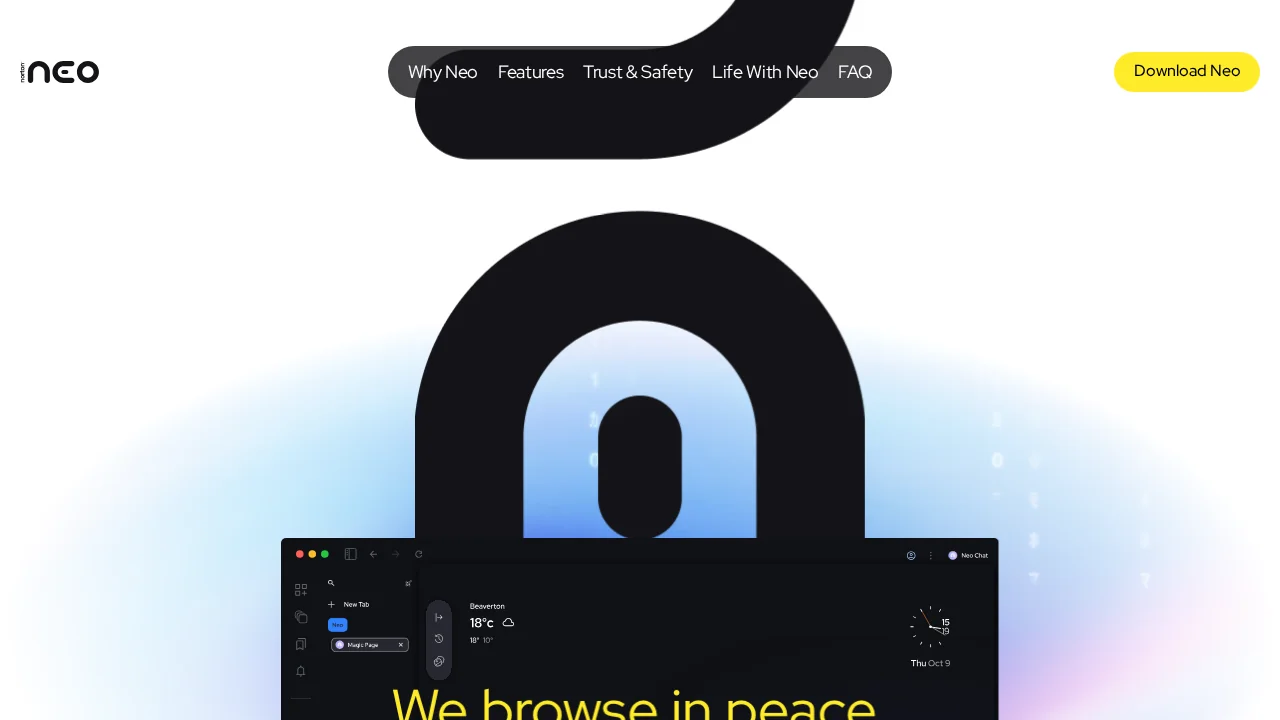
About Norton Neo Browser
Norton Neo Browser redefines web navigation by integrating conversational AI directly into the browsing experience. Rather than treating AI as a separate tool, the browser weaves intelligent assistance into core navigation, search, and discovery functions. This native integration reduces friction and creates a more seamless digital workflow where asking questions and finding answers happen within the same interface.
Privacy and user control sit at the foundation of Norton Neo's design philosophy. All chats and browsing history remain stored locally on your device, ensuring your data never leaves your machine. Users maintain granular control over what information the browser remembers and what it forgets, putting you in complete authority over your digital footprint. This approach stands in contrast to cloud-dependent browsers that centralize user data.
Security is enhanced through Norton's integrated Web Shield, which proactively identifies and blocks malicious sites, phishing attempts, and harmful content before you interact with them. This protective layer works quietly in the background, keeping threats at bay without requiring constant manual intervention.
The browsing experience itself is optimized for focus and productivity. The browser intelligently organizes tabs and prioritizes important content, reducing visual clutter and distraction. Its personalized discovery feed learns what interests you and surfaces relevant content, transforming browsing from a distraction-prone activity into a purposeful, engaging experience.
Pros
Cons
Alternatives to Norton Neo Browser
Side Space
AIPex AI Browser Automation Assistant
Actionbook
SurfMind
Atlas Browser
SureThing.io
Deployables.ai