Notis
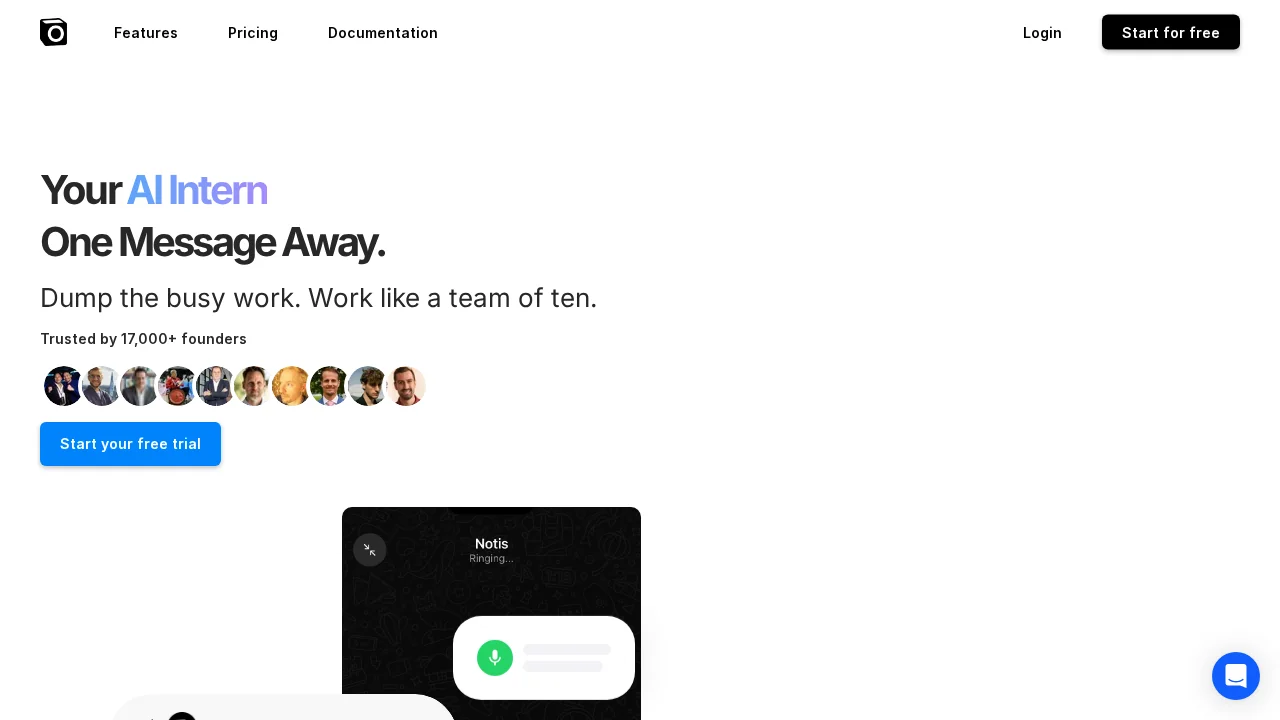
Notis is an AI intern that captures voice messages across messaging apps and auto-syncs structured notes and tasks to Notion.
Notis at a glance
- Pricing
- Free — from $13/month
- Rating
- ⭐ 4.2/5 · 65 reviews
- Key strengths
- Integrates seamlessly with popular messaging apps and Notion workspace · Converts voice messages to structured notes, tasks, and summaries automatically · Works across multiple communication channels in one unified workflow
Screenshots
About Notis
Notis transforms how busy professionals and founders manage information flow by embedding an AI assistant directly into the messaging platforms they already use daily. Instead of switching between apps or manually transcribing voice notes, you simply speak, forward, or delegate tasks through iMessage, WhatsApp, Telegram, or email—and Notis handles transcription, organization, and delivery to your Notion workspace.
The tool excels at converting unstructured input into actionable output: voice messages become clean notes, scattered thoughts transform into structured tasks, meeting recordings turn into summaries, and rough ideas polish into drafts ready for sharing. This automation removes the friction between capturing ideas and having them ready to act on, making it particularly valuable for fast-moving teams where context switches and manual data entry drain productivity.
Notis learns your workspace structure and syncs outputs directly into Notion, respecting your existing organization system rather than forcing you into a new workflow. The AI understands context from your messages and can intelligently categorize, prioritize, and format content based on your patterns, delivering a personalized experience that feels less like a tool and more like having a knowledgeable team member handling administrative overhead.
For founders juggling multiple communication channels and professionals drowning in voice memos and email threads, Notis reclaims hours per week by eliminating the busywork of note-taking, task creation, and documentation. By living in your messaging apps rather than requiring constant window-switching, it dissolves friction and turns information management into a passive, frictionless background process.
Pros
Cons
What is Notis used for?
- Task automation
- Calendar
- Meeting notes
- Notion
- Copywriting
- Productivity
- Research
- Notes
- CRM
- Task management
- Social media
- Voice notes
Alternatives to Notis
Littlebird
Edith
VoicePod
Good Assistant
Atomic Bot
Pamela
Aivyx