Paraspeech
Paraspeech is a macOS voice-to-text app delivering instant transcription on Apple Silicon while keeping all audio and text private on device.
Paraspeech at a glance
- Pricing
- Free — from $7.49/month
- Rating
- ⭐ 5.0/5 · 5 reviews
- Key strengths
- All processing happens locally on-device—no cloud uploads, complete privacy · Works system-wide with keyboard shortcut access in any application · Supports 100+ languages with automatic punctuation and customizable replacements
Screenshots
About Paraspeech
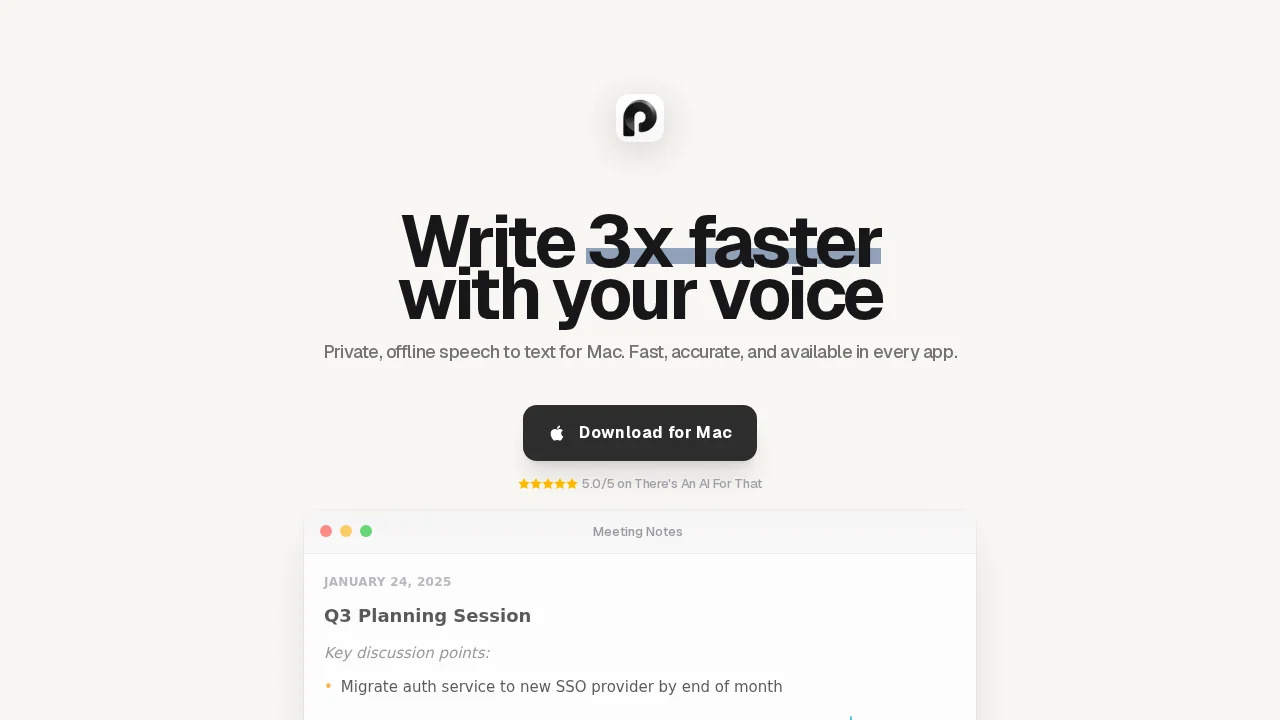
Paraspeech transforms voice input into text across any macOS application with a simple keyboard shortcut. The transcription happens locally on your Apple Silicon Mac, ensuring your audio and written content never leave your device—a significant advantage for privacy-conscious users and those handling sensitive information. The system-wide integration means you can dictate directly into emails, documents, code editors, and chat applications without switching tools or managing separate windows.
The app intelligently handles punctuation automatically and supports over 100 languages, making it accessible to multilingual users and global teams. Customizable text replacements let you create shortcuts for frequently-used phrases, technical terms, or personal preferences, streamlining your dictation workflow. Despite its powerful capabilities, Paraspeech runs with minimal resource consumption, ensuring your Mac remains responsive even during extended transcription sessions.
Beyond real-time dictation, Paraspeech includes file transcription capabilities and exports to VTT format, supporting workflows that require post-processing or subtitle generation. The flexible licensing model and free trial period allow you to test the application before committing to a purchase. Whether you're a writer, developer, content creator, or anyone looking to reduce typing time, Paraspeech offers a privacy-first solution that integrates seamlessly into your existing macOS environment.
Pros
Cons
What is Paraspeech used for?
- Video transcription
- Voice message transcription
- Transcription
Alternatives to Paraspeech
Video to Text.net
autokeyworder
Sleekio
FastlyConvert
VoxTap
Velma Transcribe by Modulate
FastScribeX