Photo to Video AI.io
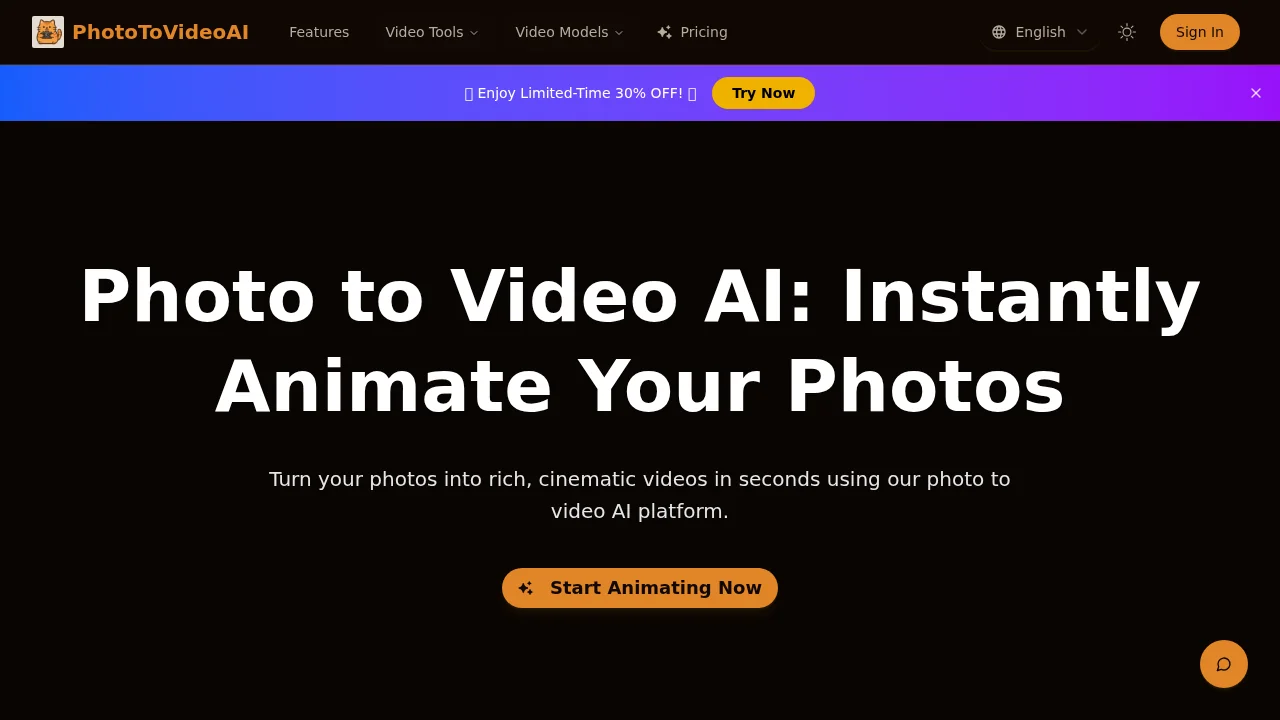
Photo to Video AI.io transforms static images into cinematic videos with AI-powered animation and synchronized dialogue.
Screenshots
About Photo to Video AI.io
Photo to Video AI.io is an intelligent platform designed to breathe life into still images by converting them into dynamic video content. Using advanced motion-modeling and animation techniques, the tool adds synchronized dialogue, ambient soundscapes, and realistic camera movements to create professional-grade videos from photographs. This makes it ideal for creators, marketers, and educators who need to repurpose static assets into engaging visual content.
The platform empowers users to direct the creative output through reference images and style tags, ensuring the final videos match desired aesthetics and themes. Whether you're producing social media content, advertising materials, educational explainers, or brand storytelling, Photo to Video AI.io streamlines the creation process by reducing the need for complex video production workflows. The tool's motion-rendering engine maintains natural transitions and lighting fidelity, resulting in polished, cinematic output.
Quick rendering and instant preview capabilities enable rapid creative prototyping and iteration. Users can experiment with different prompts and input variations without extensive setup or technical expertise. The platform also supports native voiceover generation and custom sound effects, making it a comprehensive solution for video creation. With flexibility in integration and scalability options, Photo to Video AI.io adapts to individual creators and enterprise workflows alike.
Pros
Cons
Alternatives to Photo to Video AI.io
FlowSub
GoFaceless
MurmurCast
Zorq AI
Scenes AI
Kinovi - AI Video Generator
MojoMake - AI Image to Video Generator