
PhotoFairy
PhotoFairy is an AI-powered photo editor with an infinite canvas that simplifies creative design and image transformation.
PhotoFairy at a glance
- Pricing
- Free — from Free tier available
- Rating
- ⭐ 4.3/5 · 3 reviews
- Key strengths
- Comprehensive all-in-one editing and design platform with 50+ styles · Intuitive infinite canvas interface suitable for all skill levels · Free signup with full access to core creative features
Screenshots
About PhotoFairy
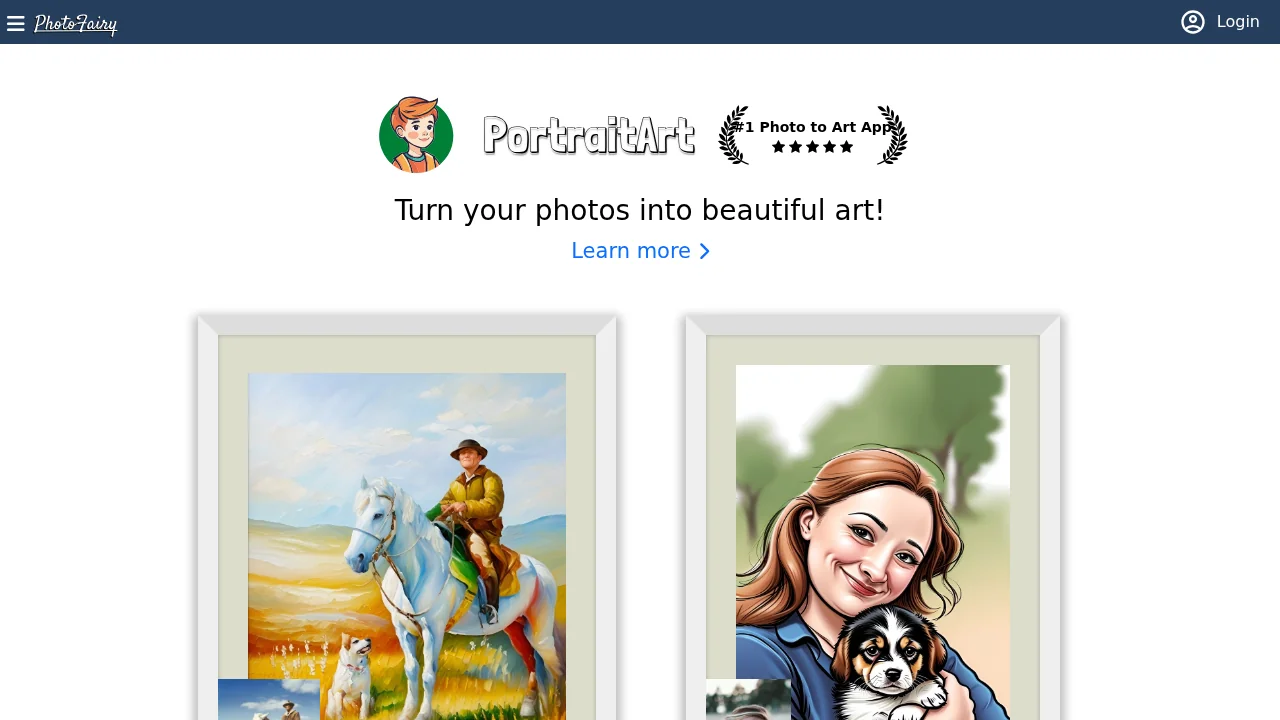
PhotoFairy streamlines photo editing and graphic design through an intuitive, infinite canvas interface that empowers both beginners and experienced creators. The platform combines essential image manipulation tools—object cutout, background removal, object elimination, and generative completion—with advanced creative features that extend far beyond traditional editing. Users can apply over 50 preset styles, reimagine objects, and transform images across seasons and times of day, making it ideal for diverse creative projects.
The tool excels at specialized design tasks that would typically require multiple software solutions. Create letter art, design Google Doodles-style graphics, perform virtual try-ons, and enhance portraits with new hairstyles through a single platform. PhotoFairy's decompose-recompose workflow and math typing capabilities unlock possibilities for infographics, technical diagrams, and precise geometric designs, while its double exposure, 3D clipped portrait, and perspective rectification features cater to advanced artistic work.
Beyond static editing, PhotoFairy enables dynamic transformations—turn sketches into refined artwork, extend images beyond their original boundaries, convert photos to cartoons, and visualize landscaping concepts with ease. The platform supports screen mockups, shape composition, and landscape visualization, making it valuable for designers, marketers, and hobbyists. Free signup access means users can explore the full range of capabilities without upfront investment, and the fact that all website graphics are created within PhotoFairy demonstrates the tool's genuine creative potential.
Pros
Cons
Alternatives to PhotoFairy
Chronostates
Remove Sora Watermark.ai
Remove Sora Watermark.video
AI Image Extender.io
Klayn
TruShot App
AI Enhance Image.com