
Photopea
Photopea is a free, browser-based photo editor with professional-grade tools for image editing and graphic design.
Photopea at a glance
- Pricing
- Freemium
- Rating
- ⭐ 5.0/5 · 1 reviews
- Key strengths
- Free professional editing with no downloads or subscriptions required · Process files locally on your device with complete privacy protection · Extensive format support including PSD files and RAW image editing
Screenshots
About Photopea
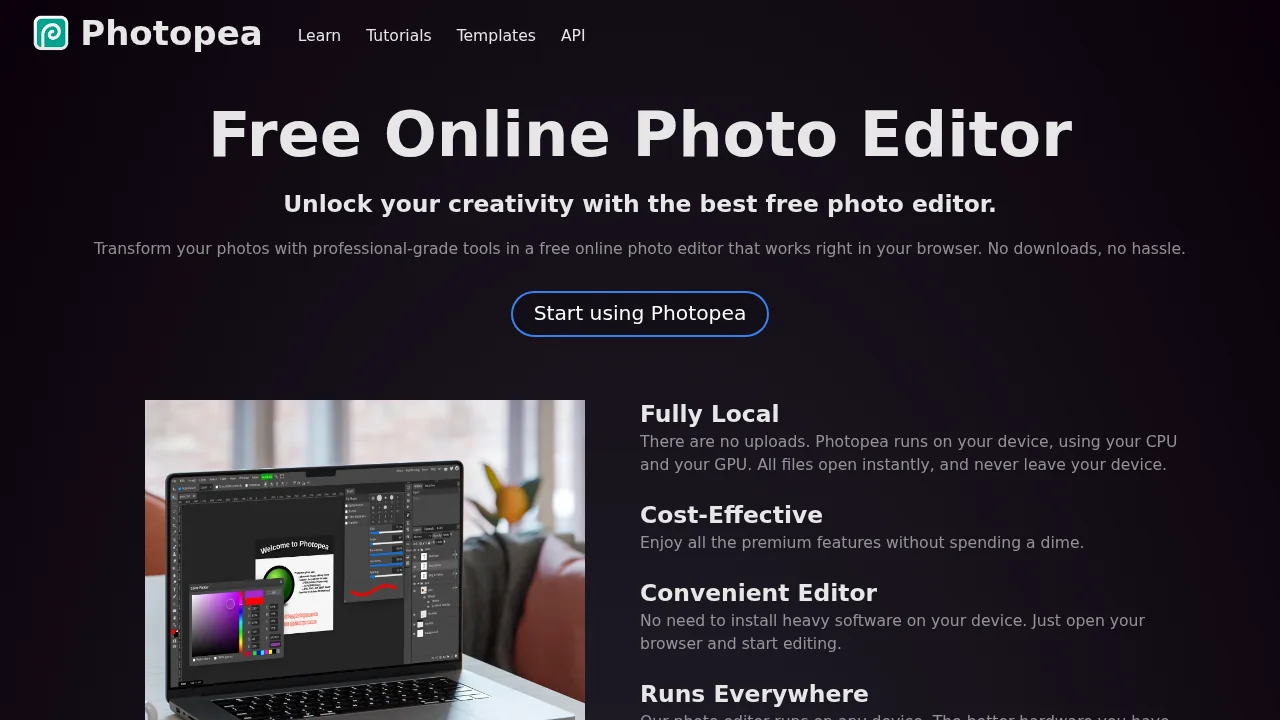
Photopea delivers professional photo editing directly in your web browser without requiring downloads or installations. The platform processes all files locally on your device using your CPU and GPU, ensuring fast performance and complete privacy—your images never upload to external servers. This makes it ideal for users who need quick edits or prefer keeping their work offline.
The tool supports an extensive range of file formats, including PSD files for Photoshop compatibility, alongside PNG, JPG, GIF, WEBP, SVG, PDF, and many others. For photographers, RAW image support allows detailed adjustments to exposure, color balance, contrast, highlights, and shadows. Advanced features include layering, masking, blending modes, and a complete suite of professional editing tools that cater to both beginners and experienced designers.
Photopea's AI-powered capabilities enhance your workflow with automated background removal and intelligent content replacement, streamlining common editing tasks. The vector graphics support makes it valuable for creating and refining logos, icons, and illustrations, making it a versatile solution for designers, social media creators, educators, and small business owners. All powerful features are completely free, making professional-quality editing accessible without subscription costs.
Pros
Cons
Alternatives to Photopea
Chronostates
Remove Sora Watermark.ai
Remove Sora Watermark.video
AI Image Extender.io
Klayn
TruShot App
AI Enhance Image.com