Pixelcode
Pixelcode is a Chrome extension that converts code screenshots into editable text instantly.
Pixelcode at a glance
- Pricing
- Paid — from $9
- Key strengths
- Seamlessly integrates into Chrome for quick access during learning · Preserves original code formatting automatically · Pay-as-you-go pricing requires no subscription commitment
Screenshots
About Pixelcode
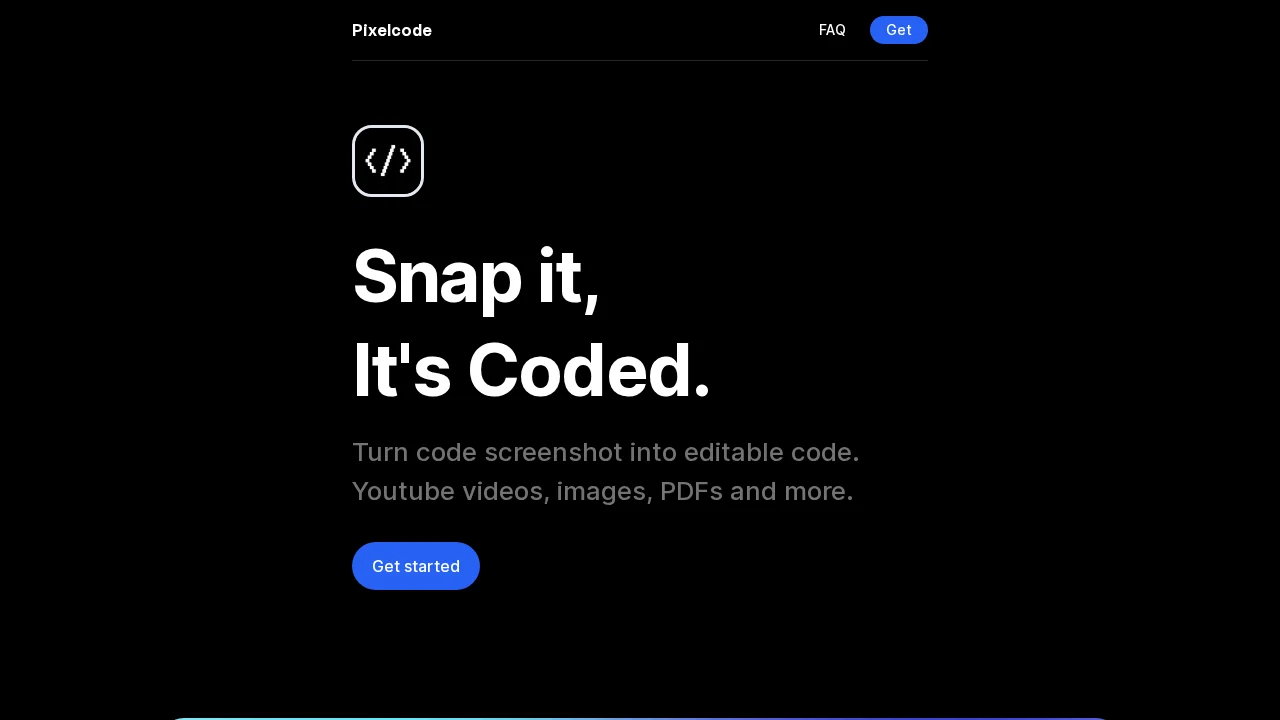
Pixelcode streamlines the developer learning process by eliminating tedious manual code transcription. When studying from video tutorials or documentation, developers often encounter code snippets displayed as images or screenshots. Pixelcode solves this friction by instantly transforming visual code captures into editable, copy-ready text with a single click.
The extension integrates directly into your Chrome browser, making it accessible without leaving your workflow. Simply take a screenshot of any code snippet, and Pixelcode's optical character recognition technology extracts the text while preserving the original formatting and syntax. This means you spend less time retyping and more time learning and building.
Flexibility is built into Pixelcode's pricing model. Rather than requiring a subscription commitment, the tool operates on a pay-as-you-go basis, allowing you to purchase credits based on actual usage. This approach makes it accessible for occasional users while remaining cost-effective for developers who frequently extract code from visual sources.
Whether you're learning new frameworks, debugging unfamiliar code patterns, or documenting solutions from tutorials, Pixelcode reduces context-switching and keeps your focus on mastery. The combination of browser integration, format preservation, and flexible pricing creates a practical solution for modern development workflows.
Pros
Cons
Alternatives to Pixelcode
GetLogit
MojoMake - AI Image to Video Generator
SellShots
Genspark
SLOPDROP.NET
GenPPT AI
Flowova AI