PixelLab
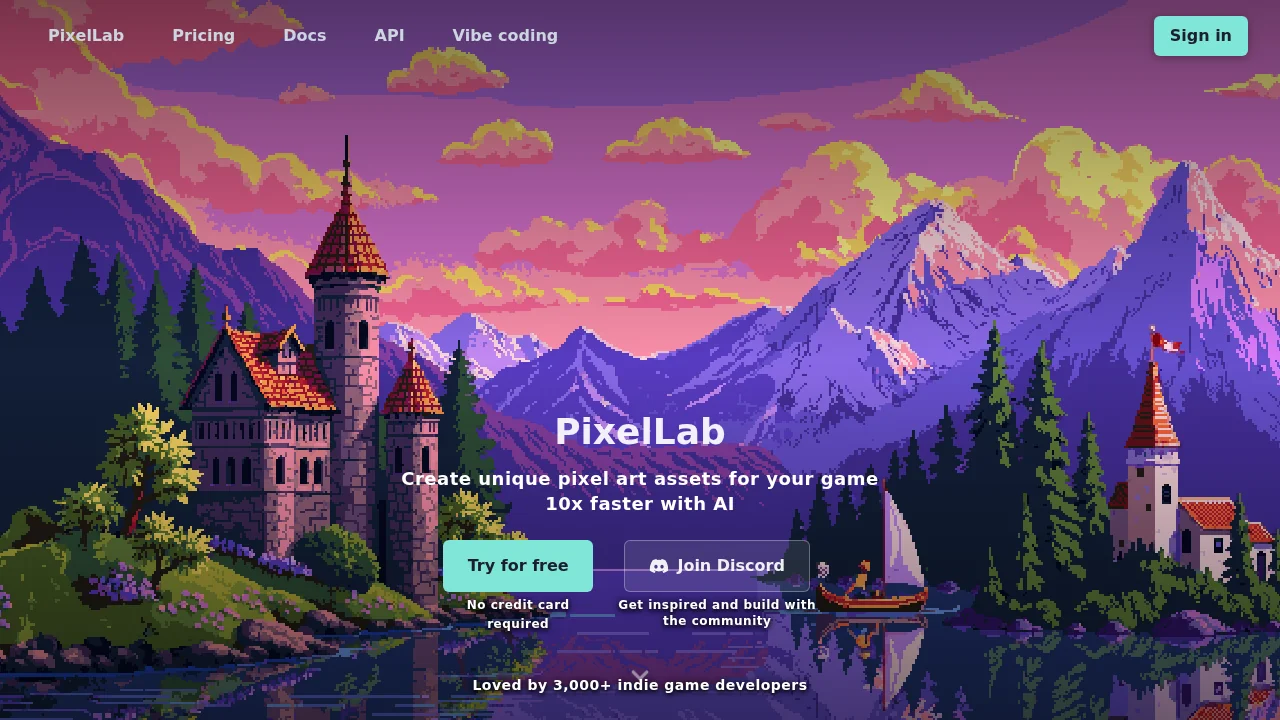
PixelLab is an AI-powered tool that generates pixel art assets and animations for game development instantly.
PixelLab at a glance
- Pricing
- Free — from $12/month
- Rating
- ⭐ 5.0/5 · 2 reviews
- Key strengths
- Generates complete sprite sheets and animations from text prompts in seconds · Maintains visual consistency across assets using reference images and style matc · Supports both web access and Aseprite plugin integration for workflow flexibilit
Screenshots
About PixelLab
PixelLab streamlines game asset creation by leveraging AI to produce high-quality pixel art characters, animations, and environments from simple text descriptions. Game developers can generate complete sprite sheets, character animations, and background elements in minutes rather than hours, significantly accelerating the design workflow. The platform supports both text prompts and skeleton-based controls, giving creators flexibility in how they specify movement and action sequences.
The tool excels at maintaining visual consistency across game projects through reference-based generation and style-matching edits. Developers can upload concept art or existing sprites to generate directional views suitable for isometric and top-down games, ensuring that characters and assets align with their intended aesthetic. Features like sprite rotation generation and multi-directional viewing options reduce manual rework and keep assets cohesive throughout development.
Beyond character animation, PixelLab handles environment creation and UI design with equal capability. Teams can build detailed game scenes, maps, tilesets, and textures from descriptions alone, while the UI component generator maintains consistent styling across the entire interface. This end-to-end asset production eliminates the need to juggle multiple specialized tools, making it particularly valuable for indie developers with limited resources.
Accessibility is a key strength—PixelLab functions as both a standalone web application and an Aseprite plugin, allowing developers to integrate it into their existing workflows. Whether working solo or in small teams, developers can focus creative energy on game design and narrative while PixelLab handles rapid asset generation.
Pros
Cons
Alternatives to PixelLab
ASCII Art Converter