


Quickcast
QuickCast is a macOS desktop app that launches GPT chat instantly with a single keyboard shortcut for seamless AI conversations.
Screenshots
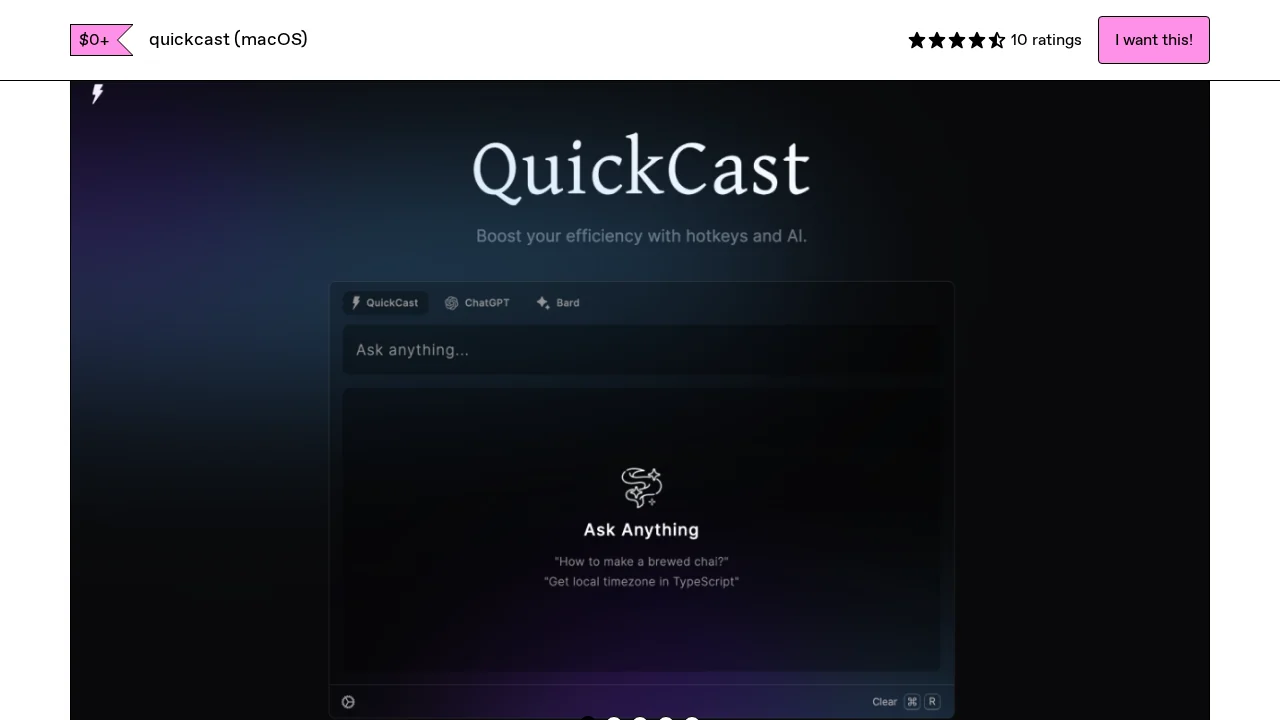
About Quickcast
QuickCast streamlines your workflow by bringing GPT directly to your fingertips on macOS. Activate the app with a simple cmd + e keyboard shortcut, eliminating the need to switch between browser tabs or applications. This desktop-first approach reduces friction and keeps you in your current workflow, whether you're writing, coding, brainstorming, or working through complex problems.
The application features a minimal, distraction-free interface designed for rapid interaction with GPT. Users can launch conversations instantly and maintain focus on their primary tasks while leveraging AI assistance in real time. The one-handed operation model ensures you can activate and use the tool without disrupting your existing work setup, making it ideal for professionals who value efficiency and minimal context-switching.
QuickCast delivers measurable productivity gains through its speed and accessibility. Rather than opening browsers or navigating multiple windows, you engage with GPT through a streamlined interface built specifically for quick queries and extended conversations. This direct access reduces cognitive load and enables faster iteration when working with AI-powered insights, research, or creative assistance.
The application is available as a one-time purchase through its official distribution channel at an accessible price point. With consistently high user ratings reflecting satisfaction with its ease of use and reliability, QuickCast serves professionals across various fields who need instant, frictionless access to GPT without abandoning their primary work environment.
Pros
Cons
Alternatives to Quickcast
AppDeploy
Rabbitholes AI
remio: Your Personal ChatGPT
ChartGPT
WhatsApp Chatbot
SureThing.io
Notis