
RenameClick
RenameClick is an AI desktop tool that intelligently renames files based on their content using local processing.
RenameClick at a glance
- Pricing
- Free — from $8/month
- Rating
- ⭐ 5.0/5 · 1 reviews
- Key strengths
- Local processing keeps all files private on your machine · Batch renames hundreds of files based on actual content · Generates meaningful, searchable filenames automatically
Screenshots
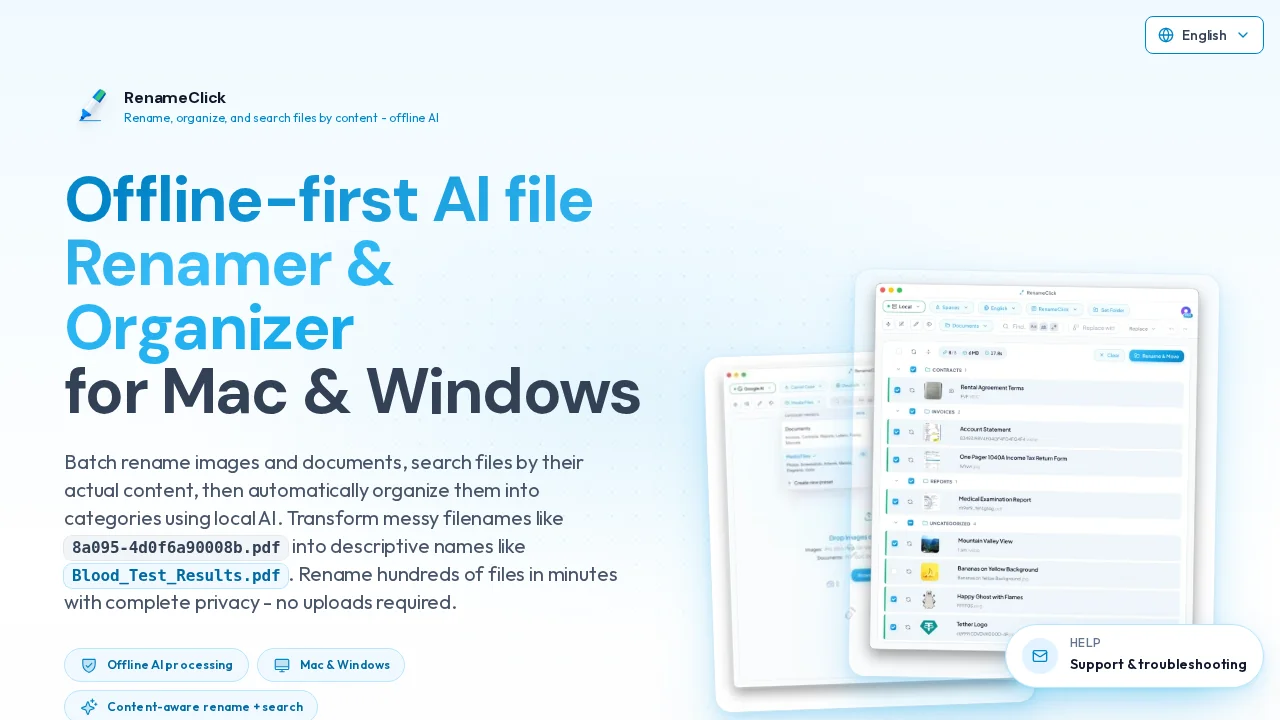
About RenameClick
RenameClick transforms file organization by analyzing what's actually inside your files rather than relying on generic or cryptic default names. Instead of managing folders full of IMG_4832.jpg or Document_1.pdf, you can drop hundreds of files into RenameClick and receive intelligently renamed assets with descriptive, meaningful filenames that reflect their actual content.
The application runs entirely on your local machine, ensuring your files never leave your computer. This privacy-first approach means faster processing times and complete data security while the AI examines image content, document text, and other file types to generate accurate, contextual names automatically.
Batch processing capabilities allow you to rename entire folders or collections in one operation, eliminating tedious manual renaming workflows. Whether you're organizing a photo library, managing document archives, or sorting design assets, RenameClick learns from file content to create consistent, searchable filenames that improve your workflow efficiency.
The desktop interface provides a streamlined workspace where you can preview proposed names before applying changes, giving you control over the renaming process. By combining local AI processing with batch automation, RenameClick makes file management faster and your digital assets more discoverable.
Pros
Cons
What is RenameClick used for?
- File management
Alternatives to RenameClick
The Drive AI
Renamer.ai