Scanned.to
Scanned.to converts scanned documents and PDFs into editable, formatted text using advanced OCR technology.
Scanned.to at a glance
- Pricing
- Free — from $5/unit
- Key strengths
- Preserves original document layout and formatting during conversion · Supports 50+ languages with AI-driven translation capabilities · Works with multiple formats: PDF, JPG, PNG, and HEIC files
Screenshots
About Scanned.to
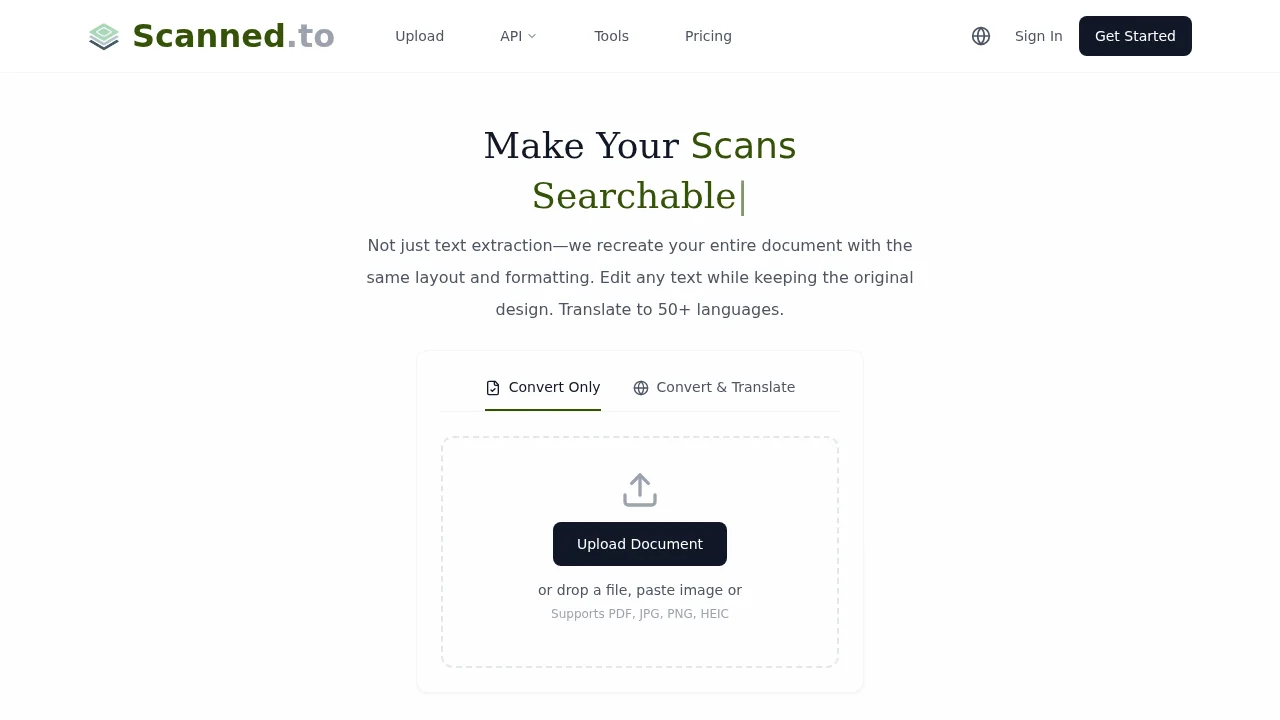
Scanned.to harnesses optical character recognition and neural networks to transform image-based documents into fully editable Word and text formats while preserving original layouts and formatting. Whether working with printed materials, handwritten content, or digital PDFs, the tool maintains structural integrity—making it ideal for digitizing contracts, certificates, and business documents without reformatting headaches.
The platform supports multiple image and document formats including PDF, JPG, PNG, and HEIC, streamlining workflows for users handling diverse file types. Built-in AI-powered translation covers over 50 languages, with optimization for specialized document categories like legal agreements and restaurant menus. This multilingual capability makes the tool valuable for international teams and cross-border document processing.
Security and privacy are central to the service. End-to-end encryption protects data during transmission and storage, while automatic deletion of uploads after 24 hours for free users ensures minimal data retention. Authenticated users can securely share converted documents and monitor reading statistics to track engagement and reach, offering insights into document circulation within teams or organizations.
Developers and enterprises benefit from API access, enabling seamless integration into custom applications and existing workflows. Whether used individually by students and researchers or deployed at scale across business operations, Scanned.to bridges the gap between analog and digital document management with accuracy-focused processing.
Pros
Cons
Alternatives to Scanned.to
The Drive AI
Komos - AI That Runs Your Repetitive Work
Linkly AI
docbatch.ai
GingerControl - Classifier
TermOver AI
CaseOdds.ai