ScreenPal AI
ScreenPal AI simplifies video creation with AI-powered screen recording, editing, and hosting in one platform.
ScreenPal AI at a glance
- Pricing
- Free — from $10/month
- Key strengths
- AI-powered auto-generation of titles, summaries, transcripts, and chapters · Available in both online and desktop versions for flexible access · Interactive features like quizzes and polls increase audience engagement
Screenshots
About ScreenPal AI
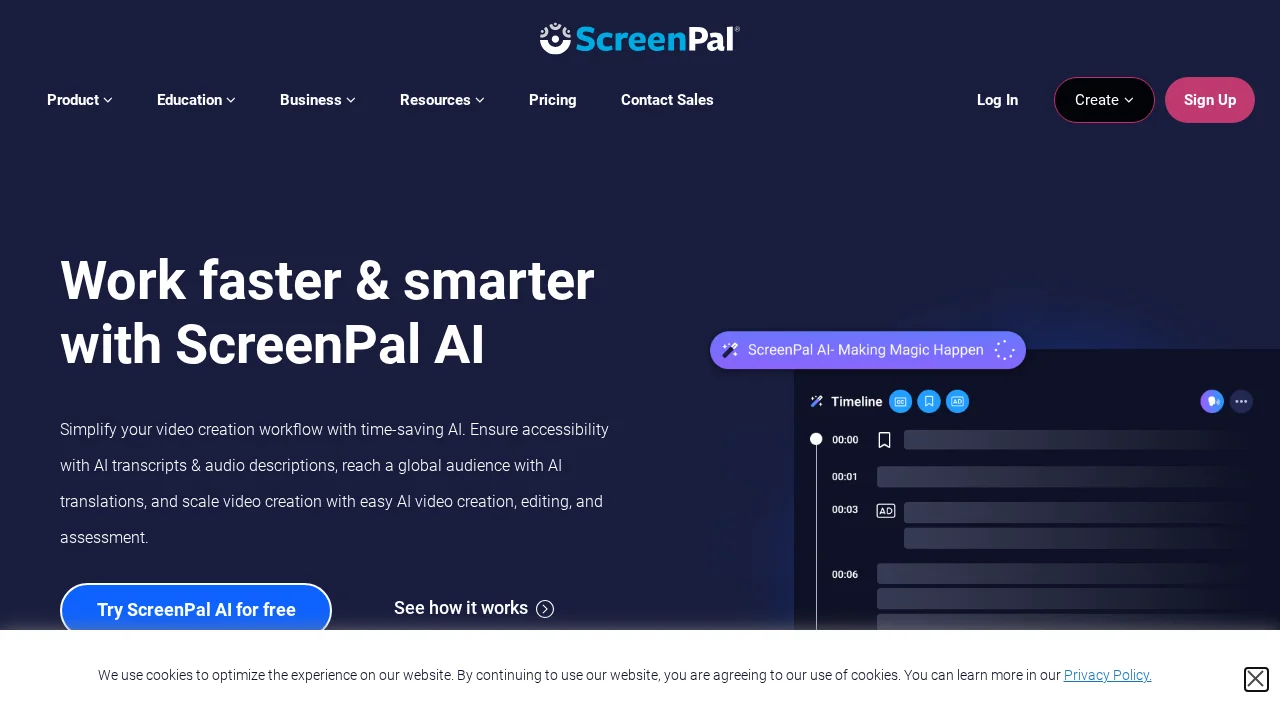
ScreenPal AI is a comprehensive video creation platform that combines screen recording, editing, and hosting capabilities with artificial intelligence to streamline content production. The tool supports both online and desktop access, enabling users to capture screen recordings effortlessly and edit videos with an intuitive editor. Its AI-assisted features automatically generate video titles, summaries, transcriptions, and chapter markers, significantly reducing manual editing time and making content more discoverable and accessible to viewers.
Beyond video editing, ScreenPal AI extends to image and screenshot editing, allowing users to enhance visual content quickly. The platform includes interactive engagement features such as quiz creation, ratings, and polls, helping content creators measure audience response and boost viewer interaction. Storyboard-driven creation provides a structured approach to video development, while advanced analytics deliver insights into audience behavior and content performance.
The platform serves both educational and business audiences with tailored solutions. Educational institutions leverage ScreenPal AI for interactive learning content and resource sharing among staff, while businesses apply it across training, sales, marketing, and customer support workflows. Integration with existing tools and access to an extensive stock library of videos, images, and music resources make it a versatile solution for organizations seeking to incorporate high-quality visual content into their operations.
Pros
Cons
Alternatives to ScreenPal AI
FlowSub
GoFaceless
MurmurCast
Zorq AI
Scenes AI
Kinovi - AI Video Generator
MojoMake - AI Image to Video Generator