Scribewave
Scribewave is an AI transcription tool that converts audio and video into accurate text and subtitles in 90+ languages.
Scribewave at a glance
- Pricing
- Free — from $9.72/month
- Rating
- ⭐ 5.0/5 · 1 reviews
- Key strengths
- Supports 90+ languages and dialects for global transcription needs · No file size or duration limits for maximum flexibility · Multiple export formats including Word, Docs, SRT, VTT, and video
Screenshots
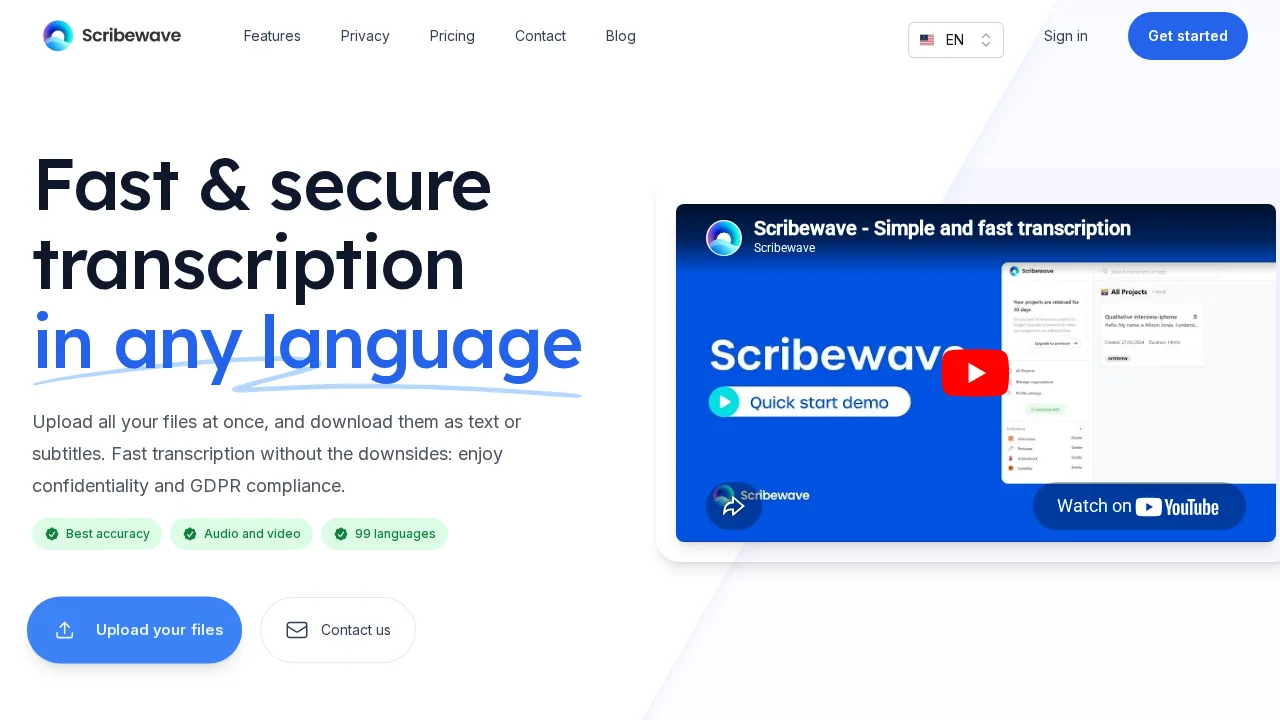
About Scribewave
Scribewave harnesses advanced speech-to-text technology to deliver accurate transcriptions from audio and video files without limitations on file size or duration. The platform supports over 90 languages and dialects, making it accessible for global users across diverse linguistic backgrounds. Whether you're transcribing podcasts, interviews, lectures, or video content, Scribewave processes files seamlessly regardless of their format or length.
The built-in editor streamlines post-transcription refinement by automatically synchronizing highlighted text with the corresponding audio or video playback. Users can edit transcriptions directly as documents or within an interactive timeline view, reducing the manual effort typically required for accuracy corrections. This intuitive interface bridges the gap between raw output and publication-ready content.
Subtitle generation and customization are core strengths of Scribewave. The platform automatically creates subtitles in any target language and allows users to edit, download, or burn them directly into videos in multiple formats including SRT, VTT, and embedded video files. This versatility suits content creators, educators, and media professionals who need multi-format output options.
Scribewave also enables users to transform audio files into visually polished videos complete with waveforms, subtitles, logos, and custom color schemes. These branded video outputs are optimized for social media sharing, making the platform valuable for creators looking to repurpose audio content across multiple platforms efficiently.
Pros
Cons
Alternatives to Scribewave
Video to Text.net
autokeyworder
Sleekio
FastlyConvert
VoxTap
Velma Transcribe by Modulate
FastScribeX