ShareSpeak
ShareSpeak is an AI teleprompter for creators that displays scripts invisibly during screen recordings and presentations.
Screenshots
About ShareSpeak
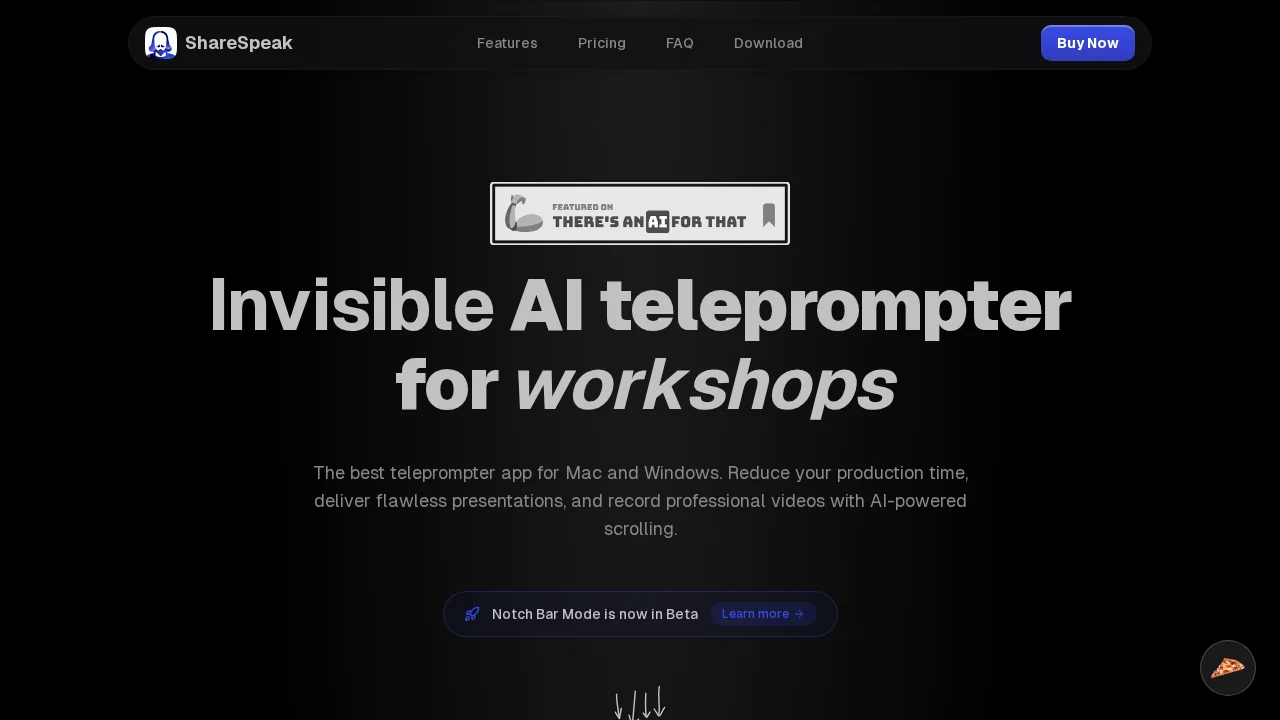
ShareSpeak is an invisible teleprompter software built for content creators, screencasters, and presenters who need professional delivery without on-screen distractions. The tool works seamlessly on both Mac and Windows, remaining completely hidden during screen sharing and recordings so your audience sees only polished, clean content. This approach lets you maintain eye contact with your camera or notes while delivering scripts with confidence and consistency.
The software offers flexible scrolling control through manual adjustment or voice commands, allowing you to set your own pacing and never worry about losing your place. ShareSpeak automatically detects your text language and supports multilingual content, making it easy to switch between languages mid-presentation or create content for international audiences without setup friction.
Customization options give you full control over both text appearance and software behavior. Adjust font size, color, speed, and transparency to match your preferences and workspace. Keyboard shortcuts let you control the teleprompter quickly, while adjustable transparency ensures the prompter integrates naturally with your workflow without becoming a distraction.
ShareSpeak uses a straightforward one-time payment model with no recurring fees or hidden charges, making it a cost-effective solution for creators of all levels. The development team plans to launch a mobile version by Q4 2025, expanding accessibility for on-the-go content creation.
Pros
Cons
Alternatives to ShareSpeak
FineVoice
VibrantSnap
ShotRio