SlideNotes
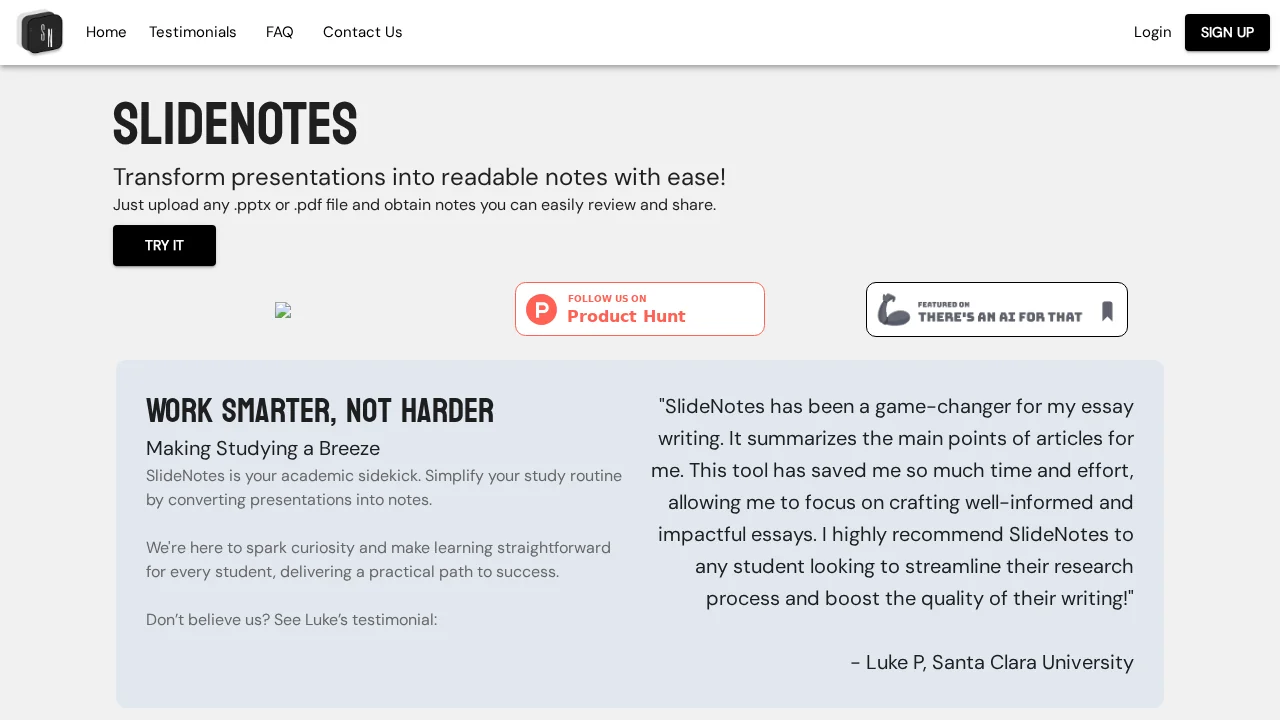
SlideNotes automatically converts PowerPoint and PDF presentations into organized written notes for faster review and sharing.
SlideNotes at a glance
- Pricing
- Freemium
- Rating
- ⭐ 3.9/5 · 14 reviews
- Key strengths
- Automatically converts presentations to organized written notes · Supports multiple file formats including PowerPoint and PDF · Fast processing saves significant time on note creation
Screenshots
About SlideNotes
SlideNotes streamlines the note-taking process by transforming visual presentations into comprehensive text-based documents. Users simply upload their PowerPoint or PDF files, and the tool generates well-structured notes that capture the key information from each slide. This approach is ideal for learners and professionals who prefer textual formats for studying, referencing, and sharing content.
The platform excels at identifying important keywords and phrases within presentations, then organizing them into logical, coherent written summaries. Rather than manually transcribing slides or struggling with scattered annotations, users receive polished notes ready for immediate use. This capability makes SlideNotes particularly valuable for students managing multiple courses, educators preparing study materials, and business professionals documenting meeting content.
Designed with simplicity in mind, SlideNotes offers a straightforward interface that requires no technical expertise. The conversion process is fast, allowing users to transform lengthy presentations into usable notes in minutes rather than hours. By automating this traditionally time-consuming task, SlideNotes helps users focus on learning and analysis rather than manual documentation, significantly boosting productivity across educational and professional settings.
Pros
Cons
Alternatives to SlideNotes
Slidely AI (backed by YC)
ClassMind