
SpellBox
SpellBox is an AI coding assistant that generates production-ready code from plain English prompts, accelerating development across all major languages.
SpellBox at a glance
- Pricing
- Paid
- Key strengths
- Generates working code in seconds from simple natural language prompts · Code explanation feature accelerates learning and onboarding processes · VS Code extension integrates directly into existing development workflow
Screenshots
About SpellBox
SpellBox eliminates the friction of coding by transforming natural language descriptions into working code instantly. Developers and learners can describe exactly what they need, and the AI generates accurate, ready-to-use solutions without wrestling with syntax errors or documentation. This capability dramatically reduces time spent on repetitive tasks and lets you focus on architecture and logic rather than implementation details.
Beyond code generation, SpellBox includes a code explanation feature that demystifies unfamiliar code blocks. Instead of hunting through documentation or Stack Overflow, you can paste code and receive clear, contextual explanations. This is invaluable for onboarding, learning new frameworks, or understanding legacy systems. The integrated code bookmarking system lets you save snippets for reuse across projects, building a personal library of solutions tailored to your workflow.
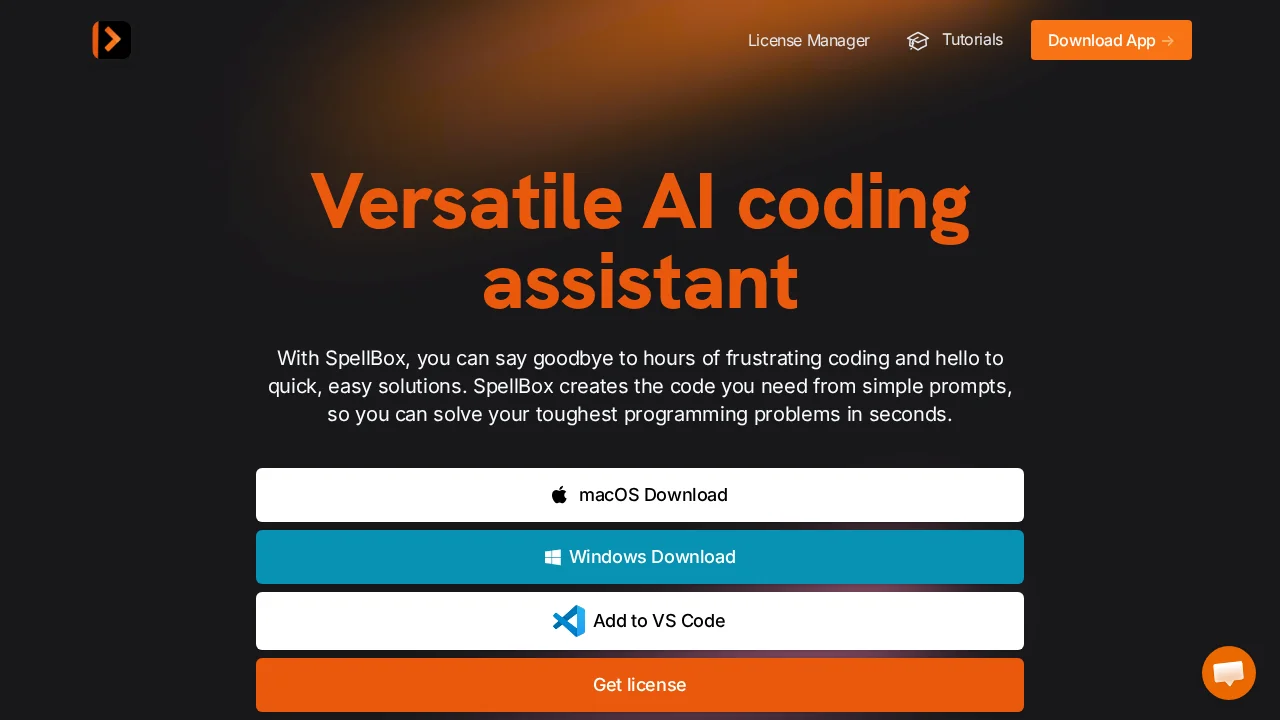
SpellBox integrates seamlessly into your existing environment through a VS Code extension or standalone desktop applications for macOS and Windows. The tool supports all major programming languages, scaling from Python and JavaScript to specialized languages used in enterprise settings. With a one-year license offering unlimited code generation across unlimited computers, SpellBox delivers consistent value whether you're a professional engineer, student, or occasional coder tackling work projects.
Features
- AI-powered code generation from natural language prompts
- Code explanation for quick understanding of existing code
- Code bookmarking to save and retrieve snippets easily
- VS Code extension for integrated development workflow
- Desktop apps for macOS and Windows
- Supports all major programming languages
- Unlimited code generation with one-year license