SummarizeVideoToText
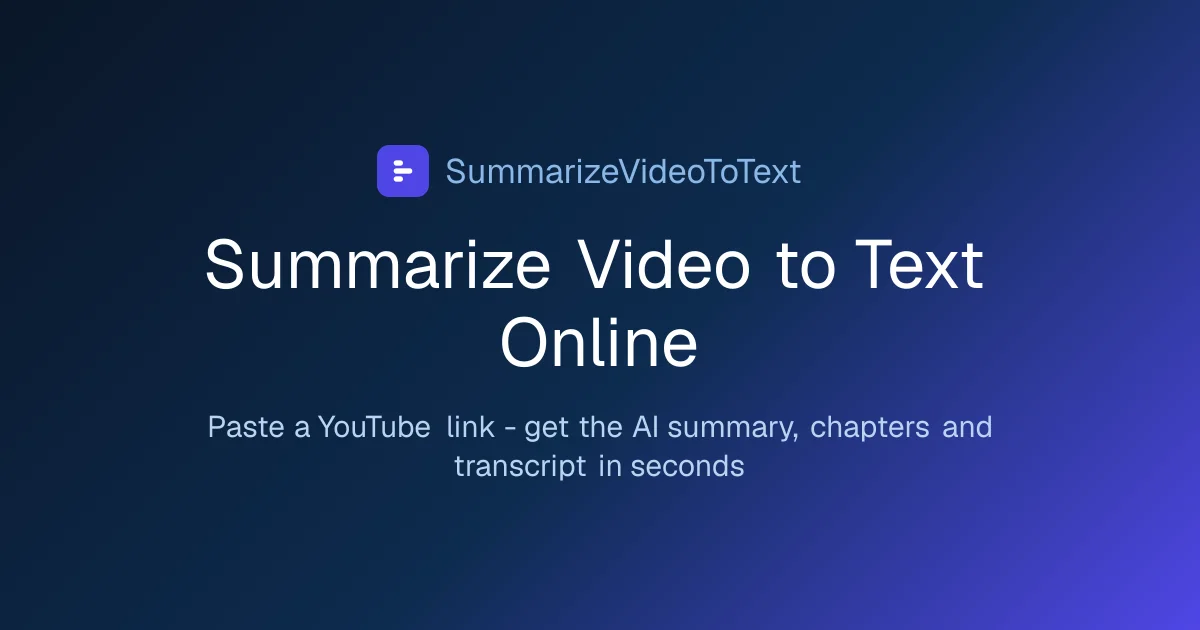
SummarizeVideoToText turns YouTube, TikTok, and Instagram videos into transcripts, AI summaries, and searchable notes—no install needed.
SummarizeVideoToText at a glance
- Pricing
- Freemium
- Key strengths
- Generates full transcripts and AI summaries from video URLs · Supports follow-up Q&A and visual mind maps for deeper comprehension · Exports to Notion, Obsidian, and Markdown for easy note-taking
Screenshots
About SummarizeVideoToText
SummarizeVideoToText converts video content into text you can read, search, and reference. By pasting a YouTube, TikTok, or Instagram URL, users receive the full transcript paired with an AI-generated summary, making it easy to judge whether a lecture, podcast, interview, or tutorial deserves a full watch. This video summarizer approach saves time for students, researchers, and professionals who need to extract key ideas from hours of footage without scrubbing through clips manually.
Beyond the initial summary, the tool supports interactive Q&A about the video's content, letting users ask follow-up questions and pull specific answers from the transcript. Visual learners benefit from auto-generated mind maps that outline the video's structure and flow diagrams that surface step-by-step processes when the content explains one. These layered views turn passive video watching into active comprehension.
Export flexibility is a central part of the experience. Transcripts, summaries, and notes can be sent to Notion, Obsidian, or plain Markdown, fitting naturally into existing personal knowledge management workflows. Summaries are available in 14 output languages, independent of the interface language, which helps multilingual users and global teams repurpose video content across markets.
Everything runs in the browser with no software to install, and YouTube summaries are accessible without creating an account. The lower barrier to entry makes SummarizeVideoToText practical for quick one-off use as well as ongoing research projects where building a searchable library of video-based notes is the goal.