
Superwhisper
Superwhisper is an AI-powered voice-to-text tool for macOS that converts speech to text three times faster than typing.
Screenshots
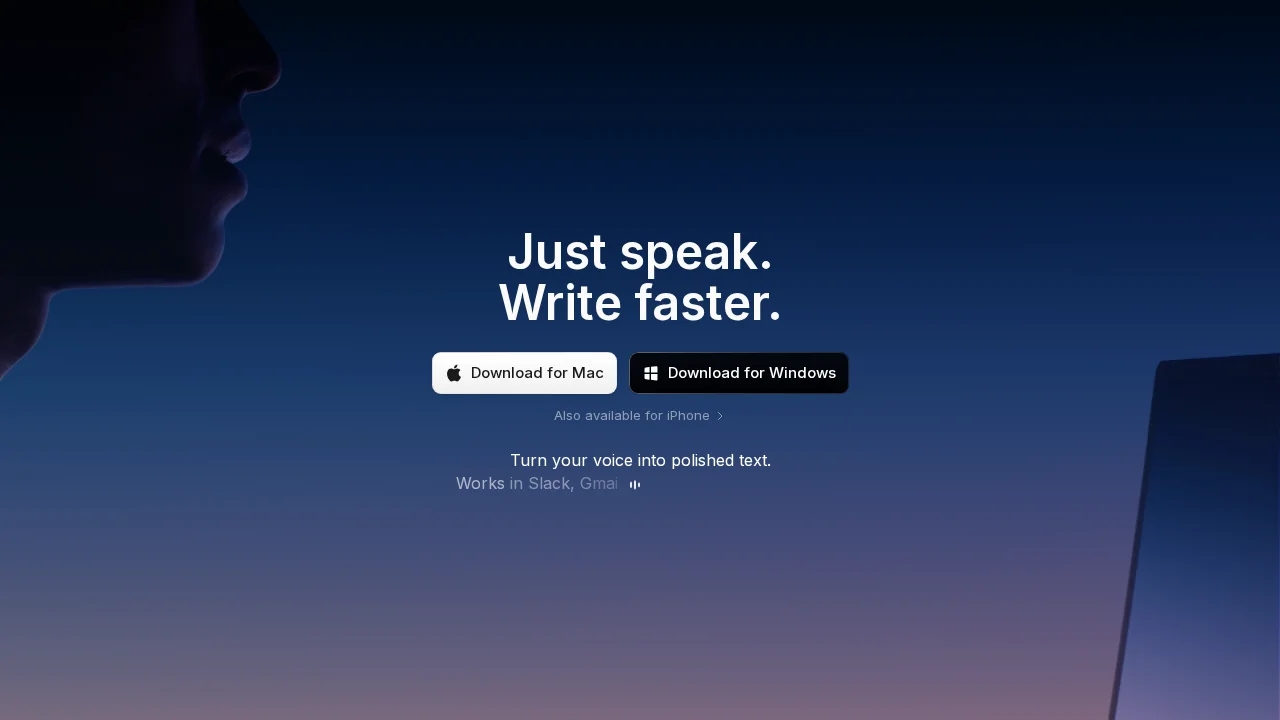
About Superwhisper
Superwhisper transforms how macOS users input text by leveraging advanced AI to convert spoken words into written content with high accuracy. The application operates entirely offline, eliminating privacy concerns associated with cloud-based transcription services while maintaining fast processing speeds. This makes it an ideal solution for users who prioritize data security without sacrificing performance.
The tool supports over 100 languages, allowing users to dictate in their native language or translate speech into other languages simultaneously. This multilingual capability makes Superwhisper valuable for international teams, multilingual writers, and anyone working across language barriers. Users can seamlessly switch between languages without interrupting their workflow.
Superwhisper significantly boosts productivity by freeing mental bandwidth and reducing the physical strain of keyboard typing. The voice-to-text conversion speed—claimed to be three times faster than manual typing—allows users to capture thoughts and ideas more naturally, making it particularly useful for content creators, developers, and professionals who spend extended periods inputting text. Integration with other AI applications further extends its utility within existing workflows.
The platform offers flexible pricing with a free plan providing basic features and limited language support, while the Pro plan unlocks access to all 100+ languages, unlimited daily usage, 24-hour support, and fast AI models. A 30-day refund policy applies to all plans, giving users confidence in their purchase decision.
Pros
Cons
Alternatives to Superwhisper
Video to Text.net
autokeyworder
Sleekio
FastlyConvert
VoxTap
Velma Transcribe by Modulate
FastScribeX