
Tabby
Tabby is an open-source, self-hosted AI coding assistant built for speed, security, and customization.
Tabby at a glance
- Pricing
- Free — from $19/month
- Key strengths
- Self-hosted with no external dependencies or data sharing · Fast, reliable performance built with Rust · Open-source codebase fully auditable on GitHub
Screenshots
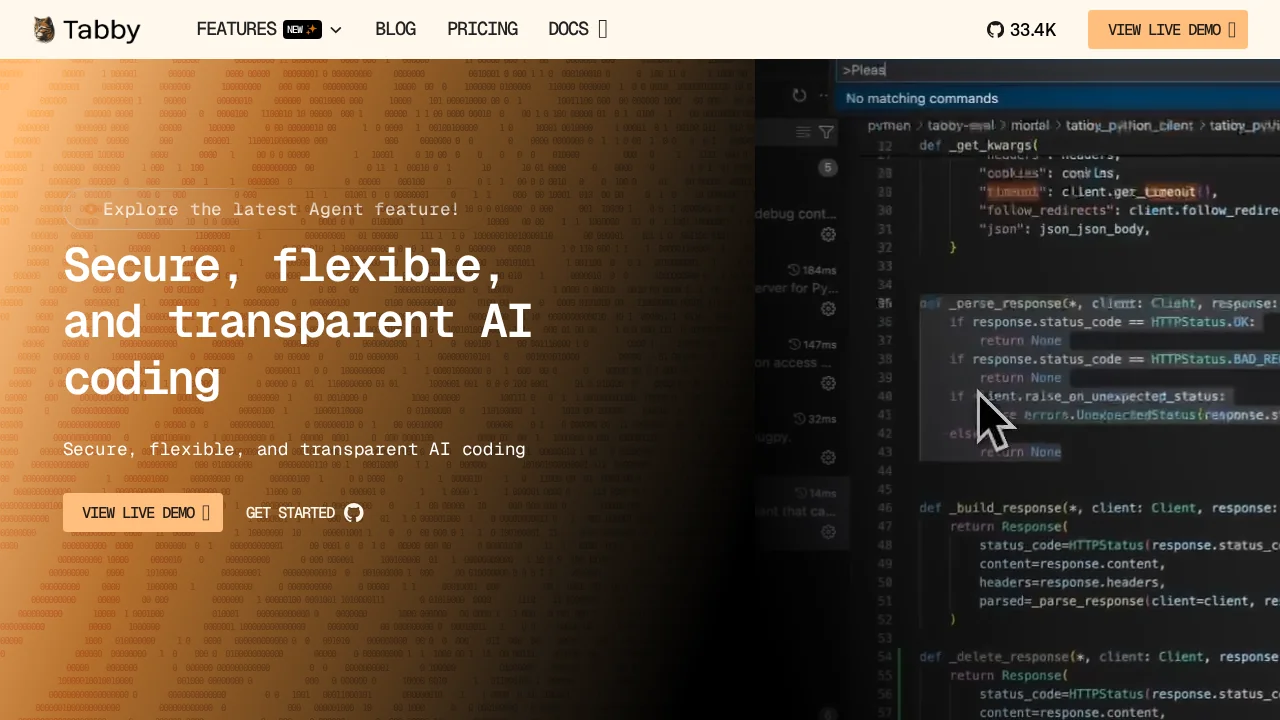
About Tabby
Tabby empowers developers with a self-hosted AI coding assistant that prioritizes performance and control. Built with Rust for reliability and speed, Tabby delivers responsive code completion and suggestions without relying on external cloud services. This approach gives teams complete ownership over their coding environment and data, making it ideal for organizations with strict security or compliance requirements.
Configuration flexibility is central to Tabby's design. Users can tailor deployments through simple TOML configuration files, enabling seamless integration into existing workflows and infrastructure. Whether you're running a single developer setup or managing a large team environment, Tabby adapts to your specific needs without unnecessary complexity.
Security and transparency are built into Tabby's foundation. As an open-source project, the entire codebase is available for audit on GitHub, allowing organizations to verify security practices and understand exactly how the tool operates. Self-hosting eliminates third-party dependencies, giving you full control over sensitive code and development processes.
Getting started with Tabby is straightforward, supported by comprehensive documentation, interactive tutorials, and an experimental playground. The active Tabby community collaborates through Slack, providing peer support and sharing best practices. A regularly updated blog keeps users informed of new features and improvements.
Pros
Cons
Alternatives to Tabby
CodeRabbit
Kilo | Code Reviewer
Verdent
Base44
Rocket
Pulse Editor: Vibe Code & Automate
Mocha